
The best Whering alternative for most people is Wdrobe, because it shows outfits on your own photo, which Whering cannot, and its AI stylist builds outfits around your weather and the pieces you choose. Acloset suits people who want to chat with an AI about their closet, Indyx suits people who want a human stylist, and Stylebook suits iPhone users who want detailed records.
Features below reflect each app's own listing in September 2026.
For anyone who opens Whering mainly to see what others wear, the Wdrobe app we make has a much smaller crowd, but there is a Discover feed where you can look through outfits other people have made public.
What Whering does well
Whering is a wardrobe app with a big community, on iPhone, Android and the web. It offers outfit planning, a shuffle and packing lists.
Why people look for a Whering alternative
Whering is built to show you what you own. It stops short at the moment you need help deciding:
- Outfits stay flat. You see a collage of items, never the outfit on your body.
- The shuffle is random. It mixes pieces without knowing your colouring or what you want to wear.
- Purchases cannot be tested. You can save an item, but not see it on you with the clothes you own.
If one of those is why you are searching, you want an app with more styling depth, not just another list. See your own clothes on your own photo tonight.
1. Wdrobe: best for seeing outfits on you and smarter styling
Wdrobe covers the part of getting dressed that Whering leaves to your imagination.
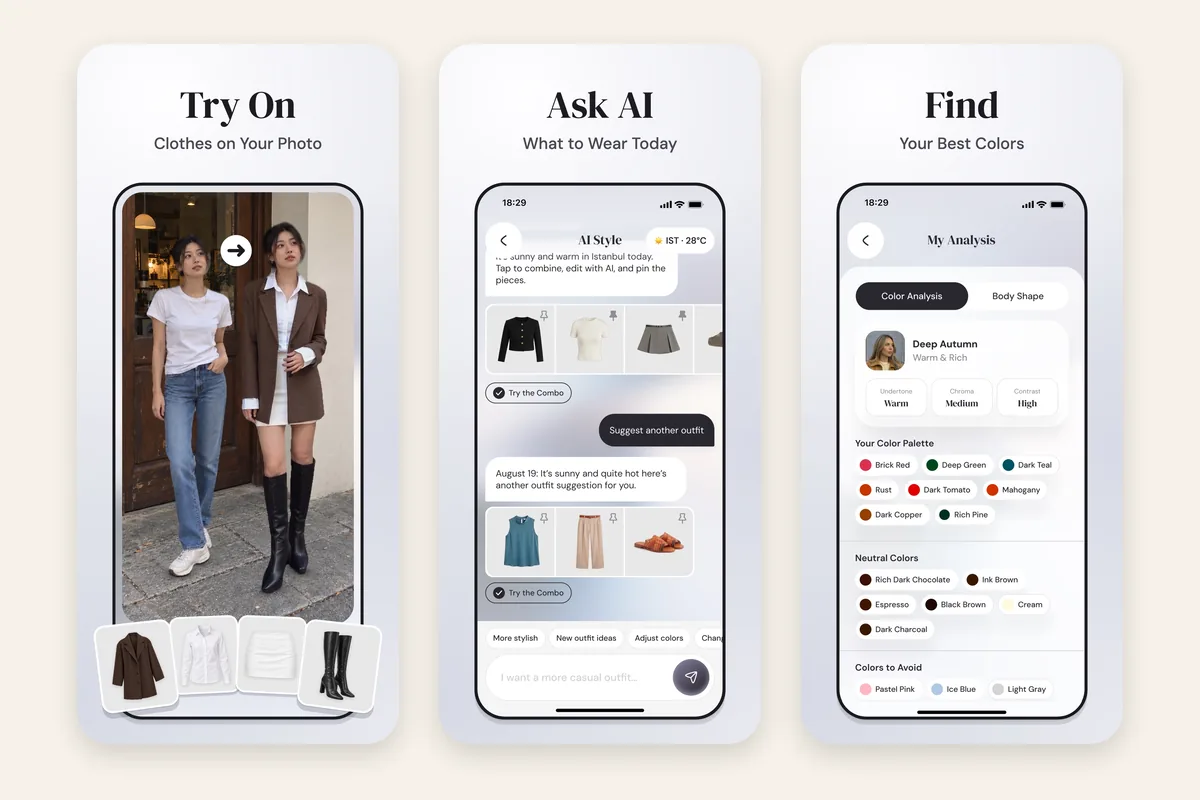
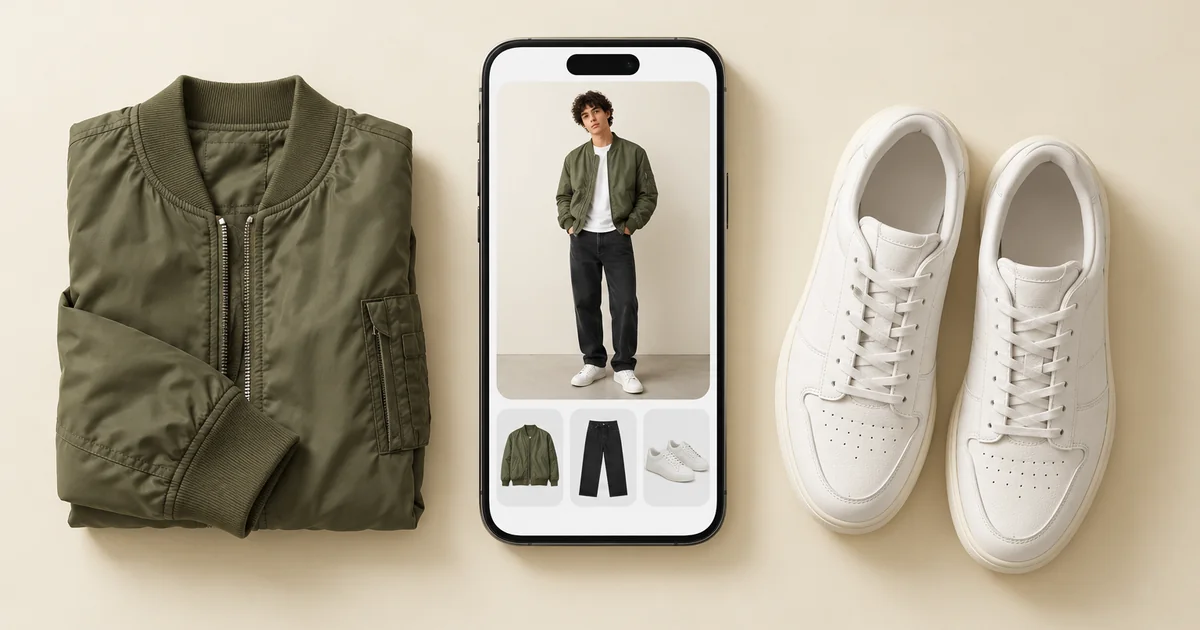
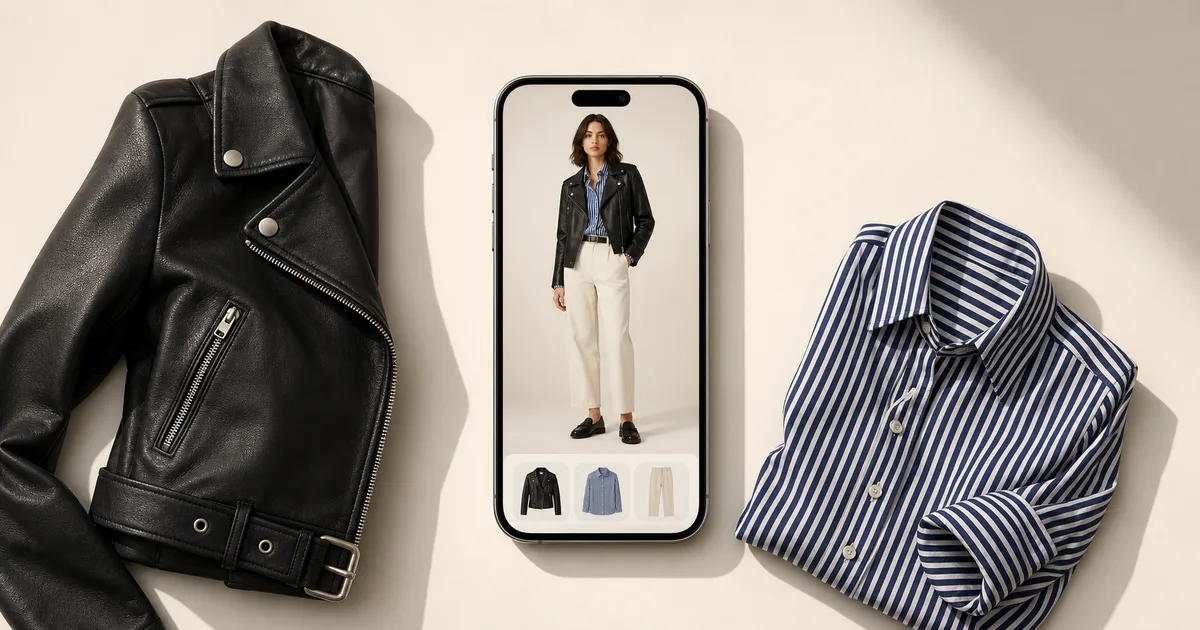
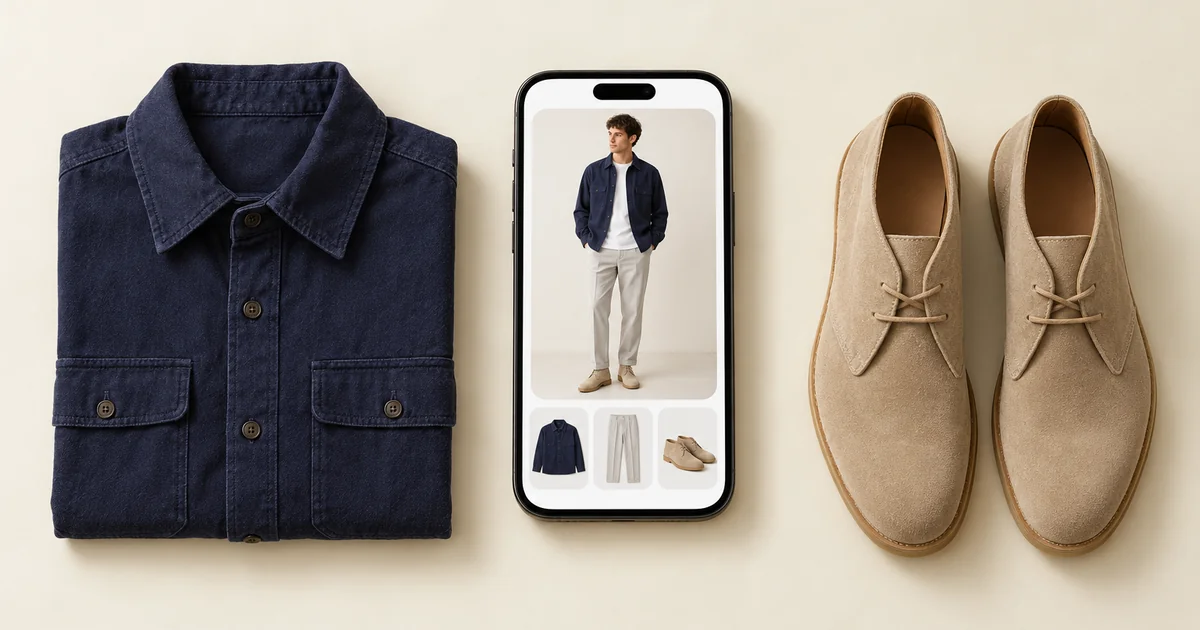
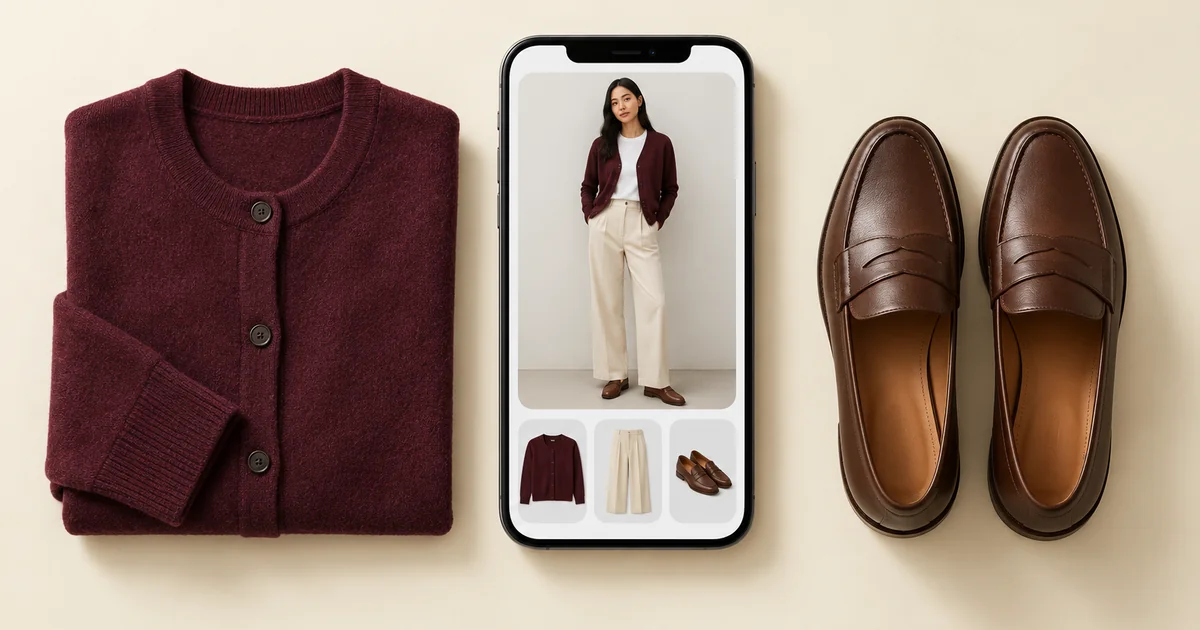
- Try-on on your own photo. Outfits from your wardrobe appear on you, so proportion and colour mistakes are obvious before you get dressed.
- Try on anything before you buy. A shop photo, a screenshot or a Pinterest look can be tried on you next to the clothes you already own.
- An AI stylist with context. Outfit suggestions use your local weather, and you can pin a piece and let the AI style the rest.
- Colour analysis from a face photo, so you know which shades suit you.
- Clean photos automatically, with background removal on every item.
- A Discover feed and public profiles, if you still want to share and browse outfits.
Wdrobe runs on iPhone and Android.
Switching costs an afternoon of re-photographing, which is why most people stay with an app they have stopped using. Worth being sure before you move. See what you would be moving to.
2. Acloset: best for AI chat about your closet
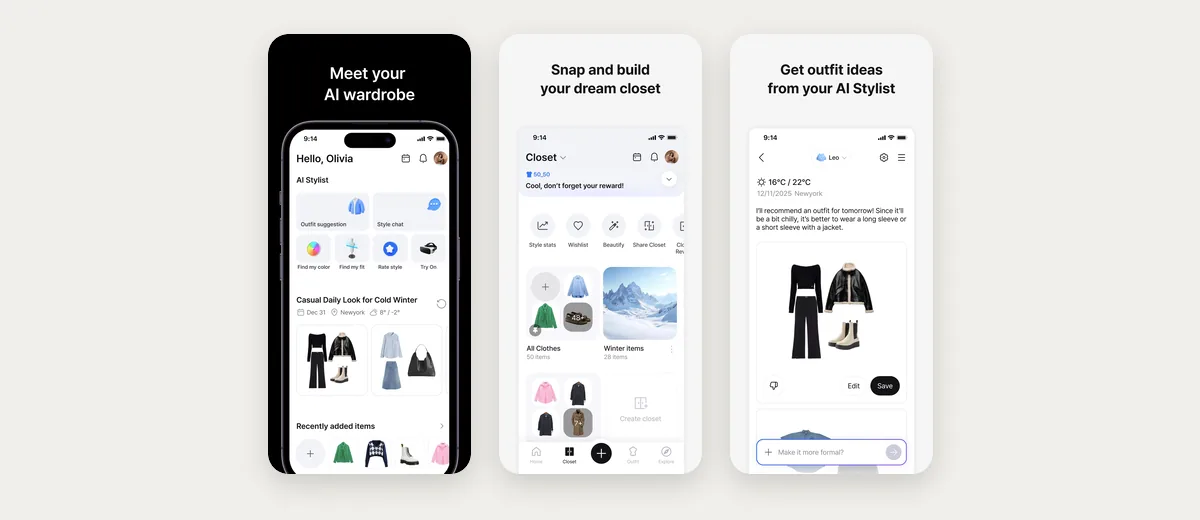
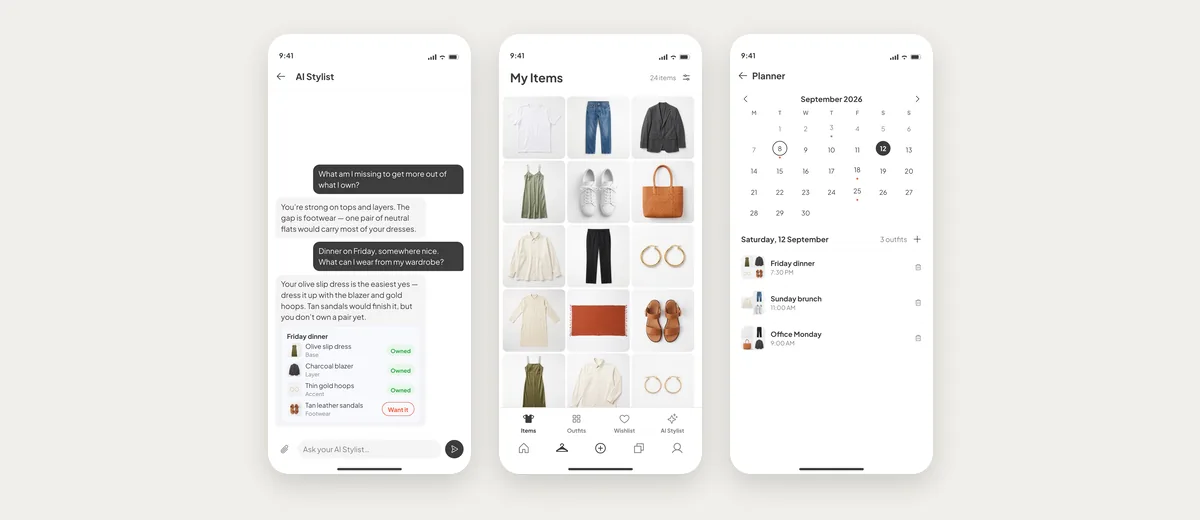
Acloset suggests outfits using weather and your calendar, and has an AI chat stylist. Its suggestions come back as collages of your items, so you still picture the outfit yourself. Only its website, not its store listings, describes an AI try-on on a photo of you.
3. Indyx: best if you want a human stylist
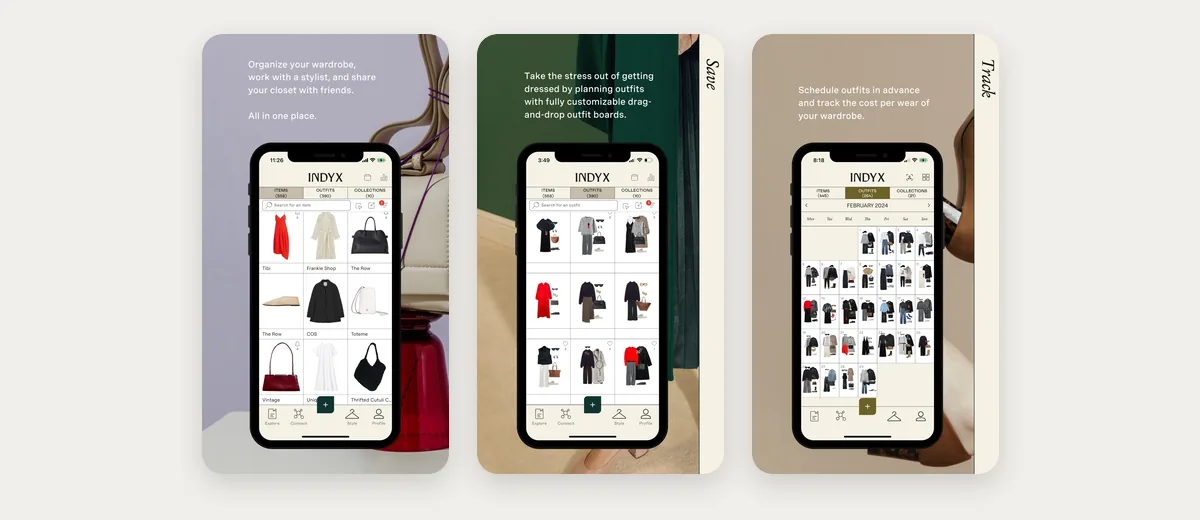
Indyx is an organiser with access to human stylists who work from your catalogued closet. Day to day, the app itself is mainly an organiser, with no AI stylist.
4. Stylebook: best for detailed manual records
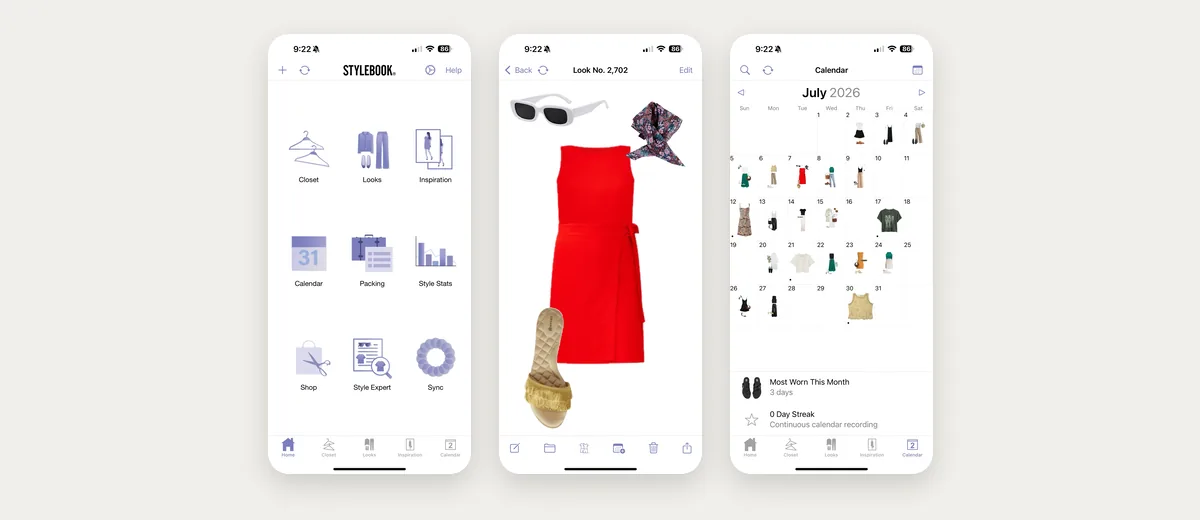
Stylebook is a records app with wear counts, cost per wear, packing lists and an outfit calendar. It is iPhone only and mostly manual, and its outfit ideas come from a shuffle rather than AI.
5. Outflik: an AI stylist to chat with
Outflik offers a conversational AI stylist that answers with items you own, on iPhone and Android. Its community is much smaller than Whering's, and it does not show outfits on you.
6. Cladwell: best for building a capsule
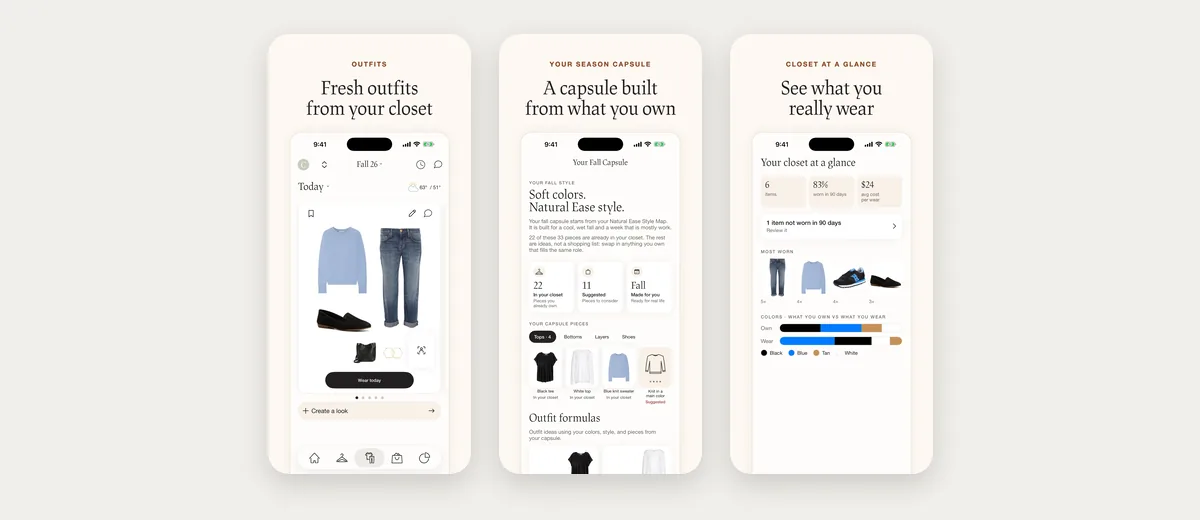
Cladwell helps you narrow down to a capsule wardrobe and suggests daily outfits from it, with an "Ask Cladwell" AI chat. It suits people who want to own less, rather than wear more of what they have.
7. Pureple: a manual outfit canvas
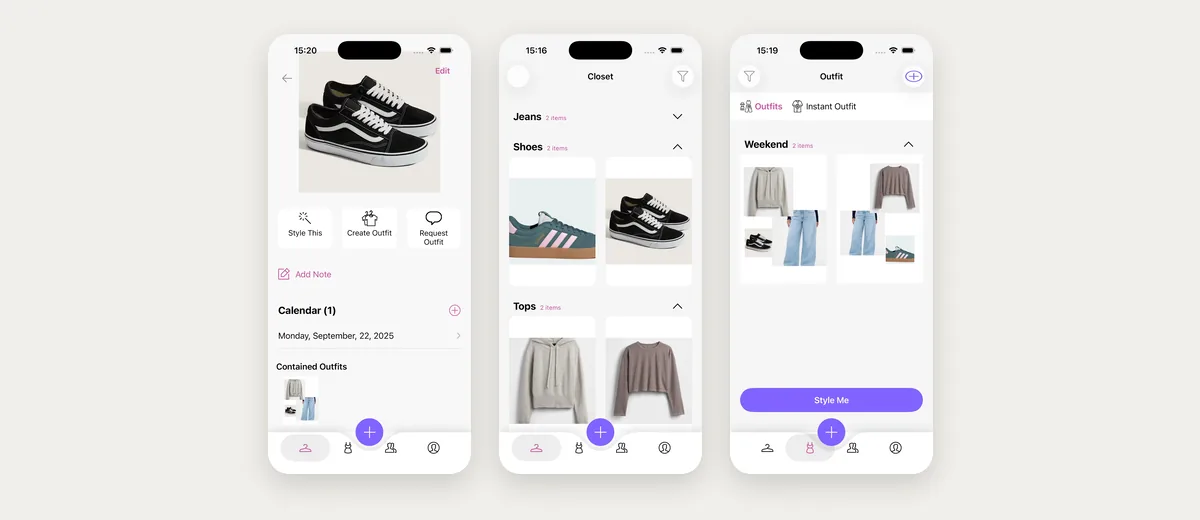
Pureple lets you arrange outfits on a collage-style canvas. Its AI can suggest outfits too, but you never see them on yourself. It suits people who enjoy building every look themselves.
Which Whering alternative should you choose?
- You want to see outfits on yourself or test purchases: Wdrobe.
- You want smarter daily outfit ideas: Wdrobe, or Acloset if you prefer chatting.
- You want a person's opinion: Indyx.
- You want detailed records on iPhone: Stylebook.
- You want a smaller wardrobe: Cladwell.
Move your fifteen most-worn pieces first. If the new app earns its place on those, the rest is worth the evening. Start with the fifteen.
How to switch without losing an afternoon
Wardrobe data does not transfer between apps, so do not re-photograph everything at once. Add the fifteen pieces you wear most to Wdrobe, plus one full-length photo of yourself in daylight. Ask the AI stylist for tomorrow's outfit and try on one item you have been thinking of buying. That tells you in twenty minutes whether seeing outfits on your body changes your choices.
Frequently asked questions
What is the best alternative to Whering?
Wdrobe is the best Whering alternative if you want outfits shown on your own photo, try-on for clothes you are thinking of buying, and an AI stylist that uses your weather. Acloset and Indyx suit people who want AI chat or a human stylist.
Which Whering alternative has virtual try-on?
Wdrobe lets you try on clothes you own, and items from any shop, on your own photo. Cladwell's See it on me previews closet outfits on a photo of you, and Acloset's website describes an AI try-on on your photo. Whering, Stylebook and Pureple never show the outfit on you: Whering and Stylebook show flat collages, and Pureple's iPhone try-on uses an AI model.
Which Whering alternatives work on Android?
Wdrobe, Acloset, Indyx, Outflik, Cladwell and Pureple all work on Android. Stylebook is iPhone only.
Can I move my Whering wardrobe to another app?
There is no export path between wardrobe apps. Start with your fifteen most-worn items in the new app and add the rest gradually.
For direct comparisons, see the best AI stylist apps, Acloset vs Whering, and Indyx vs Whering.
Whering shows you a wardrobe. Wdrobe shows you in it, and helps you decide what to wear and what not to buy. Make the move worth the afternoon and try tomorrow's outfit on your own photo first.