Best AI Stylist Apps in 2026: 6 Styling Apps Compared
10 min read
Wdrobe
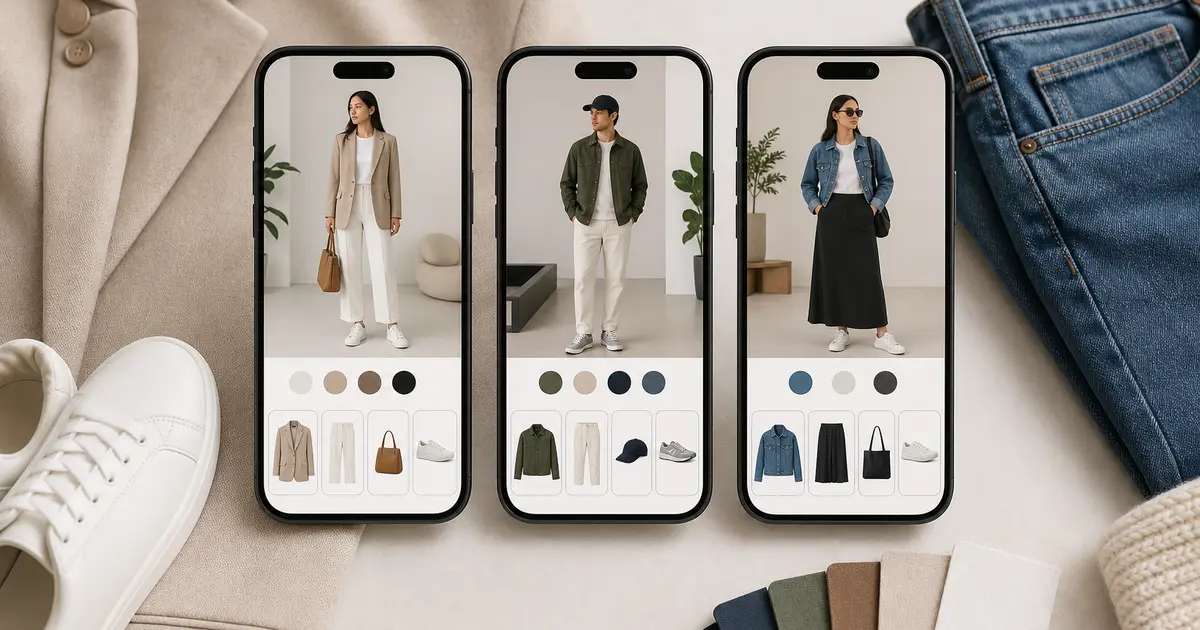
The best AI stylist app in 2026 is Wdrobe for most people: it builds outfits from your own clothes for your weather, styles around a piece you pin, and shows the result on your own photo. Alta suits people who want daily outfit ideas on an avatar, Acloset is the best AI styling app for chatting with a stylist about your closet, Indyx is the best if you want a real human stylist too, and Whering is the best for organising clothes with light styling help.
The difference between them comes down to one thing: what the "stylist" actually does. Some suggest outfits from clothes you own. Some show those outfits on you. Some connect you with a person. Features below were checked against each app's own listing in September 2026.
First place going to our own app deserves a test, not trust. The fairest one is your least-worn piece: pin it in Wdrobe and judge the outfit its stylist builds.
The best styling apps at a glance
Wdrobe: AI outfit suggestions with weather and pinned pieces, colour analysis, and try-on on your own photo. iPhone and Android.
Alta: daily outfits from your closet, weather and calendar, with an avatar. iPhone, Android and web.
Acloset: AI stylist chat, weather and calendar suggestions, colour analysis. Outfits shown as collages. iPhone and Android.
Indyx: wardrobe organiser with human stylists and analytics. iPhone and Android.
Whering: organiser with outfit shuffle and community styling. iPhone, Android and web.
Stylebook: detailed manual styling and statistics, no AI. iPhone only.
What an AI stylist app can do for you
A good styling app does some or all of these four jobs:
Suggest outfits from the clothes you already own, so you stop wearing the same five combinations.
Account for context, such as tomorrow's weather, a job interview or a week away.
Tell you what suits you, usually through colour analysis or body shape guidance.
Show you the result, either as a flat lay of your items or on an image of you.
Most apps are strong at one or two of these. Decide which matters most before you spend an evening adding clothes.
1. Wdrobe: best for seeing your outfits on you
Wdrobe combines a digital wardrobe, AI outfit suggestions and virtual try-on. You upload a photo of yourself, and the app shows suggested outfits, or any new item you are considering, on you rather than as a pile of product shots.
What it does as a stylist:
Colour analysis from your photo, showing which shades and cuts tend to suit you.
Weather-aware outfit ideas built from your wardrobe.
Try-on of any clothing image, including shop photos and Pinterest looks, so inspiration can be tested on you.
An outfit planner for the days and events ahead.
It runs on iPhone and Android.
Choose it if: you find it hard to picture how an outfit will look on your body, or you want a styling second opinion before buying.
Skip it if: you only want a list of what you own.
2. Alta: best for daily outfits on an avatar
Alta builds a full outfit for you each day using your closet, your local weather and what is on your calendar. You can also ask for looks for a specific event or a trip. Suggested outfits appear on an avatar created from your photo. You can add clothes by photo, from its product database or by forwarding email receipts, which speeds up setup.
Alta was named one of TIME's Best Inventions of 2025. It earns money from shopping recommendations, so expect it to suggest new pieces as well as what you own.
Choose it if: you want a daily outfit picked for you and do not mind an avatar instead of your own photo.
Skip it if: you are using a styling app to shop less.
Advice you cannot picture is hard to act on. A stylist telling you to try olive with navy helps far more when you can see your olive with your navy. See the suggestion before you take it.
3. Acloset: best for chatting with an AI stylist
Acloset reads details from your clothing photos, such as category, colour and season, which cuts down manual tagging. Its AI stylist can answer questions about your wardrobe, and outfit suggestions take weather and your calendar into account. It also offers personal colour analysis and spend tracking.
Its outfits are shown as collages, so you still have to picture them on yourself, and it cannot try a new piece on you before you buy.
Choose it if: you like asking questions and getting answers based on your own clothes.
Skip it if: you want to see outfits on your own body.
4. Indyx: best if you also want a human stylist
Indyx is a wardrobe organiser first, with unlimited items and outfits. Its styling edge is people: you can book sessions with human stylists who work from your catalogued closet. Indyx also offers wardrobe analytics, unlimited outfit selfies and styling feedback from friends or the community.
Choose it if: you want expert advice from a person, with an app to keep it organised.
Skip it if: you want the app itself to do the styling.
5. Whering: best organiser with light styling help
Whering runs on iPhone, Android and the web. Its styling tools are lighter than the apps above: a shuffle feature that mixes your items into new combinations, outfit planning, and a community where friends can style you and you can style them. It has a large user base and a strong focus on wearing what you already own.
Choose it if: you want a well-established app and are happy doing most of the styling yourself.
Skip it if: you want suggestions based on weather, your body or your colouring.
6. Stylebook: best for manual control, no AI
Stylebook is not an AI stylist. It is a detailed iPhone app for building outfits by hand, logging what you wear on a calendar, making packing lists and tracking cost per wear. It earns a place here because many people searching for a styling app really want control and records rather than suggestions.
Choose it if: you enjoy styling yourself and want good statistics.
Skip it if: you use Android or want the app to make choices for you.
7. ChatGPT: best for general style questions, not daily outfits
ChatGPT belongs on this list now because it is where a lot of people actually ask styling questions. It can name a style from a photo you share, pull out the details that make it work, explain why a combination reads formal or casual, and point you towards pieces to look for. For "what is this aesthetic called" or "what shoes go with a slip dress", it is genuinely good.
The gap is everything that has to persist. A styling app keeps your clothes on file; a chat does not. That difference shows up in four places:
It does not know what you own. Every conversation starts from nothing, so you describe your wardrobe again, or you accept advice about clothes you may not have.
It cannot show the outfit on you. It can generate an image of an outfit, but that is an illustration, not your body in your clothes.
It points outward, not inward. Its styling suggestions tend to end in products to go and find. A wardrobe app's job is the opposite: use what is already hanging up.
It has no standing context. Your colouring, your proportions, tomorrow's weather and next Thursday's dinner are things you supply each time, not things it holds.
Many people end up using both, and that is a reasonable setup: a chatbot for broad questions and shopping research, a styling app for getting dressed on a Tuesday. If you want the longer comparison, see ChatGPT as a personal stylist.
Choose it if: your questions are about style in general rather than your own closet.
Skip it if: you want an outfit for tomorrow built from clothes you already have.
How to choose the right styling app
Pick based on the problem you have most often:
"I have nothing to wear" despite a full closet: Alta or Acloset, for suggestions from what you own.
"I can't tell how this will look on me": Wdrobe, for outfits and new pieces on your own photo.
"I don't know what suits me": Wdrobe or Acloset for colour analysis, or an Indyx human stylist for a full opinion.
"I want simple organising": Whering.
"I want control and data": Stylebook on iPhone.
Fifteen pieces is enough to separate these. Photograph your most-worn fifteen and the differences show up immediately. Try it with fifteen.
Test two apps with fifteen items
Before moving your whole wardrobe, add the same fifteen pieces to two apps: five tops, four bottoms, two layers, three pairs of shoes and a bag. Then ask each one for:
an outfit for tomorrow's weather;
a work or smart-casual outfit; and
a weekend outfit using your least-worn item.
Keep the app whose suggestions you would actually wear. Also notice how long setup took and how many photos needed fixing, because an app you never finish filling in cannot style anything.
Are styling apps safe with your photos?
Most styling apps store photos of your clothes, and apps with try-on or colour analysis also store photos of you. Before uploading, check whether photos are kept after processing, whether they are used to train AI models, and how to delete your account and data. Use a photo in everyday, fitted clothing. No app here needs anything more revealing.
Frequently asked questions
What is the best AI styling app?
Wdrobe is the best AI styling app for seeing outfits on your own photo, and Alta suits people who want daily outfit ideas on an avatar. Acloset suits people who want to chat with an AI about their closet.
Which AI stylist app shows outfits on me?
Wdrobe shows suggested outfits on your own photo. Alta uses an avatar generated from your photo, and Acloset, Whering and Stylebook show collages.
Do AI stylist apps work for men?
Yes. Wdrobe, Alta, Acloset, Whering and Indyx all work with any wardrobe. Suggestions depend on the clothes you add, not on gender.
Can a styling app tell me what colours suit me?
Wdrobe and Acloset both offer colour analysis from a photo. Take the photo in natural daylight without heavy makeup or filters, since lighting changes the result more than anything else.
What makes one AI stylist better than another?
Context and visibility. The best stylist uses your weather, lets you build around a piece you want to wear, and shows the result on your own body so you can judge it. Test any app with fifteen items first.
If organising comes before styling for you, see the best closet organization apps, and if seeing clothes on your body is the main thing, compare the best virtual try-on apps.
Most styling apps hand you an outfit as a grid of product photos, and you still have to imagine it on yourself. Wdrobe shows the suggestion on your own photo, so you can tell in a second whether the navy knit and the wide trousers actually work on you. Try the advice on your own clothes and ask it to style tomorrow's outfit from what is already in your wardrobe.
← All articles
Take Wdrobe with you
Enjoyed the read? Get the full virtual try-on experience — download Wdrobe on the App Store or Google Play.
Related articles
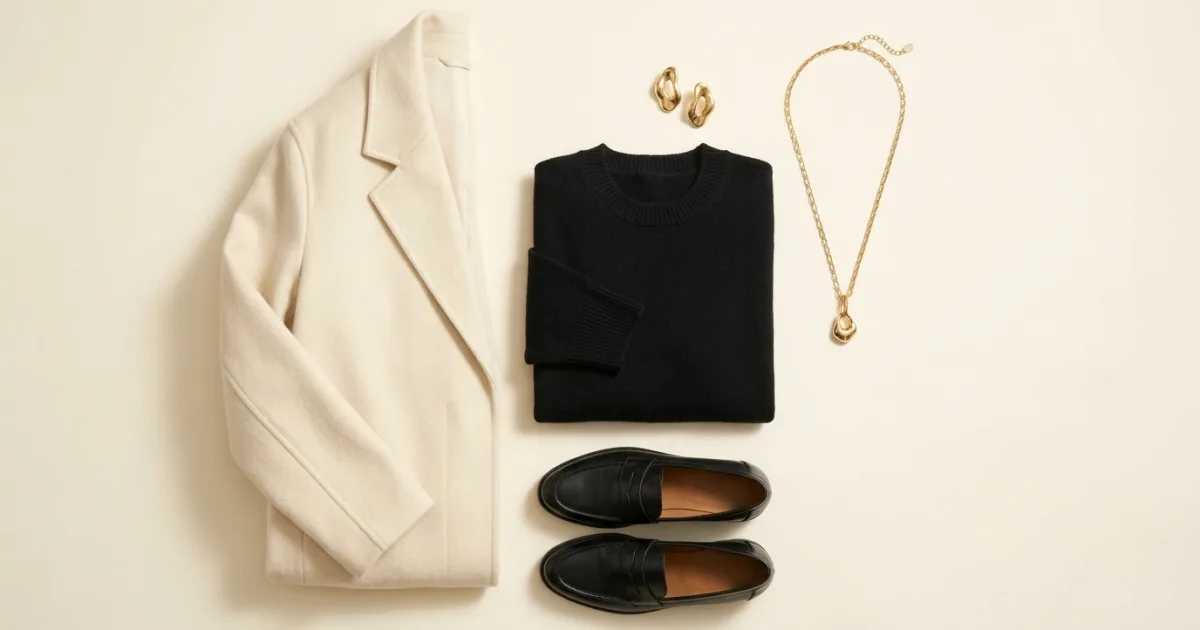
Gold behaves like a warm neutral with a light source in it. Here is what it sits beside, and the outfits that use it well.
Read Article
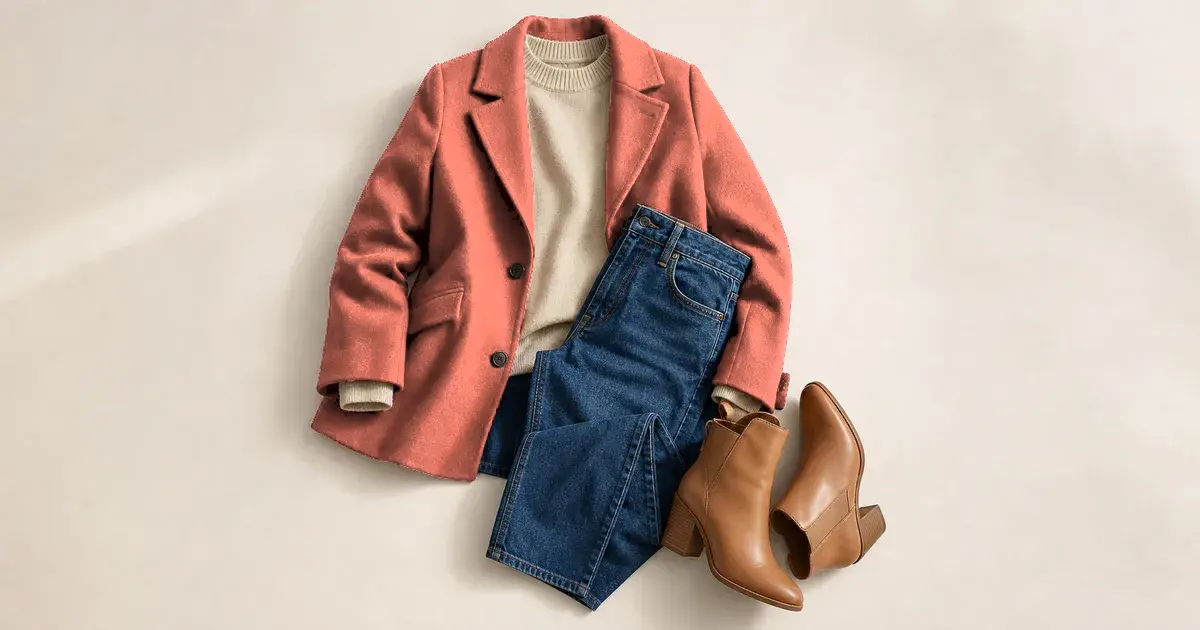
Ten colors that work with coral clothes, and how to tell coral apart from salmon and rust when you are buying.
Read Article
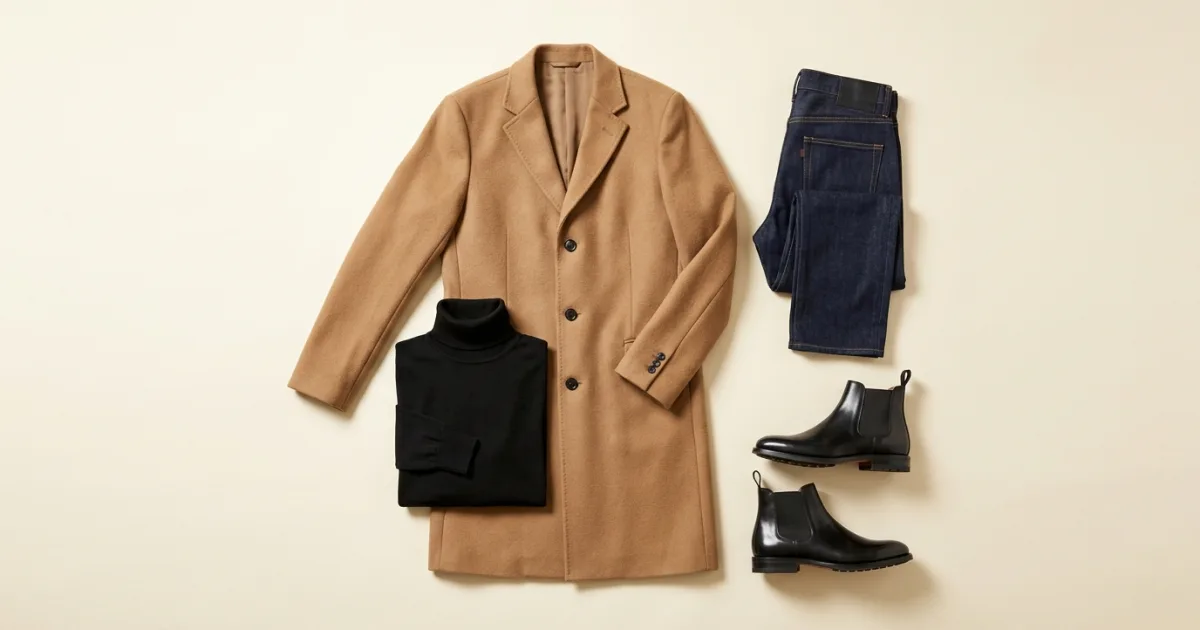
Forty degrees is the coat threshold. Here is the order to dress in, five outfits, and the indoor problem most people forget.
Read Article