Can ChatGPT Do Virtual Try-On?
7 min read
Wdrobe
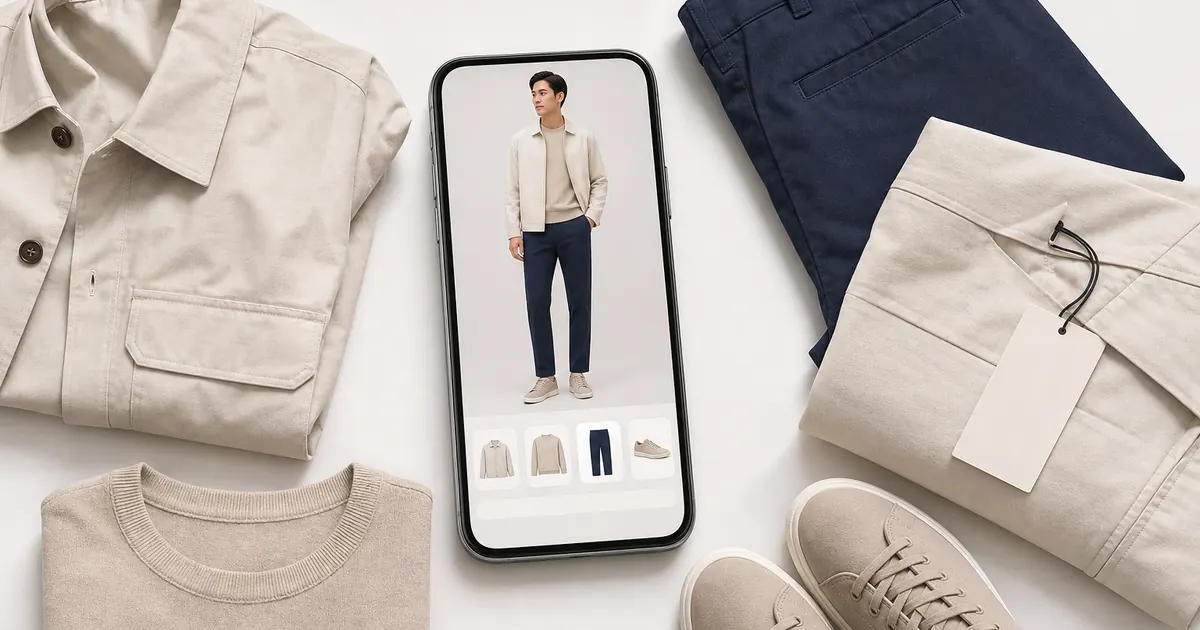
Not in the way most people mean it. ChatGPT can look at an outfit photo, name the style and describe how to recreate it, and it can generate a picture of a look. What it does not do is put a specific garment onto a photograph of you and keep both recognisable. The person in a generated image is an approximation, and so is the clothing, which makes it useful for mood and useless for deciding whether to wear something.
Dedicated try-on works differently, and the difference is the whole point. Wdrobe, which is our app, takes your own photo and a clothing image, including a shop product shot, and shows that item on you.
What ChatGPT actually does with clothes
Three things, and they are all worth knowing about:
It reads a look. Share a photo of an outfit you liked and it will name the aesthetic, pull out the details doing the work, and tell you what to search for. This is the strongest thing it does.
It gives styling direction. Proportions, colour pairings, what to swap to make a look read more formal. Solid general advice.
It can draw an outfit. Image generation will produce a picture of the look described. Treat this as a sketch.
What none of those are is a fitting room.
Why a generated image is not a try-on
Two separate problems, and they compound.
The person changes
A generated image rebuilds the subject. Faces drift, proportions shift, height and build get averaged towards whatever the model considers typical. Ask twice and you get two different people. If the question you brought was "how does this look on me", an image of somebody approximately like you cannot answer it.
The garment changes too
The jumper in the picture is a plausible jumper, not the jumper. Sleeve length, neckline depth, how a knit sits across the shoulders, where a hem lands: these are exactly the details that decide whether you wear something, and they are exactly what a generated image invents. The shade drifts as well, which matters if you were checking it against a skirt you already own.
Together those two mean the output is a reasonable mood image and a bad decision tool.
The useful question is narrower than it looks. Not "what would this look like", but "what would this look like on me, next to the trousers I already have". See it on your own photo.
What a real virtual try-on does differently
A try-on app starts from two fixed things: your photo and the actual clothing image. It keeps you as you are and places the garment on you, so what changes between one try and the next is only the clothing. That consistency is what makes the comparison worth anything.
In Wdrobe that means:
Any clothing image works, including a product shot from a shop page or a look you saved from Pinterest, so you can test something before buying it.
Your wardrobe is already in there, with backgrounds removed automatically, so you can try a new piece against clothes you own rather than against an imagined pair of trousers.
Your colouring is on file. Colour analysis from a face photo, plus a body shape read, so the suggestions you get are not generic.
Outfits are built for a real day, using your local weather, and you can pin a piece you want to wear and have the rest built around it.
It runs on iPhone and Android. It is a styling preview, not a guarantee of fit, fabric weight, drape or exact colour across screens, and no try-on tool can promise those.
Where each one earns its place
"What is this look called and how do I get it?" ChatGPT. It is fast and well read.
"Does this coat suit me?" A try-on app. The answer depends on your face shape, your colouring and your proportions.
"Will this work with what I own?" A wardrobe app, because the comparison needs both items to be real.
"What should I wear tomorrow?" A wardrobe app with your weather and your clothes in it.
Many people use both and that is sensible. Ask the chatbot what to look for, then check the shortlist against yourself.
What to check before you trust any try-on
Whatever tool you use, the same four limits apply, and a sensible shopper allows for them.
Colour shifts between screens. Judge shade relationships, not the absolute colour. Check anything borderline in daylight.
Fit is not simulated. A preview shows placement and proportion, not whether a size 12 will do up.
Fabric behaviour does not render. Weight, drape and how a knit creases are not visible in any preview.
Lighting in your source photo carries through. Use a clear, evenly lit photo in fitted everyday clothes, standing straight.
There is more on this in virtual try-on limitations, which is worth reading before you rely on any preview to make a purchase.
Most returns start as a guess. A preview will not promise a fit, but it settles the questions that have nothing to do with size: the shade, the proportion, whether it reads like you. Check it before it ships.
Frequently asked questions
Can ChatGPT put clothes on my photo?
Not reliably. It can generate an image of a person wearing a described outfit, but it rebuilds both the person and the clothing, so the result is an illustration rather than a picture of you in that garment.
Which apps let me try clothes on virtually?
Several wardrobe apps include try-on on your own photo, compared in the best virtual try-on apps. What separates them is whether they accept any clothing image or only items from their own catalogue.
Can AI tell me if clothes will fit me?
No tool can. Try-on previews show placement, proportion and how a shade reads on you. Sizing still depends on the garment's own measurements, so check the size chart.
Does virtual try-on work for women's clothing specifically?
Yes, and it is where most of the demand sits. Dresses, skirts, knitwear and layered looks all preview, though very loose or heavily draped pieces are the hardest for any tool to represent accurately.
What photo should I use?
A clear, front-facing, full-length photo in daylight, wearing fitted everyday clothes, standing straight with arms relaxed. Bulky layers and strong shadows are what spoil most previews.
If you are deciding between a chatbot and an app more broadly, read ChatGPT as a personal stylist, and for the trying-before-buying case specifically, see virtual try-on before you buy.
An illustration of an outfit answers a question you did not ask. The one you did ask is whether that coat works on your frame, in your colouring, over the jumpers already in your wardrobe. Wdrobe keeps you and the garment fixed so the only thing that changes is the clothing, which is the only way the comparison means anything. Try the piece on your own photo first.
← All articles
Take Wdrobe with you
Enjoyed the read? Get the full virtual try-on experience — download Wdrobe on the App Store or Google Play.
Related articles
A chatbot can draw an outfit but cannot keep you or the garment recognisable. What separates that from a real try-on, and what no preview can promise.
Read Article
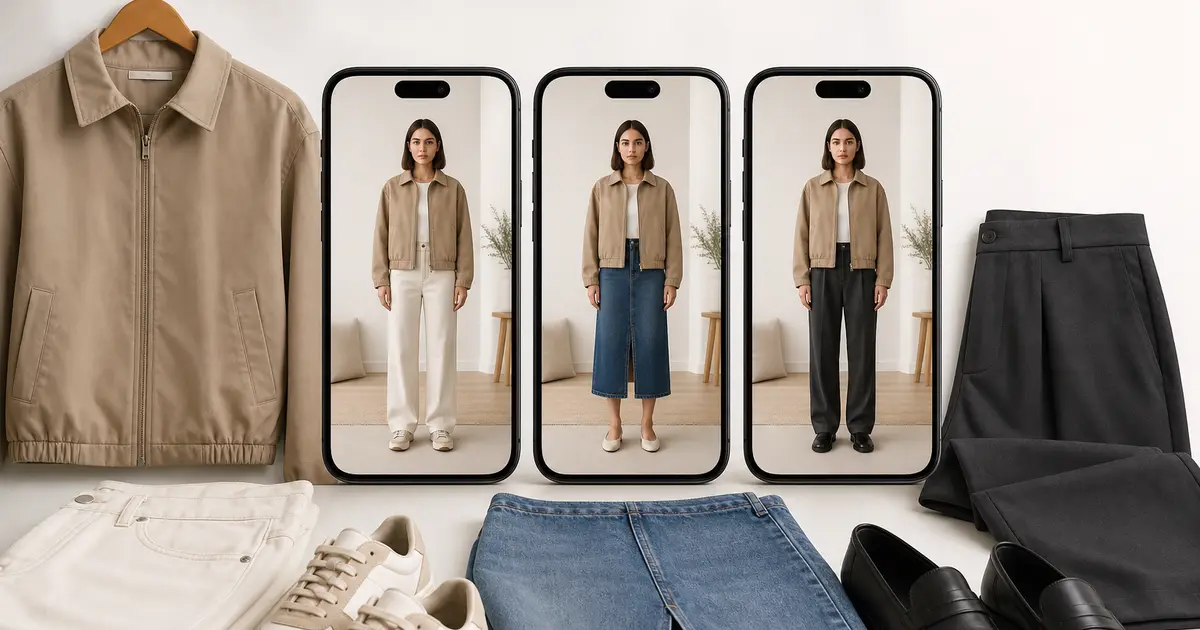
A chatbot answers style questions well and daily outfit questions badly. Here is exactly where the line falls, and how to test it with fifteen pieces.
Read Article
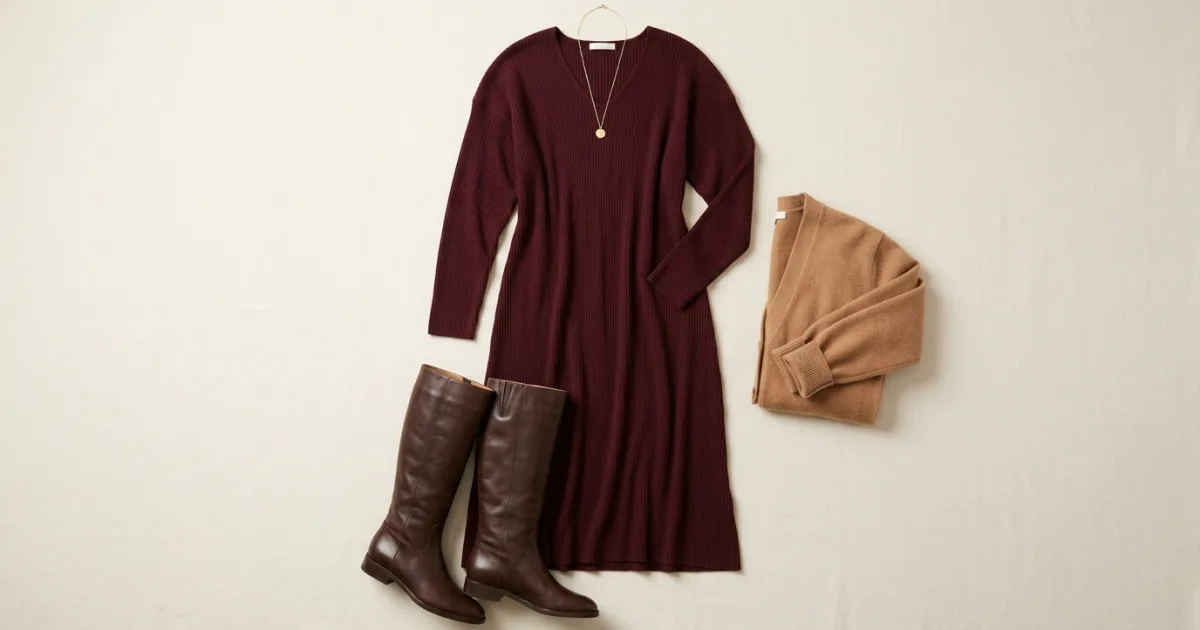
Seven outfits that photograph well and still work after a large meal, whether you are cooking, visiting or at Friendsgiving.
Read Article