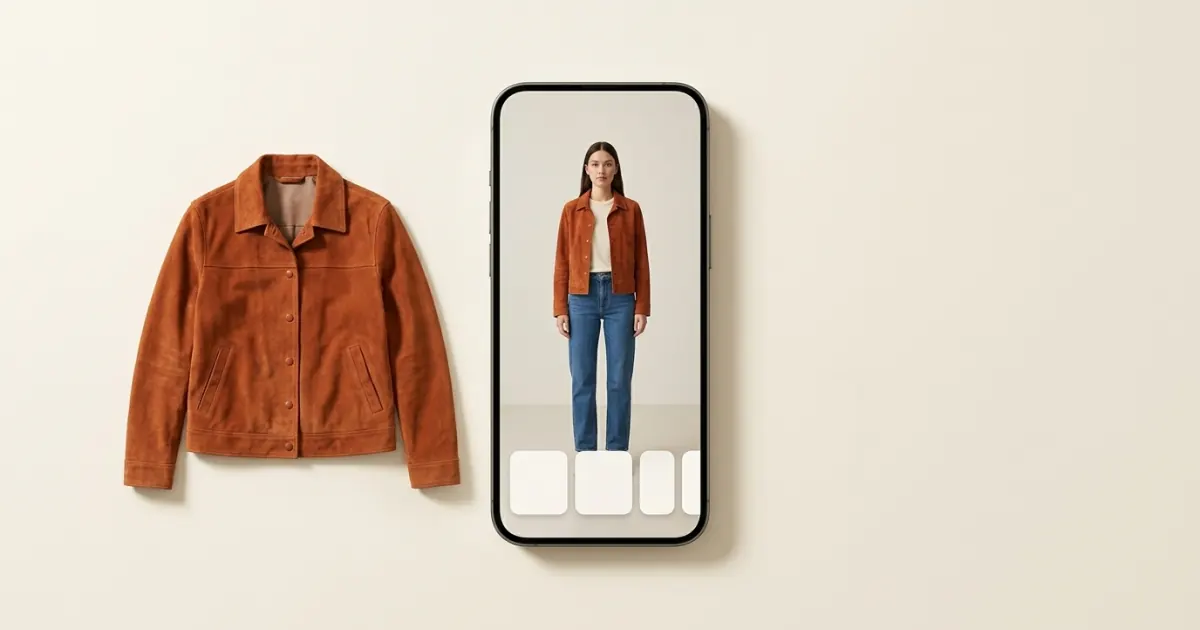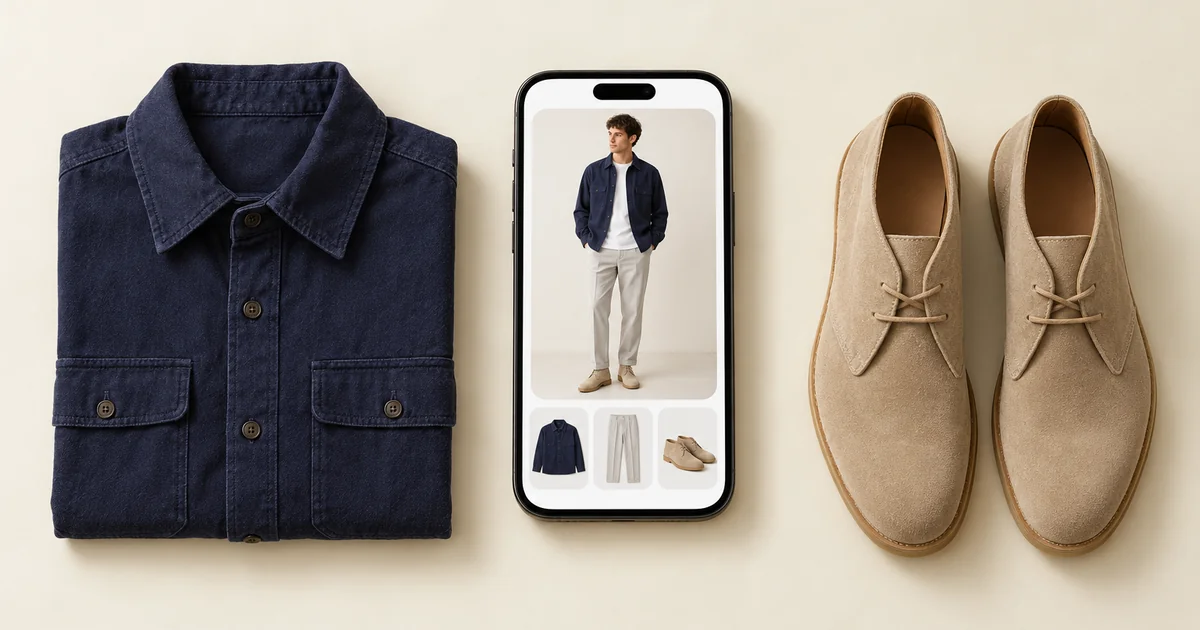

Virtual try-on is most useful before buying clothes when you treat it as a comparison tool. It can help you visualize color, overall proportion, and how a candidate piece connects with your wardrobe. It cannot guarantee exact fit, fabric movement, construction, or real-world color.
To compare fairly, keep the photo of you fixed and change only the piece. In Wdrobe, an app we built, you can place each shop screenshot on that same picture.
Why product photos leave a gap
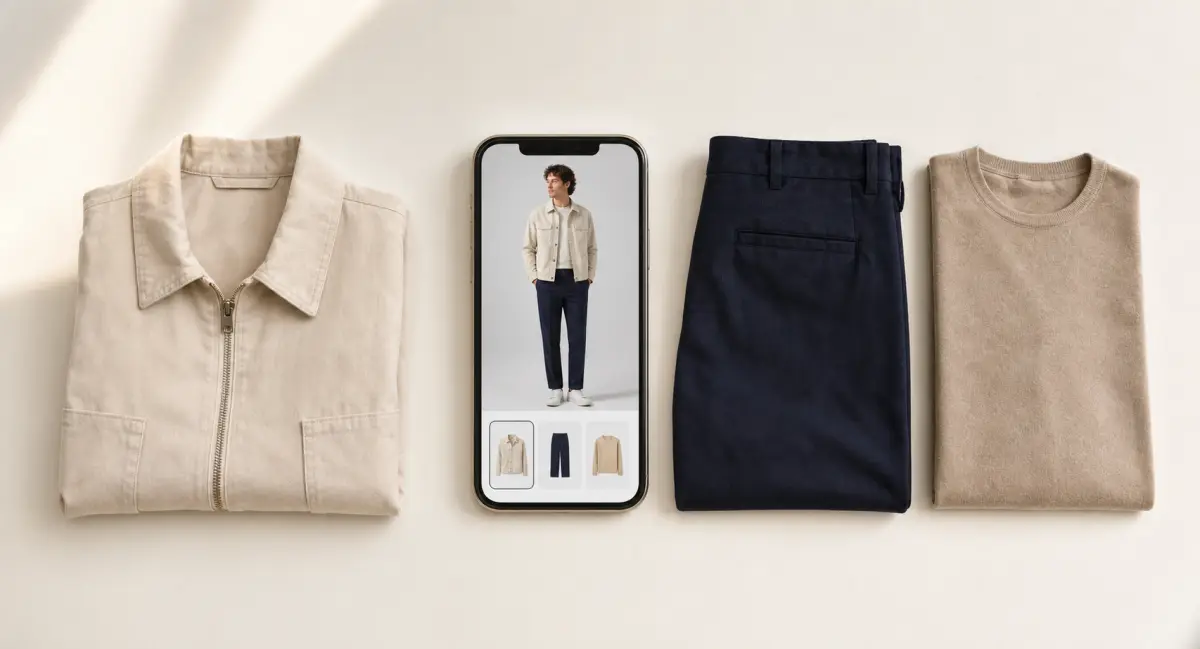
A retailer usually presents a garment on one model, under controlled lighting, in a carefully selected outfit. That image may show the product clearly, but it cannot tell you whether the color works with your favorite trousers or whether you would style it often. Virtual visualization helps bridge the gap between “I like this item” and “I can build useful outfits with it.”
A practical try-before-you-buy workflow
1. Define the job
Write one clear need, such as “a light work layer that works with navy and beige trousers.” A specific role is easier to judge than a general desire for something new.
2. Check what you already own
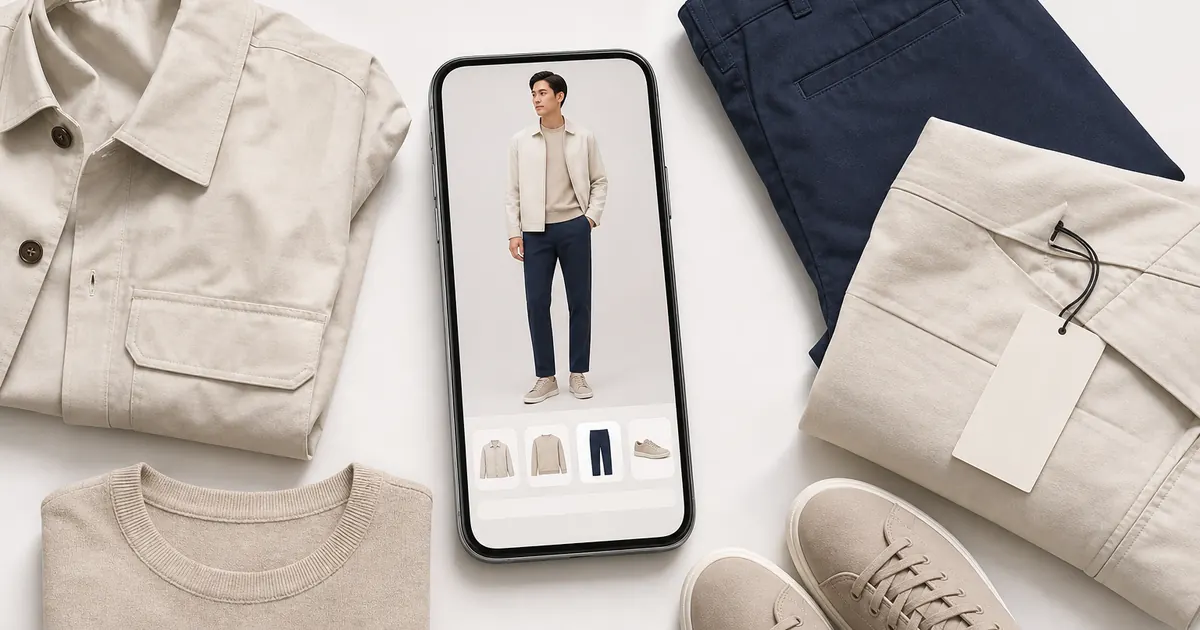
Review the pieces the new item should complement. Upload or digitize key tops, bottoms, shoes, and layers in Wdrobe so you can compare them together. A short shop-your-closet session may reveal an existing substitute.
The expensive mistake is the piece that goes with nothing you own. It fits, it suits you, and it still sits unworn. Check a shortlist against your wardrobe before you order.
3. Compare a small shortlist
Choose two or three realistic candidates serving the same purpose. Use virtual try-on to compare broad silhouette and color balance with your photo and existing wardrobe. Ignore tiny generated details; the result is a visualization, not fit evidence.
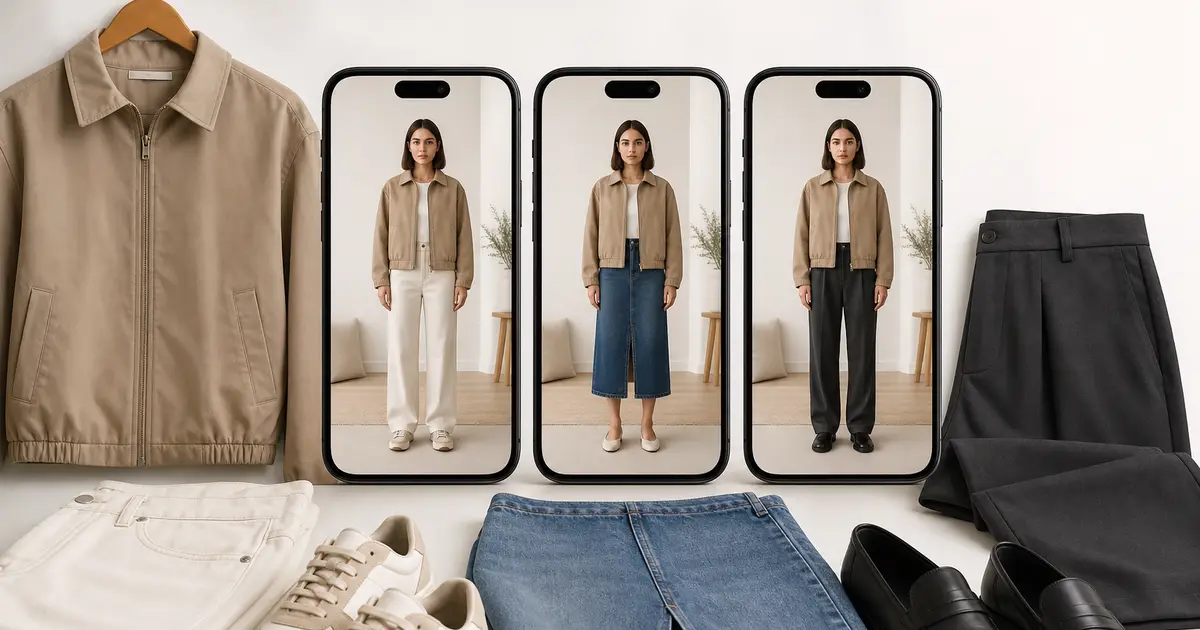
4. Build three complete outfits
Test each candidate in an everyday look, an outfit for the target occasion, and one alternative. Include shoes and outerwear. If a garment works only after several imagined purchases, it may not solve the original need. This is also a useful way to avoid buying clothes you never wear.
5. Verify practical information
Return to the retailer for measurements, material, care instructions, reviews, price, and return terms. If possible, try on the physical garment. A strong preview cannot predict stretch, comfort, drape, sizing, or movement.
6. Save, download, and pause
Save the best Wdrobe combinations and download a result for easy reference. Add promising outfits to the planner and ask when you would actually wear them. Revisit the decision after the initial excitement passes; the best option may be one item, a different item, or no purchase.
What virtual try-on can answer
It can help you compare a light color with a dark one, see whether a longer layer balances your usual trousers, and explore more styling directions than a product page shows. It can also expose wardrobe overlap when a new jacket serves the same role as two jackets you already own.
It cannot establish exact garment fit. Screen settings, lighting, photo quality, and generated output may also affect color. Use the preview for visual planning and product data for purchasing decisions.
You do not need to digitize everything at once. Start with favorite bottoms, common layers, and everyday shoes, then add more pieces as they become relevant.
Frequently asked questions
How accurate is virtual try-on?
It is reliable for color, proportion and overall silhouette, and unreliable for exact fit, fabric drape and true shade. Treat it as a styling preview that narrows your options, not as a substitute for checking the size chart.
Does virtual try-on reduce returns?
It helps most with the returns caused by an item not suiting you, which is a large share of fashion returns. It does less for size-related returns, where measurements remain the better guide.
Do you need a full-body photo for virtual try-on?
Yes, for whole outfits: a full-body photo shows where each hem falls. A clear, well-lit, front-facing photo against a plain background gives the best result. Cluttered backgrounds and strong shadows are the most common cause of a poor preview.
Seeing a piece on your photo before buying removes most of the guesswork, though it will not tell you how the fabric moves. Stop buying the piece that goes with nothing: compare options, save the ones you like, and plan around them before committing.