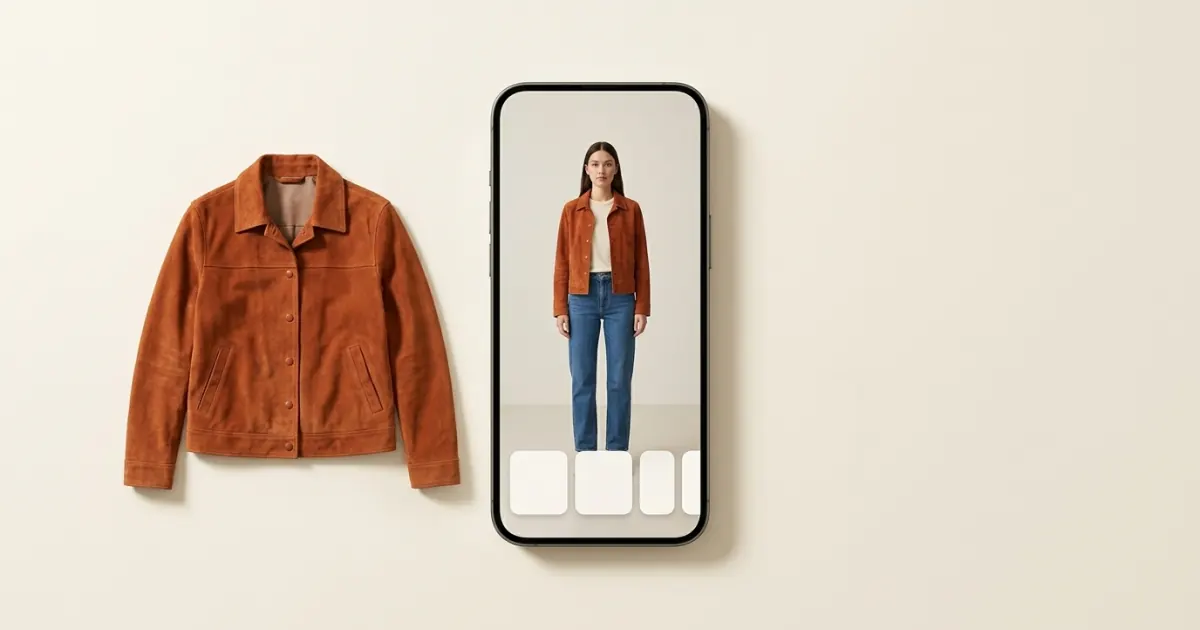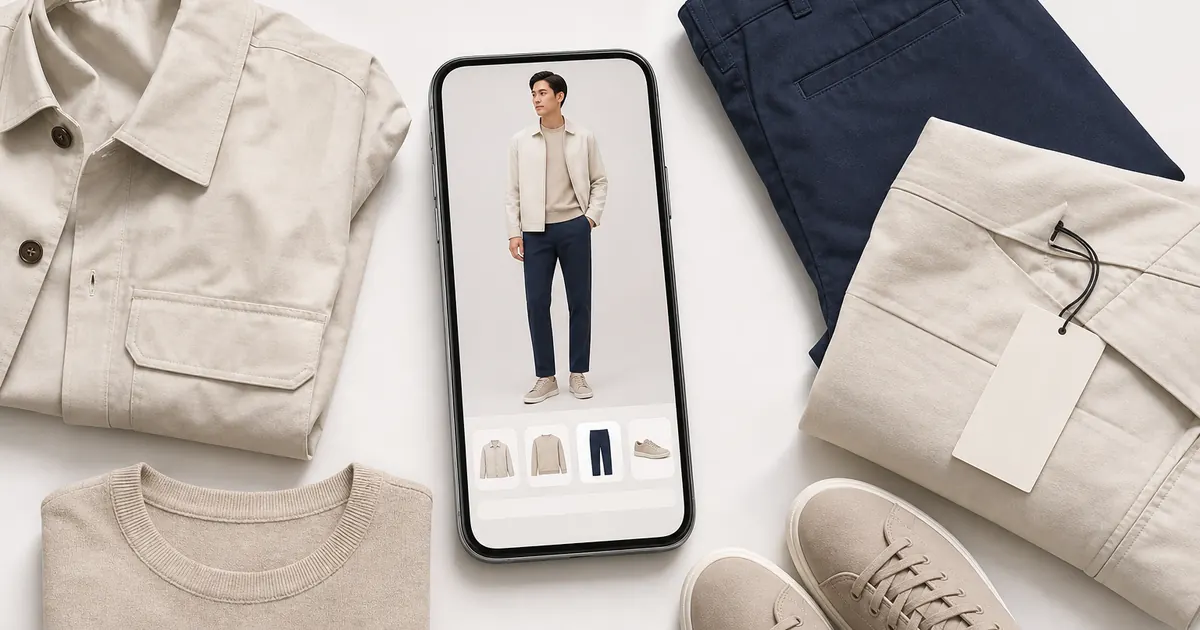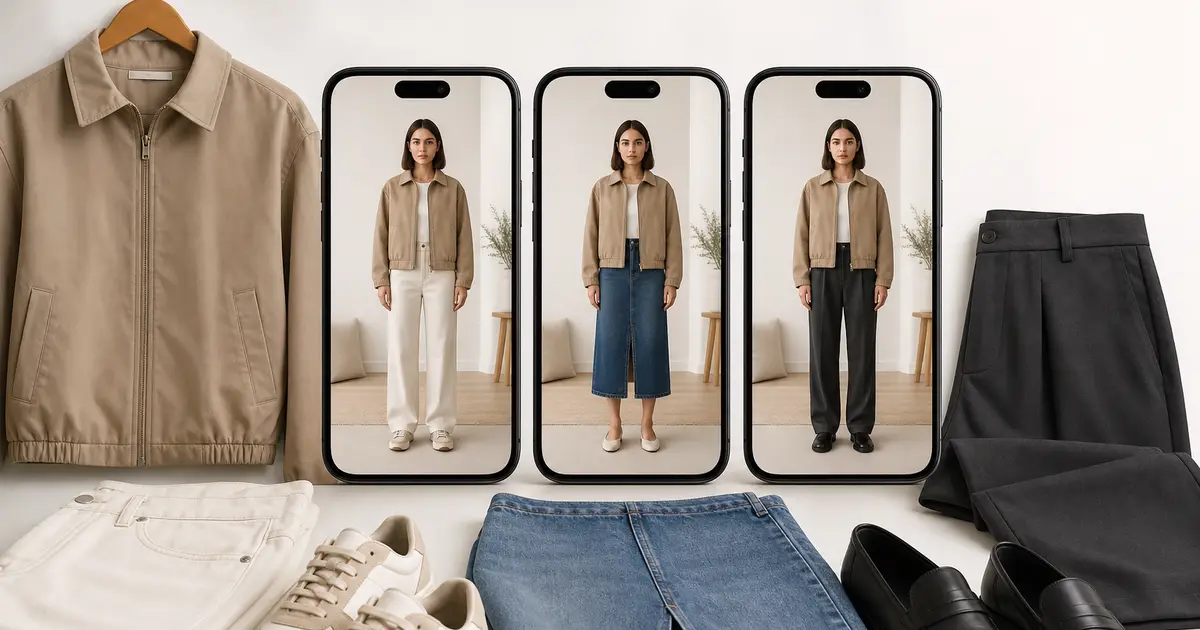

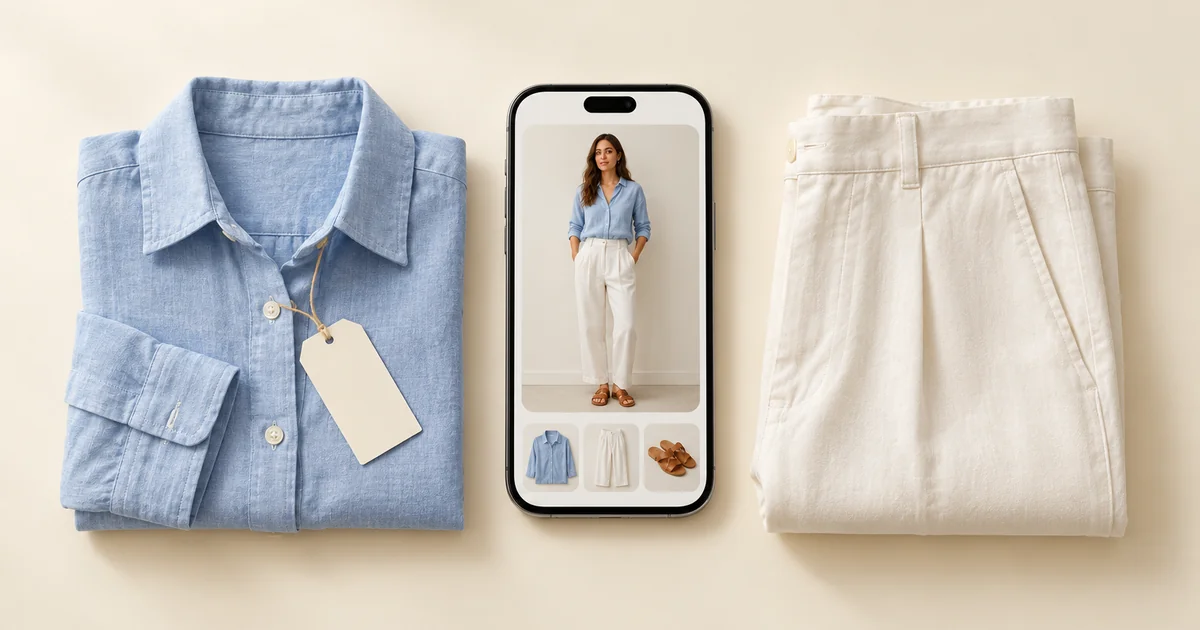
Virtual try-on is good at the questions you can answer by looking: whether a colour suits you, whether a shape and length work on your proportions, and whether a new piece goes with clothes you already own. It cannot tell you the exact fit, how a fabric drapes and moves, how heavy or soft it is, or the true shade on a screen nobody has calibrated. Use the preview to narrow the choice, then let the size chart, the fabric label and the returns policy settle the rest.
Wdrobe, our app, has a virtual try-on, so we have a stake in this. That is also why we would rather you knew where it stops.
A piece you already own is the best place to learn these limits. Run its shop photo through the try-on in our Wdrobe app and check the preview against a mirror photo of you wearing it.
What it can and cannot answer
| Your question | How far to trust the preview | Why | Check this instead |
|---|---|---|---|
| Does this colour suit me? | Fairly well | Your face and the garment are seen together | Look at a customer photo in daylight |
| Does the shape and length work on me? | Fairly well | The garment is placed on your own photo | The garment length in centimetres |
| Does it go with what I own? | Well | You can line it up with your real clothes | Nothing extra needed |
| Will it fit? | Not reliable | The image does not know your measurements or the garment's | The size chart against a piece that fits you |
| How will it drape and move? | Not reliable | It is made from a still product photo | The fabric composition and video reviews |
| How heavy or soft is it? | Not at all | A picture carries no weight or texture | Fabric weight, reviews, the returns policy |
| Is it well made? | Not at all | Seams and finishing are not visible | Reviews with photos |
The pattern is simple. The preview answers questions about how something looks with you and your wardrobe. It does not answer questions about the physical garment.
Why the limits exist
A try-on starts with two pictures: a product photo of the garment, often on a model or laid flat, and one photo of you. Everything else is generated. Any part the product photo does not show, such as the back, the way the fabric folds when you sit, or the true weight, has to be filled in. The result is a convincing picture of a likely outcome, not a recording of a real one.
Screens add another layer. The same image looks warmer on one phone and cooler on another, and shop photos are lit to look their best.
The preview is most useful before you have decided, not after. Colour and length are hard to judge from a photo of a model, and both show up in a minute on your own. Check the colour and length on yourself first.
How to use a preview without being misled
- Use a good photo of yourself. Facing the camera, even light, a plain background, and close-fitting clothes so your shape is clear. A poor photo is the main reason a preview looks wrong.
- Compare, do not judge one image. Try two or three options on the same photo. The differences between them are more reliable than any single picture.
- Measure a piece you own that fits. Lay it flat, measure across the chest, waist and length, and compare those numbers with the garment measurements on the size chart.
- Read the fabric label. Viscose and silk drape and move; stiff cotton and linen stand away from the body; thin polyester can cling. The preview cannot show any of this.
- Check the returns window before you order. A preview lowers the odds of a return. It does not remove them.
A preview on its own answers one question; next to your wardrobe, it answers three. Whether the new skirt suits you, works with the top you would wear it with, and fills a real gap are easier to see together. Put the new piece next to the clothes you own.
When the real garment and the preview disagree
When the parcel arrives and it does not look like the preview, the cause is usually one of three things:
- The colour is off. Shop lighting and your screen both shift colour. Judge the garment in daylight before you decide.
- The length is different. The product photo was taken on a model of a different height, so lengths are an estimate. Trust the measurement in the size chart over the image.
- The fabric behaves differently. A dress that looked fluid is stiffer, or a top that looked structured clings. This is the area the preview is weakest in.
In each case, trust the measurement and the real garment over the picture.
Frequently asked questions
Can virtual try-on tell you your size?
No. It does not know your measurements or the garment's measurements. Use the size chart and compare it with a similar garment you own that fits well.
Is virtual try-on accurate for colour?
It is useful for judging whether a colour suits you, because you see it next to your face. The exact shade can still shift, because shop photos and phone screens both change colour.
Why does the try-on look different from the real garment?
The preview is generated from a single product photo, so it guesses details like fabric weight, drape and the back of the garment. Lighting and screen settings also change how colour looks.
Does virtual try-on work for plus-size women?
It works from your own photo, so it shows the garment on your proportions whatever your size. The same limits apply: it shows the look, not the fit, so the size chart still decides the size.
Is virtual try-on worth using if it is not exact?
Yes, for the questions it answers well: colour, length, shape and how a piece works with your wardrobe. Those cover many of the returns that are not about size.
For a step-by-step routine, read virtual try-on before you buy. If you are choosing an app, our best virtual try-on apps roundup compares what each one shows.
Fit is the one return reason no preview can fix. Plenty of others come from a colour that looked different, a length that landed wrong, or a piece that went with nothing at home, and those are the questions a preview handles well. Wdrobe puts any clothing image onto your own photo and next to the clothes you already own, so you can answer them before you pay, and leave fit and fabric to the size chart. Preview the next order on your own photo.