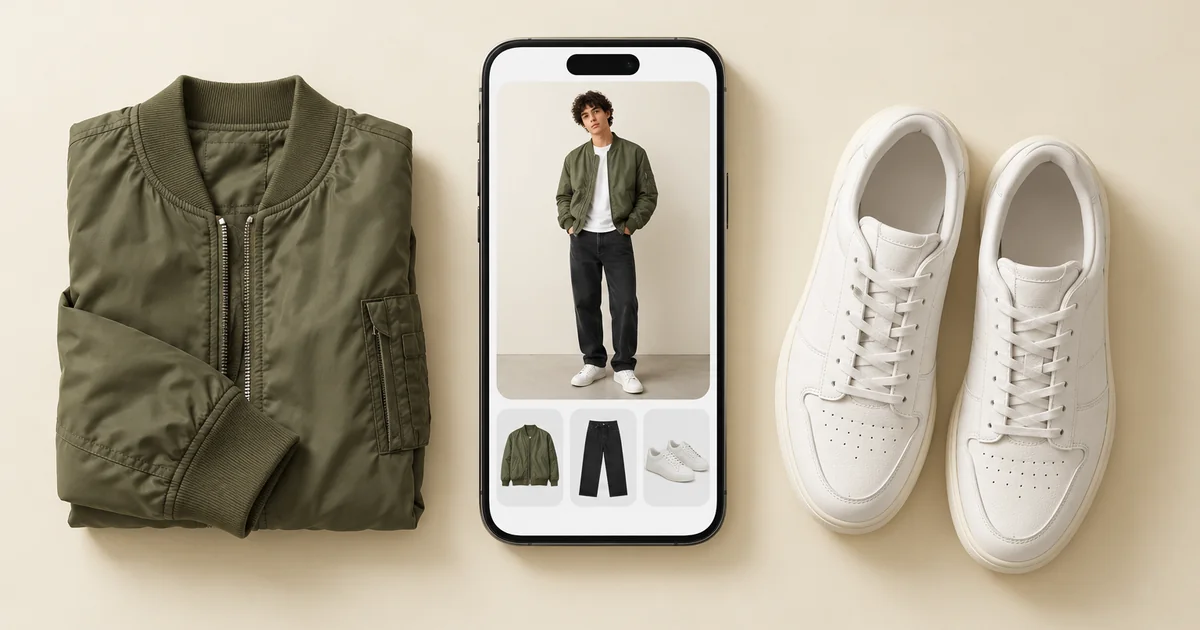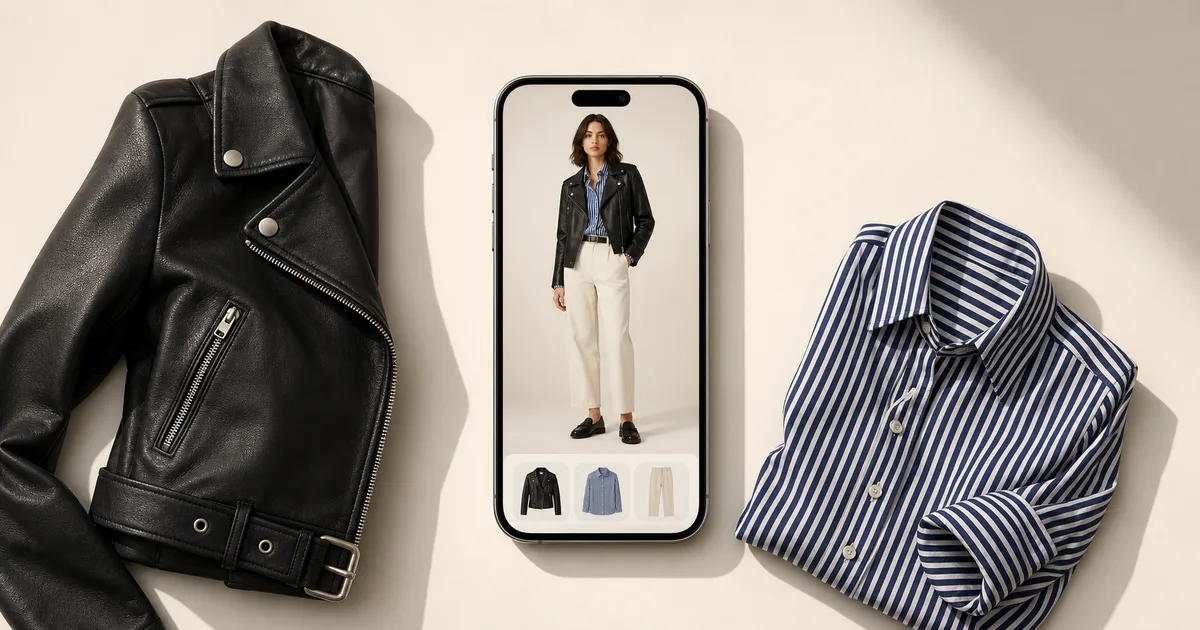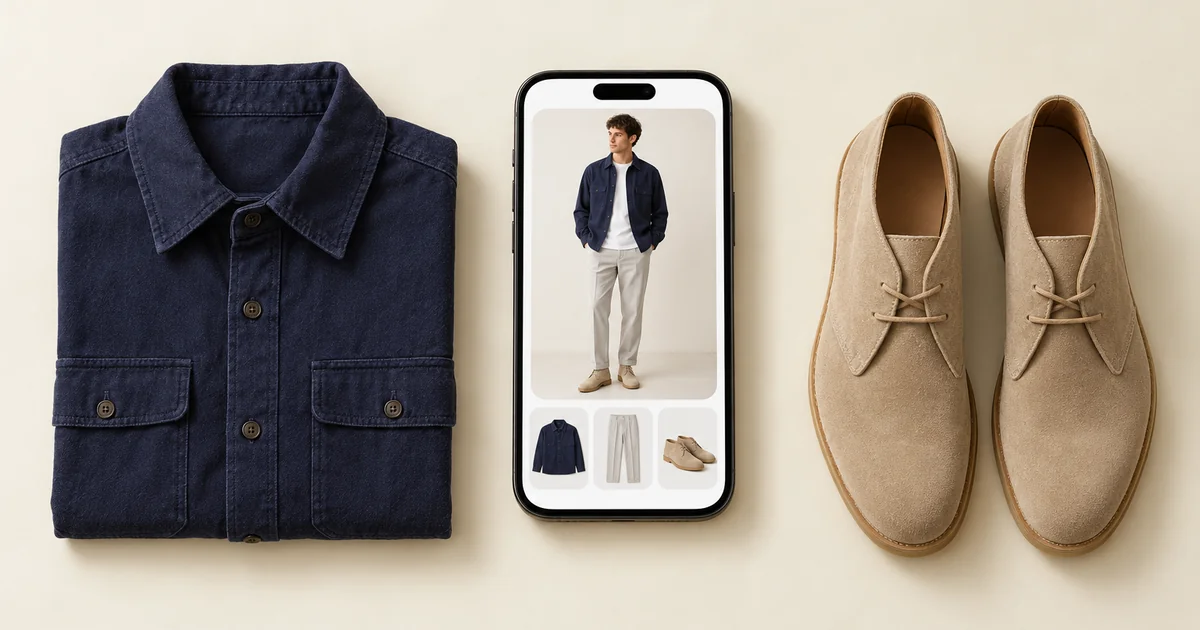

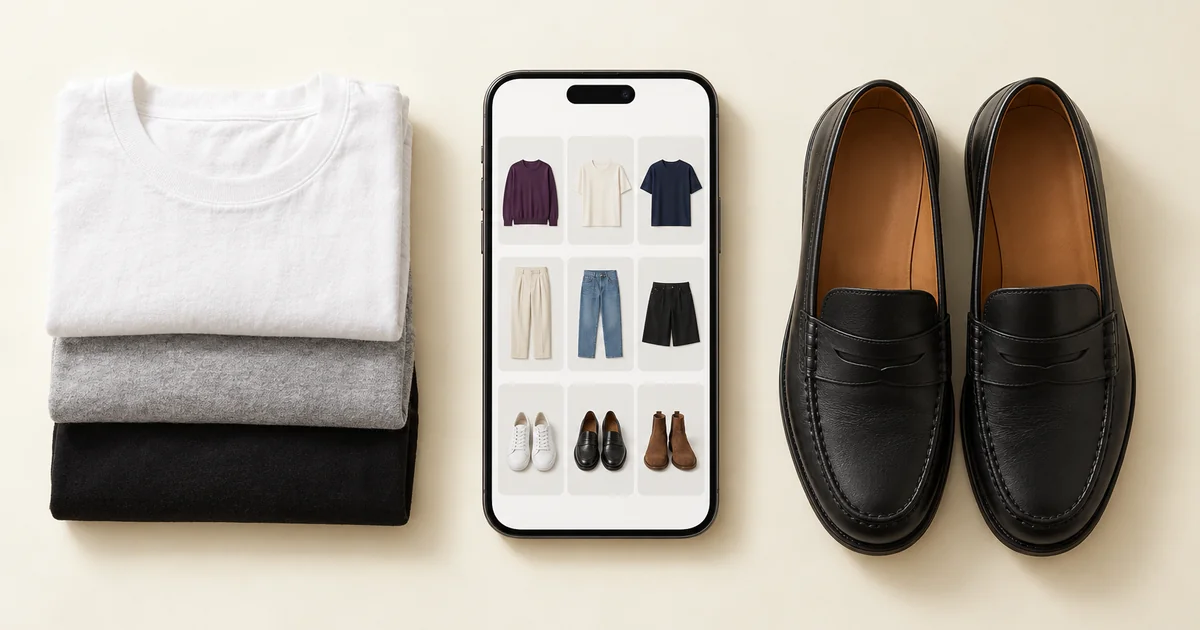
The best closet organization app for most people is Wdrobe, because it does not stop at the catalogue: it removes backgrounds automatically, then turns your clothes into outfits for your weather and shows them on your own photo. Stylebook is a manual archive on iPhone, Whering pairs organising with a large community, and Acloset, Indyx and Outflik each add a narrower kind of help.
All six digitize a wardrobe. They differ in how much of the cataloguing they do for you and what you can do with the result.
Everything below reflects what each app publicly offered in September 2026. Verify features and platform support before you photograph several hundred garments.
Photographing a dozen garments shows how much of the cataloguing an app does for you. If you add them to Wdrobe, the closet app we make, you can watch the backgrounds come off and the tags fill in.
The best closet organization apps at a glance
Wdrobe: best overall. Automatic background removal, then outfits built for your weather and shown on your own photo. iPhone and Android.
Stylebook: a manual catalogue with custom categories, statistics and a wear calendar. Most details entered by hand, iPhone only.
Whering: organising with wardrobe insights, packing lists and a large community. A Chrome extension saves pieces while you shop. iPhone, Android and web.
Acloset: organising plus day planning, with suggestions from your weather and calendar. iPhone and Android.
Indyx: organising with analytics and human stylists available. iPhone and Android.
Outflik: a conversational stylist answering from the items you own. iPhone and Android.
The question to settle first is how much of the cataloguing the app does for you, because that is what decides whether you finish it. Automatic background removal against typing in each item is the difference between an hour and an abandoned project.
What a closet organization app actually does
It photographs your clothes, removes the backgrounds, sorts them into categories, and gives you a searchable view of everything you own. The value shows up in three moments: getting dressed, packing, and shopping, specifically, not buying a fourth black jumper because you forgot about the other three.
The apps below all do this. Where they differ is whether the catalogue is the product or the starting point.
1. Wdrobe: best overall closet organization app
Wdrobe removes backgrounds automatically, then puts the catalogue to work. Its AI stylist builds outfits from your clothes using your local weather, and every outfit can be shown on your own photo. You can also try on items from any shop next to what you own, and get colour analysis from a face photo. Choose it if the goal is not an archive but wearing more of what you own, and buying fewer things that do not work. iOS and Android.
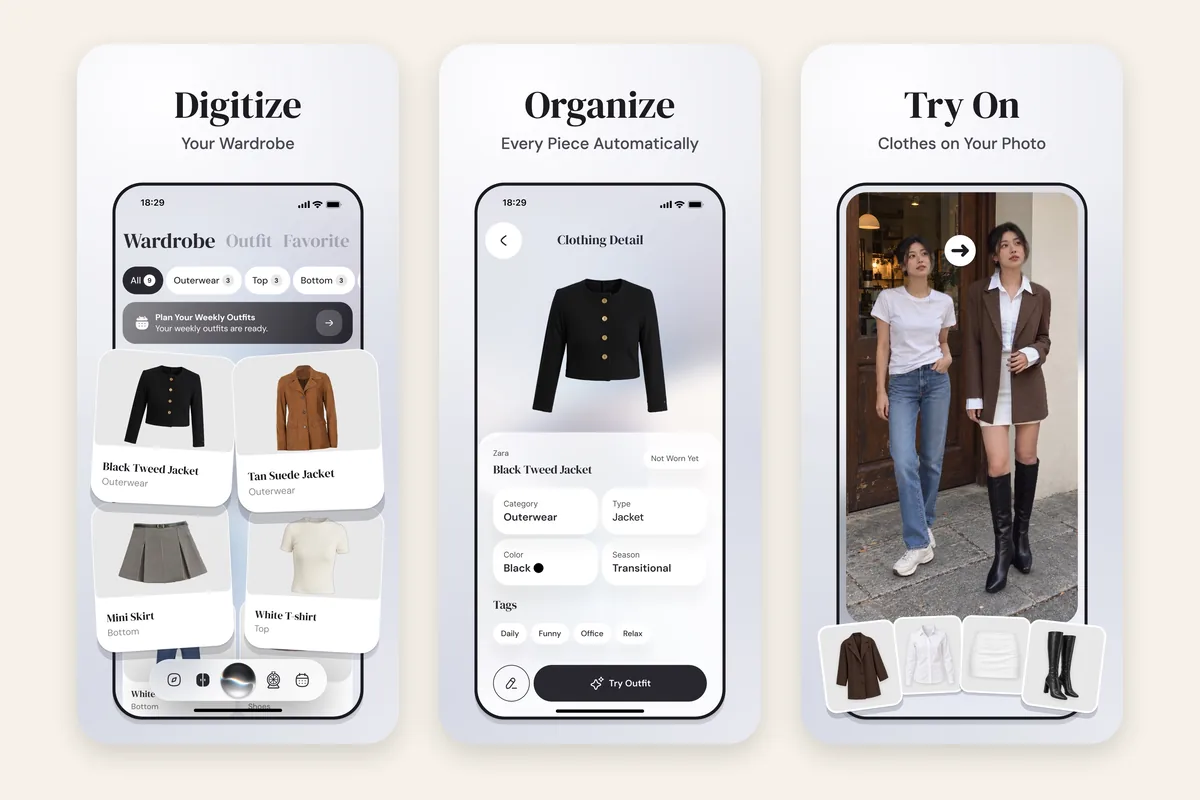
If a catalogue alone has never changed how you get dressed, see your first outfit on yourself.
2. Stylebook: a manual catalogue
Mostly manual and iOS-only, with wear counts, cost per wear, packing lists and a calendar history, all kept up by hand.
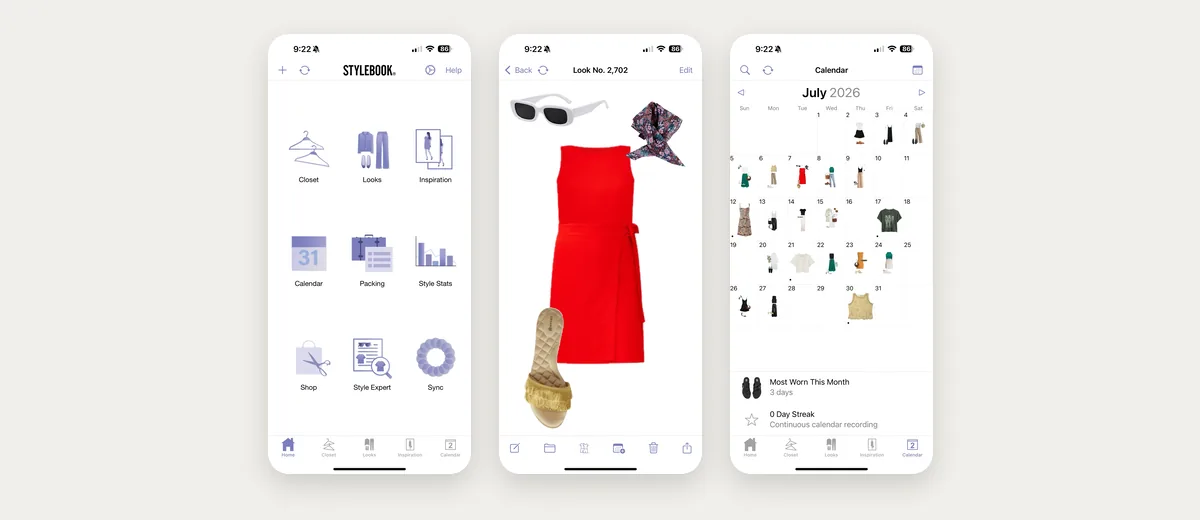
Choose it if the archive itself is what you want and you will do the manual work.
Organising a wardrobe is easy to start and hard to keep up. What keeps people going is getting an outfit out of it, not a tidier list. Get an outfit out of yours.
3. Whering: organization with consumption data
On iOS, Android and the web, with outfit planning, a shuffle, packing lists and a large community. It lists no try-on, so outfits stay flat collages.
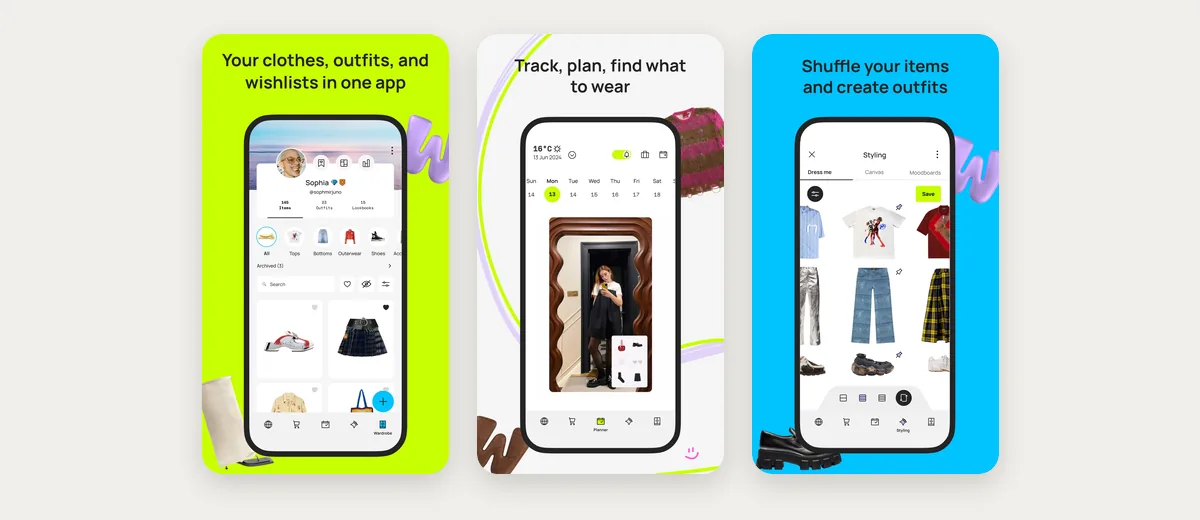
4. Acloset: organization plus day planning
Calendar and weather-aware planning with an AI chat assistant.
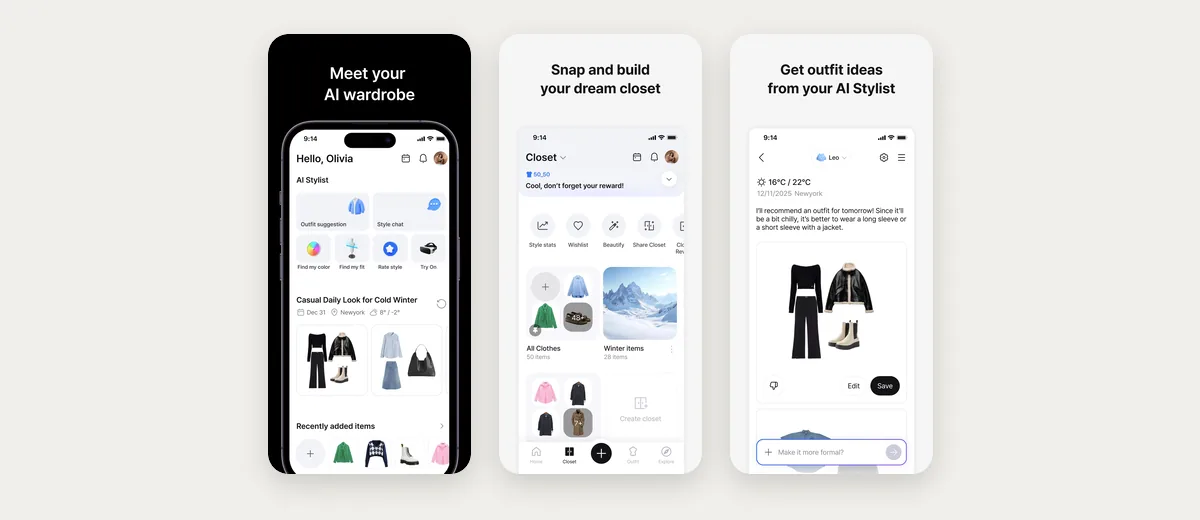
Outfits appear as collages rather than on you. iOS and Android.
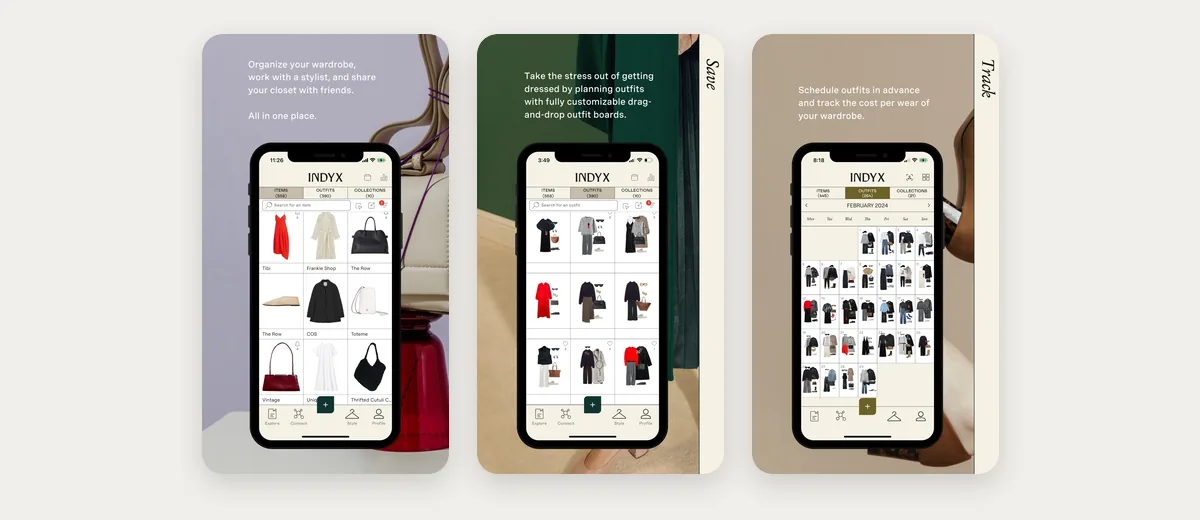
5. Indyx: organization with help finishing it
It offers help with the cataloguing and receipt forwarding, but the app itself has no AI stylist, so a finished catalogue still leaves the outfits to you.
6. Outflik: an AI stylist to chat with
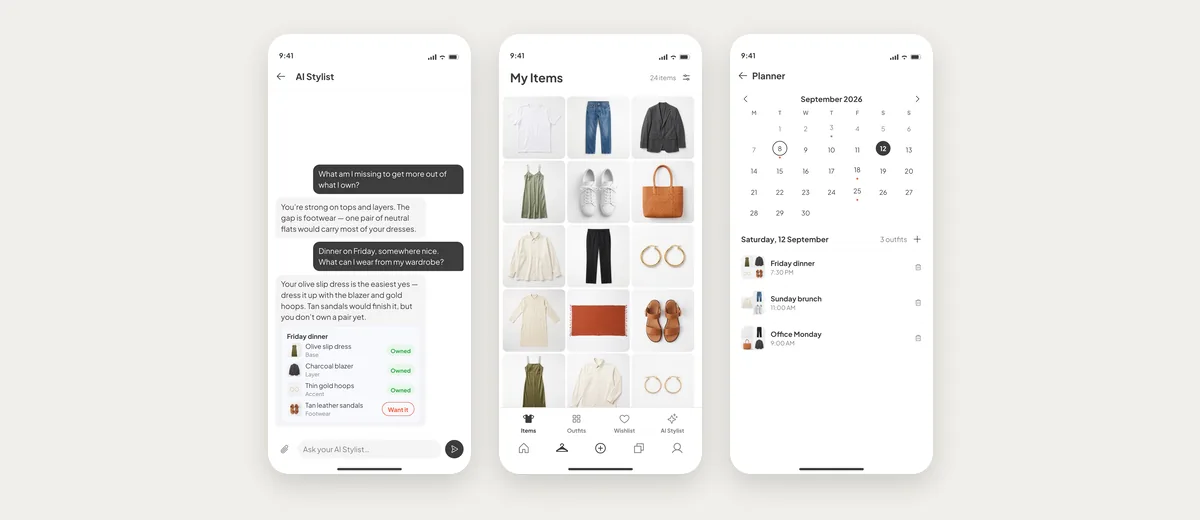
On iOS and Android. Its conversational AI stylist answers styling questions using items already in your wardrobe. Newer and smaller than the others, with a correspondingly quieter community.
The realistic way to digitize a closet
Do not try to do it in one sitting. The reliable method is one category at a time, all your tops, then all your trousers, then shoes, over two or three weeks.
Shoot against a plain wall or a bed with the item flat, in daylight rather than under a ceiling light. Automatic background removal works considerably better with even lighting and a plain surface, and ten minutes of setup saves an hour of corrections.
Start with the clothes you wear most, not the ones at the back. The app becomes useful once your regular rotation is in it, which is usually forty or fifty items, not the whole wardrobe. Everything after that is improvement rather than prerequisite.
Skip anything you already know you will not wear again. Digitizing clothes you are about to donate is the most common way people waste an afternoon on this.
Every app on this list can catalogue. They separate on whether the catalogue then does anything for you. See what yours could do.
Where these apps stop being useful
A digital closet decays if it stops matching the real one. Clothes you gave away keep appearing in suggestions; clothes you bought last month are invisible until you add them.
The maintenance is small, ten seconds per item as things arrive and leave, but it is the difference between a tool and an out-of-date list. If you know you will not do it, choose the app with the fastest add flow rather than the deepest features.
Organising is only the first level. For what sits above it, and the four-step test that tells the levels apart, see digital wardrobe apps compared on depth.
Frequently asked questions
What is the best closet organization app?
Wdrobe for most people. It catalogues your clothes with automatic background removal, then builds outfits for your weather and shows them on your own photo. Stylebook only if you want a manual archive on iPhone.
How long does it take to digitize a wardrobe?
Around two to four hours for a typical wardrobe, best split across several sessions.
Do I need good photos?
Even lighting and a plain background matter far more than camera quality. A recent phone is fine.
Which closet app shows outfits on me?
Wdrobe shows outfits from your catalogue, and items from any shop, on your own photo.
What is the best closet app for Android?
Whering, Acloset, Indyx, Outflik, and Wdrobe all support Android. Stylebook does not.
Can I move my wardrobe between apps?
No. There is no export path between them, so choose before you photograph several hundred garments.
For the full process, see how to build a digital wardrobe, how to photograph your wardrobe, and best outfit planner apps. If what you need is a record rather than outfits, what a clothing inventory app should track lists the fields worth filling in.
Feature lists only take you so far, because the app you keep is the one whose cataloguing step you do not abandon halfway. Make the cataloguing pay for itself to add a few pieces and see how far you get in ten minutes.