Digital Wardrobe Apps: What Separates the One You Keep
6 min read
Wdrobe

A digital wardrobe app photographs your clothes and keeps them somewhere you can see all at once. Wdrobe is the one to start with for most people, because it goes past the catalogue: it builds outfits from your own clothes for your weather and shows them on your own photo. Acloset, Whering, Indyx and Stylebook each stop at a different point short of that.
That stopping point is the whole decision, and it is not about price. Almost every digital wardrobe app lets you start without paying. What separates one you keep from one you abandon is what happens after your clothes are in it: whether it helps you decide what to wear, whether it shows the outfit on you, and whether it stops you buying things that do not work.
This guide sets price aside and compares what digital wardrobe apps actually do.
Most wardrobe apps never get as far as telling you which shades suit you. Wdrobe, our app, goes that far: learn your palette from one photo of your face.
The three levels of a digital wardrobe app
Level 1: a digital record of what you own. Photos, categories, search. Useful for remembering the fourth black jumper before buying a fifth, but it does not change how you get dressed.
Level 2: outfit building. Collages, calendars, packing lists, wear tracking. Helpful if you enjoy planning, but you still do the styling yourself, and outfits are shown as a grid of item photos.
Level 3: styling help you can see. An AI stylist that suggests outfits using context such as weather, colour analysis that knows what suits you, and try-on that shows the outfit, or a new piece, on your own photo.
Most apps stop at level 1 or 2. That is why so many closets get digitised and then forgotten.
What makes a digital wardrobe app worth opening every day
Setup that does not stall
Automatic background removal is the minimum. Without it, photographing a wardrobe becomes an evening of cutting out images, and most people stop halfway.
Suggestions with context
A shuffle that mixes random items is not styling. Look for suggestions that use your local weather, and the ability to pin a piece you want to wear and have the rest of the outfit built around it.
This is the line the free tiers usually draw. Cataloguing is given away; seeing the result is what gets charged for, because it is the part that changes a decision. See where the line sits for you.
Seeing the outfit on you
This is the feature that changes decisions. A cropped jacket and wide trousers can look balanced as thumbnails and wrong on your frame. An app that shows the outfit on your own photo catches that before you leave the house.
Checking purchases before you buy
The most expensive wardrobe mistake is the piece that does not go with anything you own. Try-on of any clothing image, from a shop, a screenshot or Pinterest, next to your existing clothes, is the check that prevents it.
Knowing what suits you
Colour analysis from a photo tells you which shades to keep near your face, which makes both suggestions and shopping more accurate.
If those level 3 features are what you want, See an outfit from your own wardrobe on your own photo.
How the main apps compare on depth
Wdrobe: automatic background removal, an AI stylist with weather and pinned pieces, try-on on your own photo for your clothes and items from any shop, colour analysis, an outfit planner and a Discover feed. iPhone and Android.
Acloset: automatic tagging, weather and calendar suggestions, colour analysis and an AI chat stylist. Outfits shown as collages.
Whering: background removal, outfit planning, a shuffle feature, wardrobe insights and a large community. Outfits shown as flat lays.
Indyx: a solid organiser with receipt forwarding, analytics, outfit selfies and access to human stylists.
Stylebook: the most detailed manual records, with wear tracking and packing lists. iPhone only, no suggestions.
How to test a digital wardrobe app properly
Add 20 to 30 pieces that represent your real week, plus one full-length photo of yourself in daylight. Then ask each app to:
suggest an outfit for tomorrow's weather;
build an outfit around one piece you rarely wear;
show you that outfit in a way you can actually judge; and
help you decide on one item you are thinking of buying.
The app that handles step 3 and step 4 well is the one that changes what you wear and what you buy.
Review privacy as part of the test. Body photos and wardrobe histories are personal, so check how images are stored, used and deleted.
Frequently asked questions
What should a digital wardrobe app do?
Fast setup with background removal, suggestions that use context such as weather, and a way to see outfits on your own body. Without the last one, you are still guessing how outfits look.
What is the difference between a digital wardrobe app and a closet organiser?
An organiser records what you own. A styling app helps you decide what to wear. Wdrobe does both, and shows outfits on your own photo.
Which digital wardrobe app lets me try on clothes before buying?
Wdrobe lets you try on any clothing image on your own photo, next to the clothes already in your wardrobe.
For the setup process rather than the comparison, see how to build a digital wardrobe. For a ranked list across the whole category, see the best wardrobe apps, or narrow it to closet organization apps.
A digital wardrobe app that only lists your clothes leaves the hard part to you. Wdrobe styles the outfit and shows it on you, so the wardrobe you digitise actually gets worn. Work out what is worth paying for and let the AI stylist build your first outfit tonight.
← All articles
Take Wdrobe with you
Enjoyed the read? Get the full virtual try-on experience — download Wdrobe on the App Store or Google Play.
Related articles
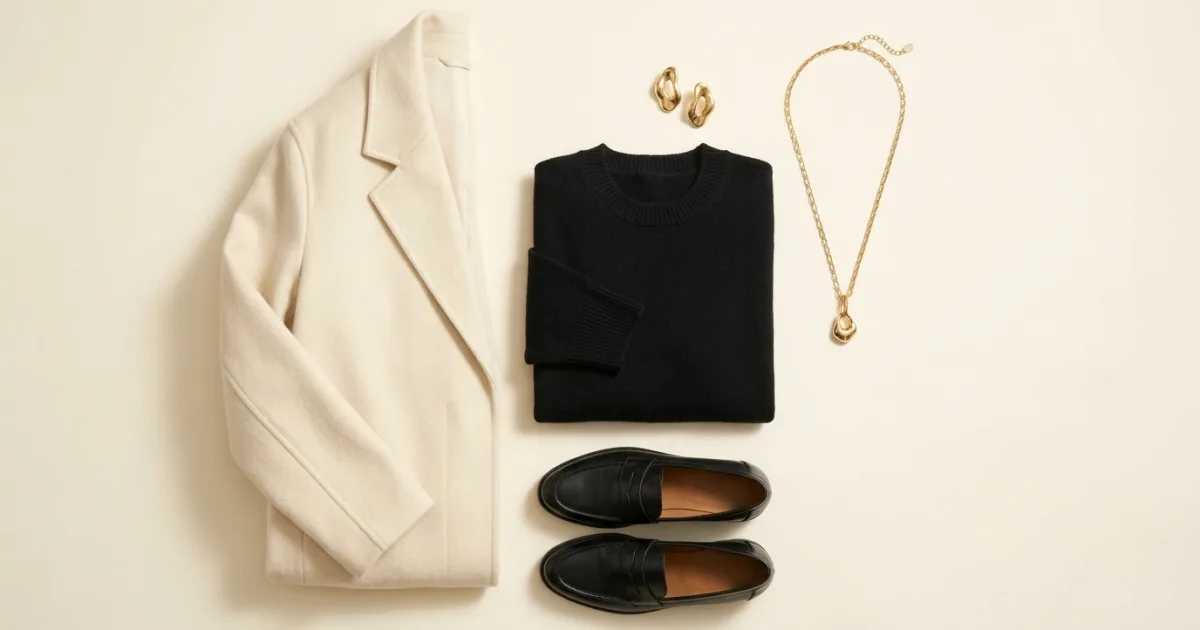
Gold behaves like a warm neutral with a light source in it. Here is what it sits beside, and the outfits that use it well.
Read Article

Ten colors that work with coral clothes, and how to tell coral apart from salmon and rust when you are buying.
Read Article
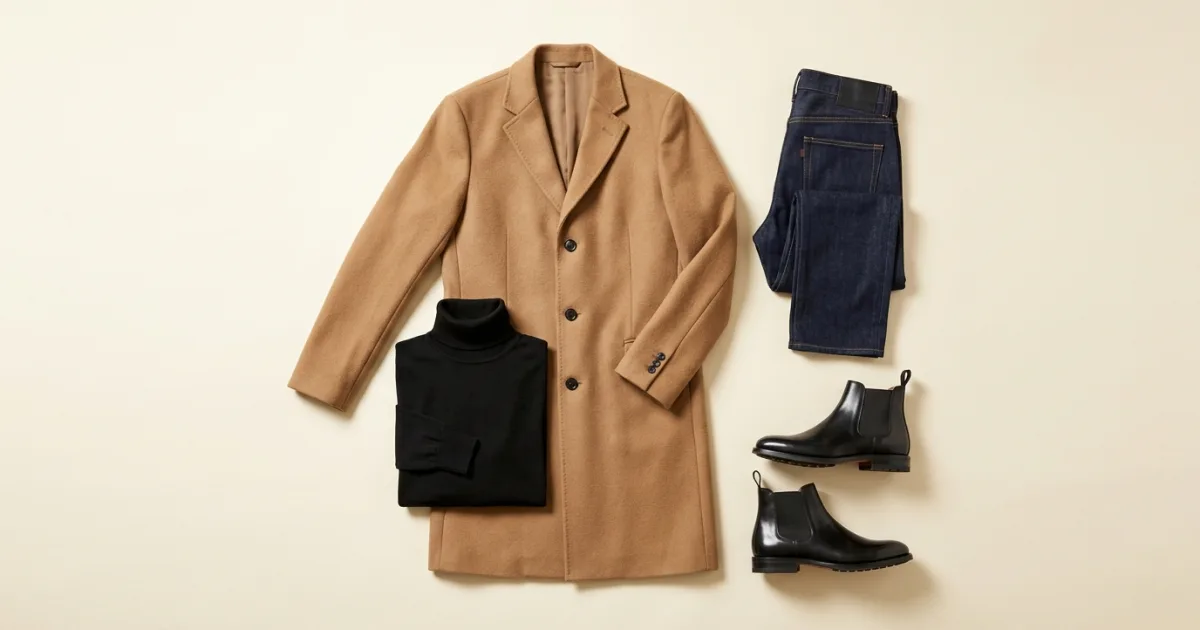
Forty degrees is the coat threshold. Here is the order to dress in, five outfits, and the indoor problem most people forget.
Read Article