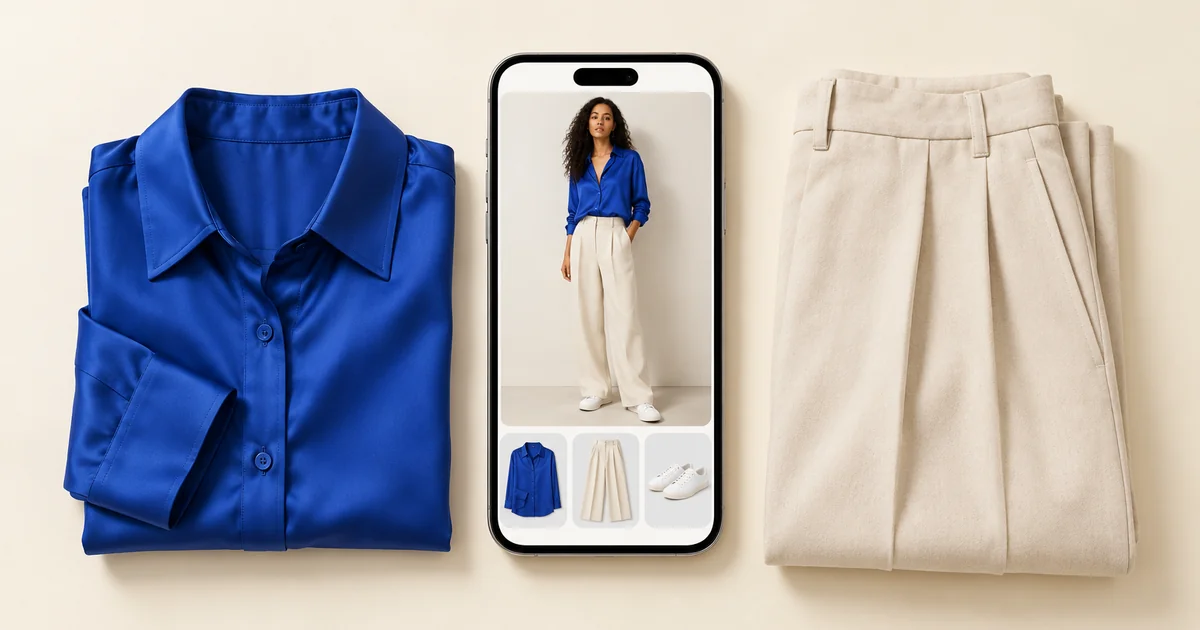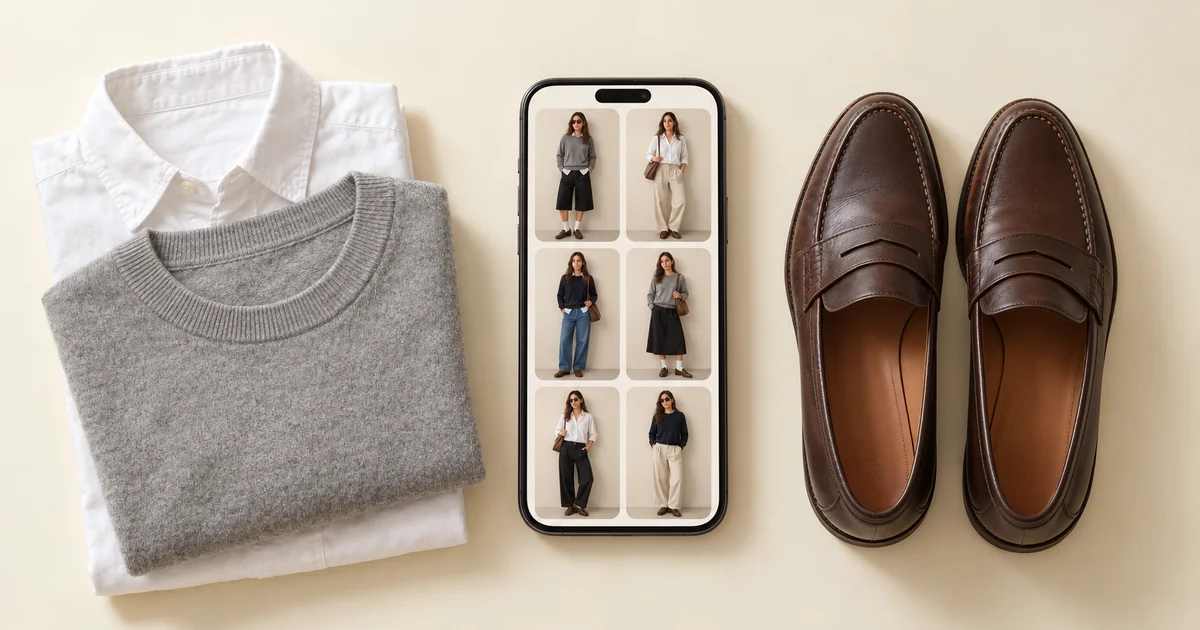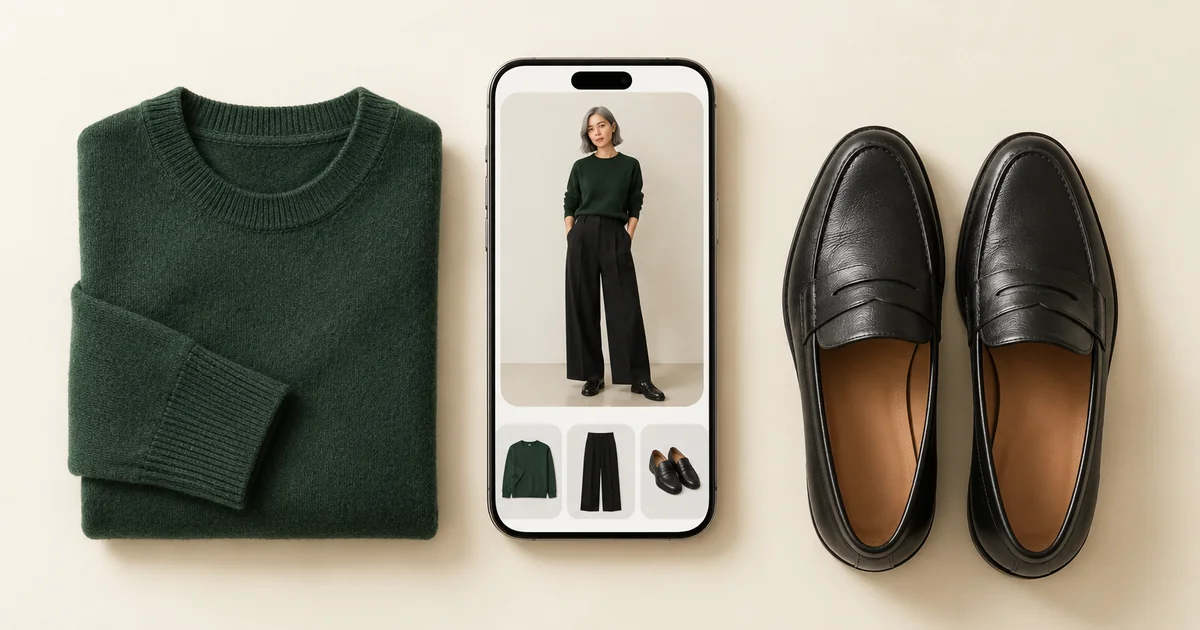

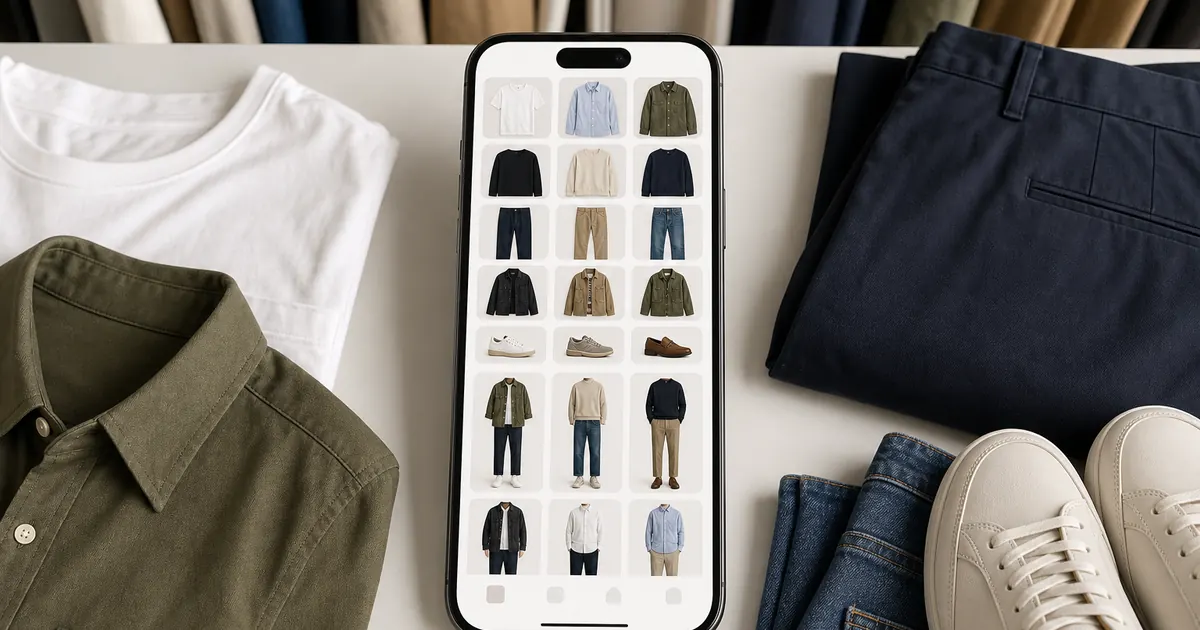
A digital wardrobe is a visual catalog of the clothes you own. It helps you see available pieces, plan outfits, identify useful gaps, and avoid duplicate purchases. You do not need to photograph your entire closet at once: start with the clothes that solve one immediate problem, then add items as you wear them.
Adding pieces as you wear them means one photo at a time, taken wherever the item is lying. Wdrobe, an app we make, can clear the background and tag each piece by color and season.
1. Choose a Clear Wardrobe Goal
Decide what you want the digital closet to improve. You might need faster work outfits, a travel capsule, more uses for neglected clothes, or a better way to shop your closet. Your goal determines which items matter first.
For weekday planning, begin with work tops, bottoms, layers, and shoes. For a trip, add weather-appropriate pieces and travel-day options. A small, relevant wardrobe is more useful than a large unfinished inventory.
2. Upload a Core Collection
Choose your most-worn pieces and several items you want to use more. Photograph each garment in even light against a simple background so its color and shape remain recognizable. Include shoes and outerwear, because they often decide whether an outfit is complete.
In Wdrobe, upload these photos to digitize and categorize your clothing. Use consistent descriptions such as “navy wide-leg trousers” or “cream fine-knit cardigan.” Simple categories, tops, bottoms, dresses, outerwear, and shoes, are enough to begin.
A digital wardrobe pays off at the formula stage, not the cataloguing stage. Most people quit before they get there. Get to the formulas faster.
3. Create Reusable Outfit Formulas
An outfit formula is a structure you can repeat with different pieces. Start with a few that fit your routine:
- Straight jeans + fitted top + overshirt + sneakers
- Tailored trousers + fine knit + blazer + loafers
- Midi skirt + T-shirt + cropped jacket + ankle boots
- Simple dress + cardigan + practical shoes
Build one or two versions of each formula in your outfit planner. This turns isolated garment photos into useful combinations and shows which pieces work across several situations.
4. Plan for Real Days
Check the weather, dress code, travel, and activities before saving a look. Ask whether you can walk and sit comfortably, whether you need a removable layer, and whether every item is clean and available. Plan complete outfits for recurring events such as office days, weekend errands, dinners, or travel.
Use Wdrobe’s virtual try-on to visualize combinations, color balance, and general proportions before dressing. Treat the result as a planning reference, not a guarantee of fit, comfort, fabric drape, or exact color. Try your clothes on when those details matter.
5. Use Your Digital Closet Before Shopping
When considering a purchase, compare it with the wardrobe you have already digitized. Can it make at least three realistic outfits? Does it duplicate another item? Will it require additional purchases or care you are unlikely to do? This guide to avoiding unworn clothes provides a practical pre-purchase check.
Save successful outfit combinations in Wdrobe and download the result to your phone for a quick reference while dressing, packing, or shopping. Once a week, review upcoming plans, prepare a few looks, add new keepers, and remove items you have sold or donated. A short routine keeps the catalog accurate without turning it into another large project.
Start with the clothes you use now, then let your digital wardrobe grow alongside your real one.
Which app should you use for it?
Any of this works in a notes app with photos, and for a wardrobe of thirty pieces that is genuinely enough. The reason to use a digital wardrobe app instead is step 3: building formulas by hand means laying clothes out, and an app that suggests outfits from what you own removes that evening entirely.
Apps differ more than the category suggests. Some stop at the catalogue, some add a planner, and a few show the finished outfit on your own photo before you commit to it. If you want the ranked version rather than the explanation, the best wardrobe apps are compared separately.
Frequently asked questions
What is a digital wardrobe?
A photo catalog of the clothes you own, tagged so you can see and combine them without opening a cupboard, usually built in a digital wardrobe app. The point is not the inventory itself but being able to plan outfits from your whole wardrobe rather than the visible third of it.
How long does it take to set up a digital wardrobe?
Photographing 40 to 60 core items takes about half an hour. Cataloging everything you own takes far longer and is rarely worth it, start with what you actually wear.
Do you need to photograph every item?
No, and trying to is the most common reason people abandon the process. Start with the pieces you wear most and the ones you never know what to do with; those two groups produce almost all the useful outfits.
If you have been describing your clothes to a chatbot instead, ChatGPT outfit prompts shows how far that gets you and where it runs out.
Reading how a digital wardrobe works is quicker than building one, but the payoff only arrives once your clothes are in it. Build the first three formulas tonight and start with one category rather than the whole wardrobe.