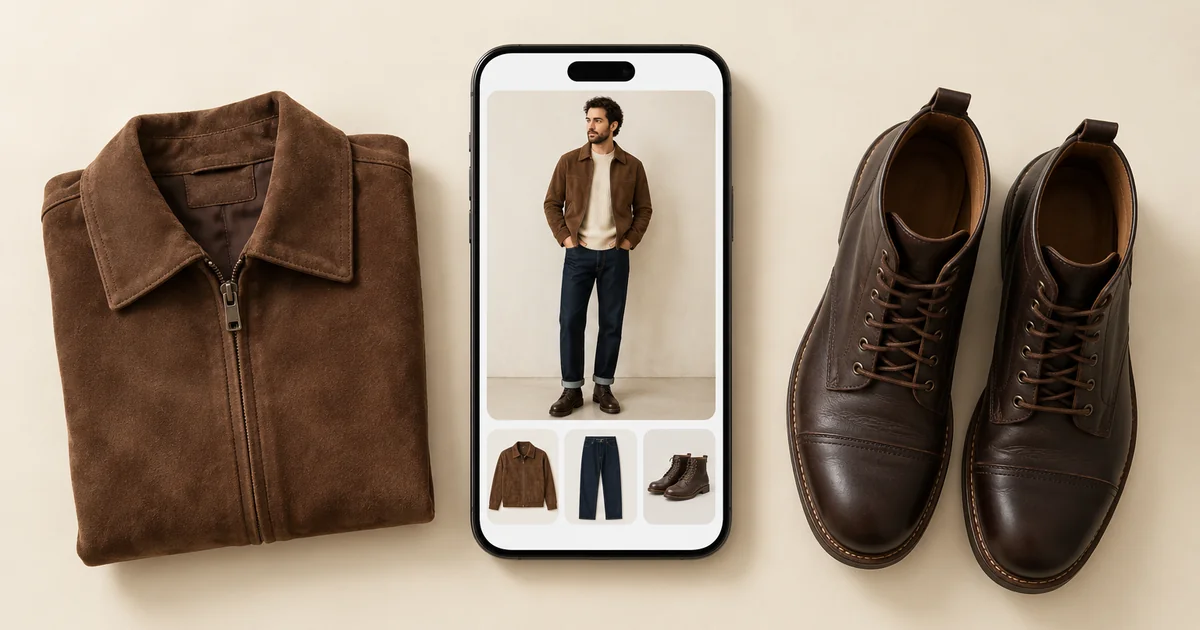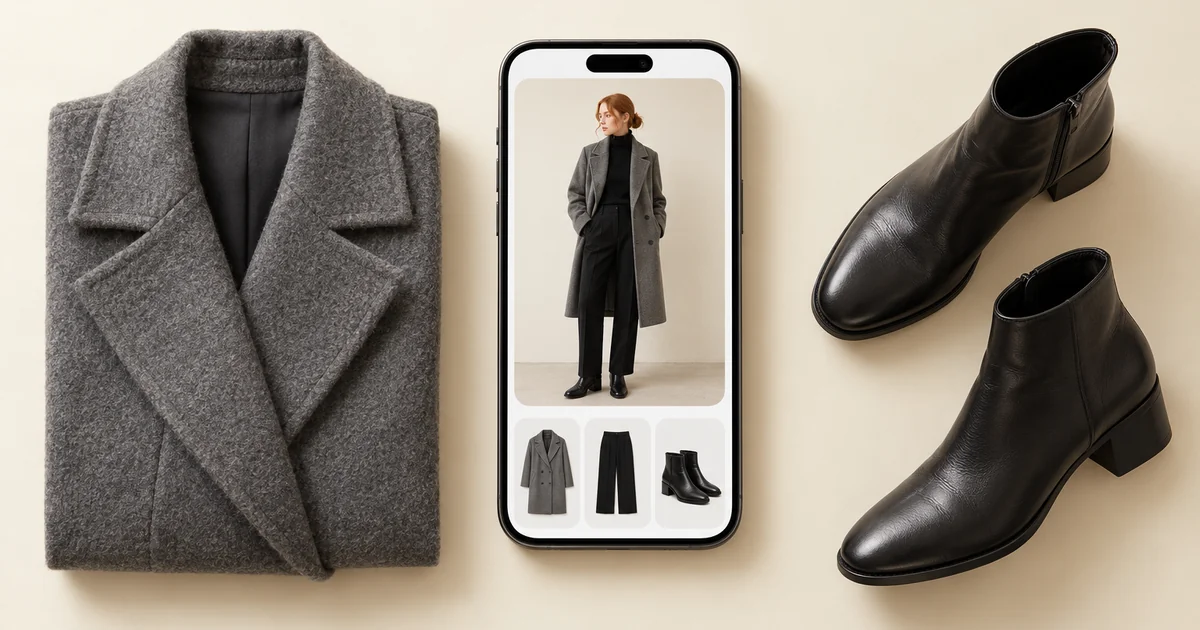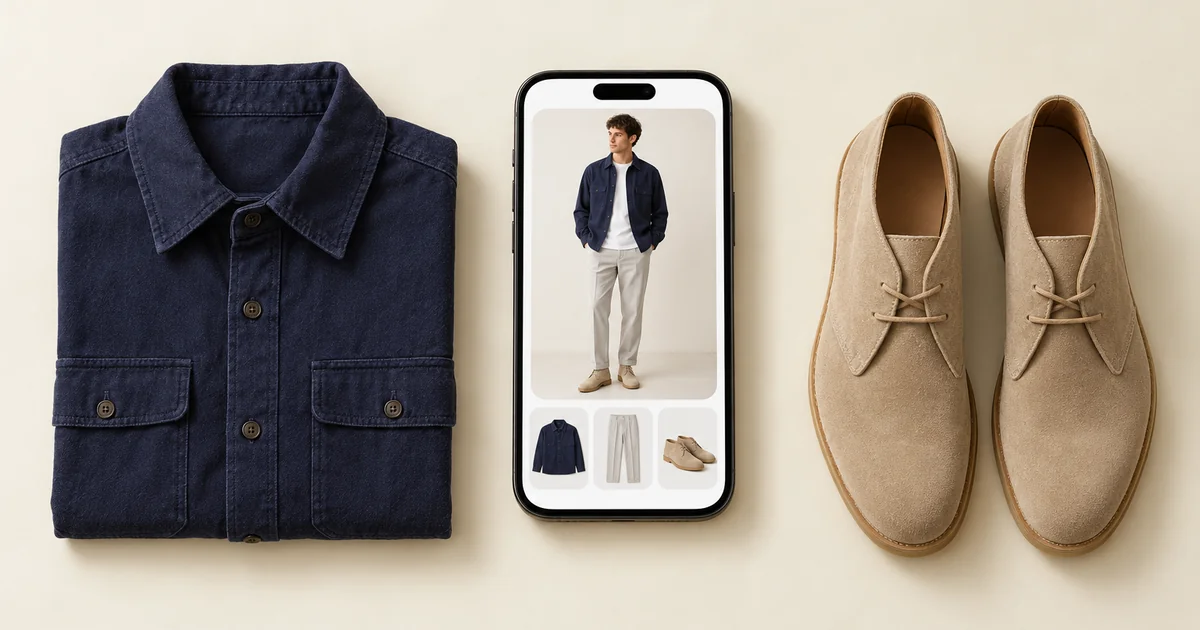

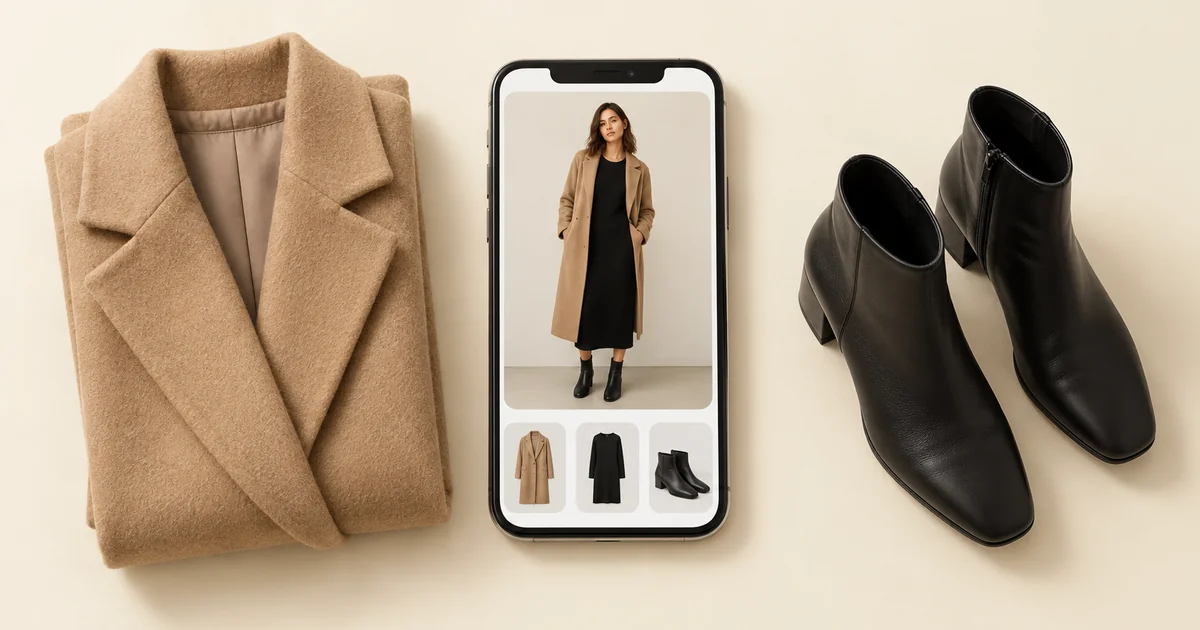
Wdrobe is the best Google Photos Wardrobe alternative for most people, and the obvious one if you live outside the US, Brazil and India, the only three countries where Google's virtual closet works so far. Wdrobe builds a wardrobe from photos of your clothes, suggests outfits for the weather and your colouring, and shows them on your own photo. Acloset suits people who want an AI to chat with, Alta Daily suits daily picks and trip planning, Whering suits people who would rather add clothes from a database than photograph them, Cladwell suits capsule wardrobes, and Indyx suits anyone who wants a human stylist.
Wdrobe is our app. To keep the comparison fair, we read Google's own help page and the launch coverage on 23 October 2026, and checked each other app against its current App Store listing the same day.
Google's closet only knows the clothes you have been photographed in. If you want one that holds everything you own, Wdrobe, the app we make, lets you add pieces from your camera or photo library, ten at a time.
Google Photos Wardrobe alternatives at a glance
| App | Best for | How clothes get in | Outfits shown on | Outfit suggestions |
|---|---|---|---|---|
| Wdrobe | Most people | Your photos or shop photos, ten at a time | Your own photo | Yes, for the weather, your colour season and body shape |
| Google Photos Wardrobe | US, Brazil and India users with years of photos | Found automatically in photos of you | You, in a generated try-on | You build outfits yourself |
| Acloset | Chatting with an AI | Your photos, or search online | Collages of your items | Yes, for the weather and your schedule |
| Alta Daily | Daily picks and trips | Email receipts, its database, or a photo | An avatar made to look like you | Yes, for the weather and your schedule |
| Whering | Adding clothes without photos | A database of 100 million items, shop images, or your photos | Your items, no try-on listed | Shuffle and outfit maker |
| Cladwell | Capsule wardrobes | Your photos | A photo of you | Yes, with a stylist's note |
| Indyx | Human stylists | Your photos, email receipts or product links | Outfit boards | From people, not AI |
What Google Photos Wardrobe does
Google announced Wardrobe in April 2026, started rolling it out on Android in June, and brought it to iPhone on 24 September 2026, when TechCrunch reported it was available in the US, Brazil and India on both platforms. According to Google's help page, it scans photos of you from the last four years, picks out the clothes you are wearing, and puts them in a Wardrobe collection.
From there you can filter pieces by type, sort them by when you last wore them, put up to six together as an outfit, and tap Try it on to see a generated preview of the outfit on you. Google says what you wear is not shared with third parties such as retailers.
Its real strength is setup: there is nothing to photograph or type in, because your camera roll does the work.
Why people look for an alternative
Five limits show on Google's own pages and in the coverage so far:
- Three countries only. It works in the US, Brazil and India. Google has said more regions will follow, but has given no dates. Even there it is rolling out in stages, so an up-to-date app does not guarantee you have it.
- Strict conditions. You need Face Groups turned on with your own face selected, an account that meets the age rules for your country, and, unless you are on one of Google's AI plans, more than 1,000 photos of yourself.
- Only clothes you were photographed in. A coat bought last week, the dress saved for a wedding or the jumper that never makes it into a picture will not be there, and things you gave away years ago may be.
- No adding by hand yet. Google's help page describes no way to add a piece yourself. On 30 September, Beebom reported that an add button had been found in development but was not live.
- You do the styling. The help page describes building outfits yourself. It mentions no outfit suggestions for the weather, no colour analysis and no body shape read.
The missing pieces are usually the newest ones. Those are often the clothes you most want to style, and an automatic scan of old photos cannot see them. Photograph the new pieces and see them in outfits on you.
1. Wdrobe: best overall Google Photos Wardrobe alternative
Wdrobe covers what Google's closet leaves out: clothes you have not been photographed in, outfits picked for you, and advice based on your own colouring. It works like a stylist who knows your wardrobe.
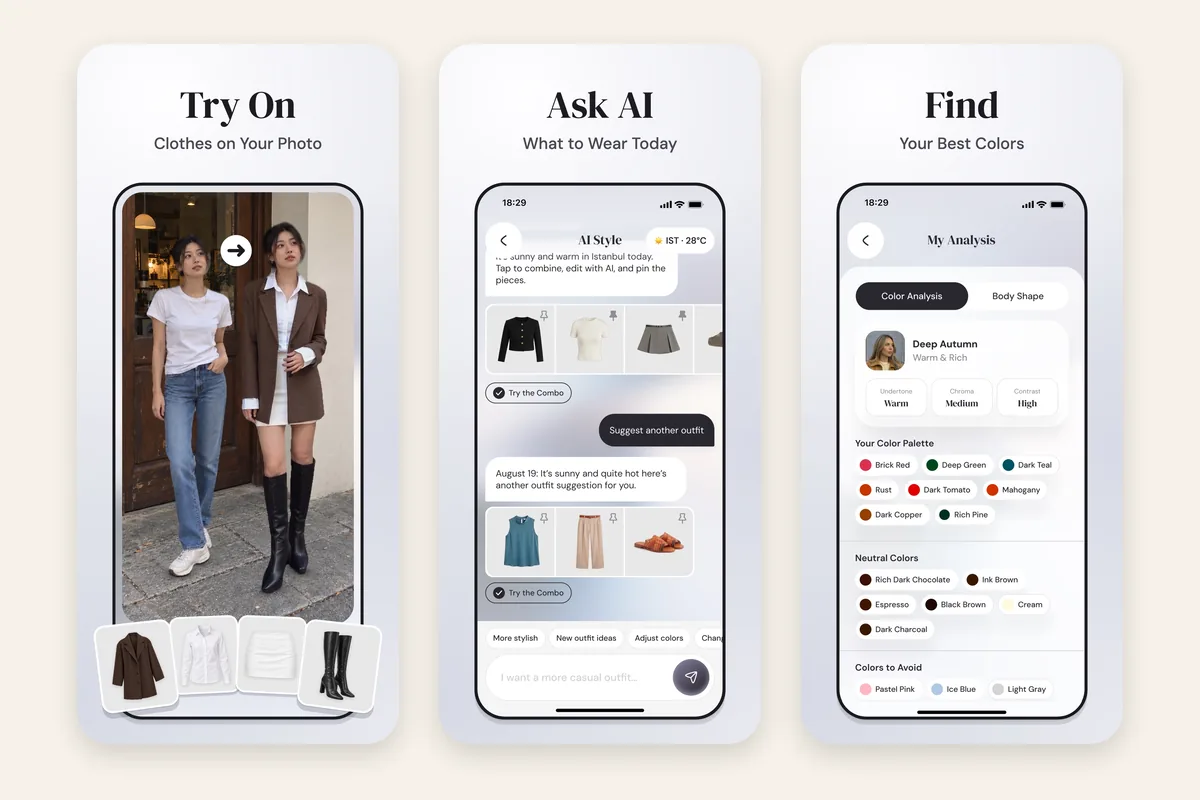
- Any piece you own, or want. Add clothes from the camera or up to ten photos from your library at once. Backgrounds are removed, and the category and colour are filled in for you to correct. A saved shop photo becomes a piece you can style too.
- Outfits chosen for you. The AI stylist uses the forecast for the day you pick, any piece you pin, and your colour analysis and body shape, and it steers away from shades that wash you out.
- Your own photo, not a guess. Try-on puts any piece on your photo, including ones you have not bought. It is a styling preview for judging colour and proportion, not a promise of fit.
- A read on your colouring. One face photo gives you a 12-season colour analysis, and a full-body photo gives a body shape read. New users get both free during setup.
- A planner with wear counts. Plan outfits for the days ahead, and each piece shows how many times it has been worn, counted from your planned outfits.
Your wardrobe is saved to your account, so it comes back on a new phone, and the app runs on iPhone and Android. What it lacks next to Google: it will not find your clothes in old photos, so setup takes longer.
Choose it if: you live outside the three launch countries, or want outfits picked for you and shown on you. Skip it if: you have Google's Wardrobe already and only want a catalogue of what you have worn in photos.
2. Acloset: best for chatting with an AI stylist
Acloset adds clothes from a photo or an online search, and its AI stylist answers questions such as "does this match?" and suggests daily outfits for your weather and schedule. It also offers a personal colour and fit analysis.
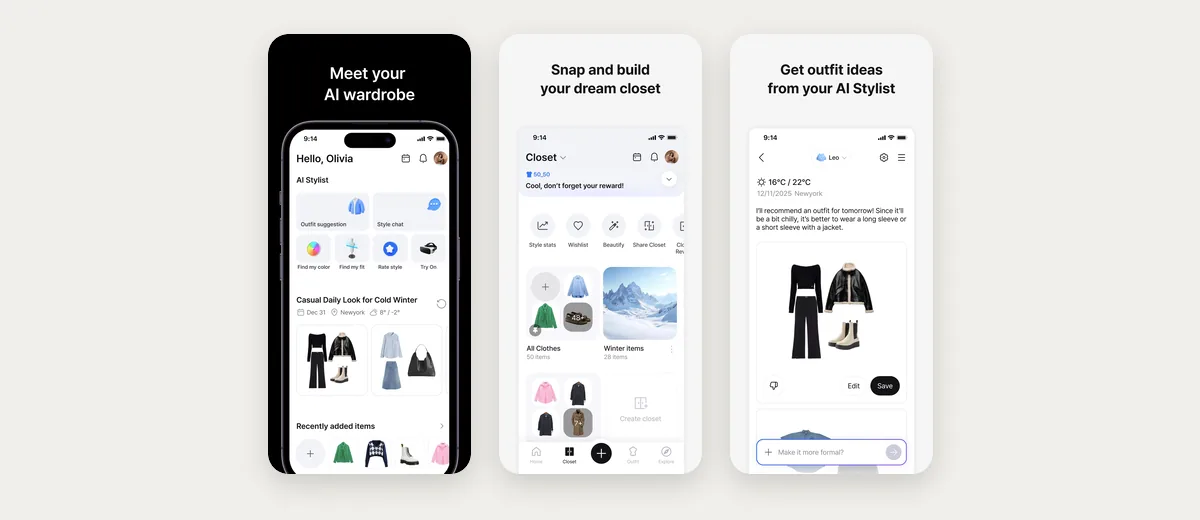
Where it falls short: its suggestions come back as collages of your items, and its listing describes no try-on on your own photo, so you still picture the outfit on yourself.
3. Alta Daily: best for daily picks and trips
Alta suggests outfits from your closet for the weather and your schedule, and plans trips with packing lists. You can add clothes by forwarding email receipts, which saves photographing everything.
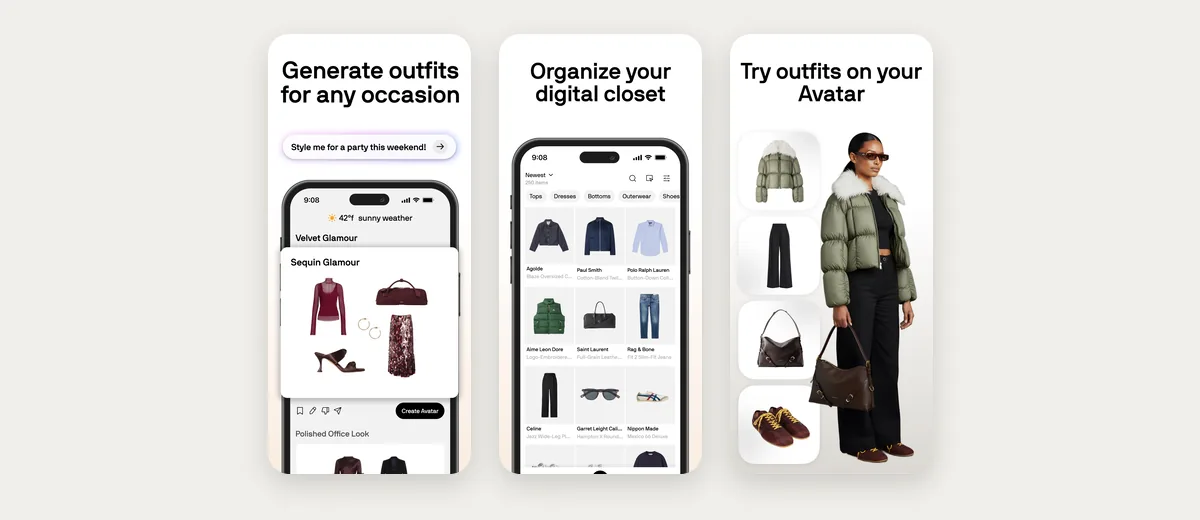
Where it falls short: its try-on uses an avatar made to look like you rather than your photo, and its listing mentions no colour analysis. It also leans on shopping, with recommendations for gaps in your closet and sale alerts. We compare it in more detail in the best Alta Daily alternatives.
4. Whering: best for adding clothes without photos
Whering lets you add clothes from a database it says holds over 100 million items, or from retailer images, which is the closest thing to Google's no-photo setup. It also has a large community and tracks wear and cost per wear.
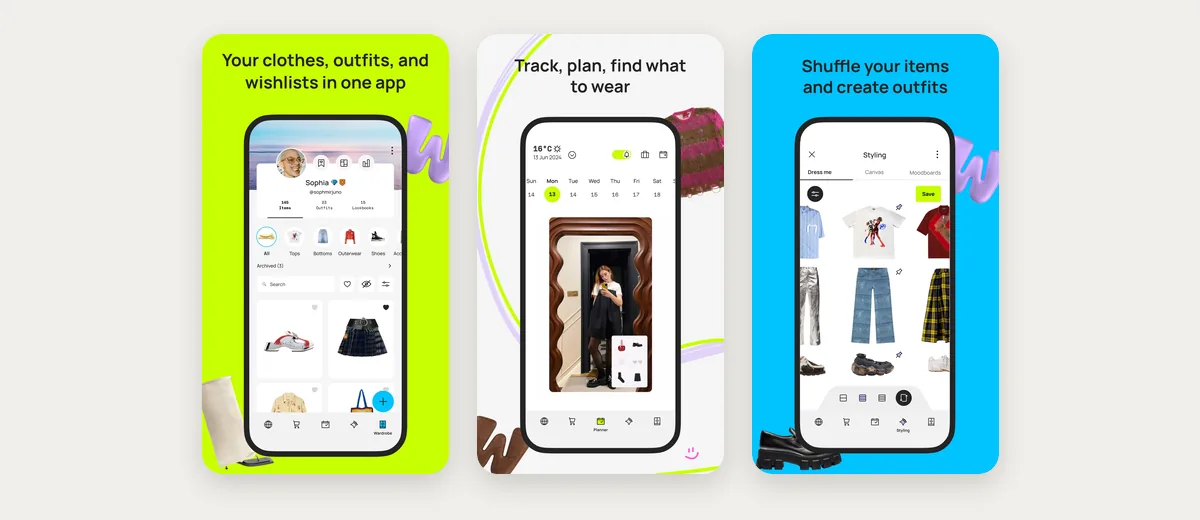
Where it falls short: its listing describes no try-on of any kind, so outfits stay as items laid out side by side, and a database photo of a garment may not match the one in your wardrobe exactly.
5. Cladwell: best for a capsule wardrobe
Cladwell builds outfits from your closet with a short note on why each works, reads your colour season from one photo, and shows closet outfits on a photo of you with See it on me.
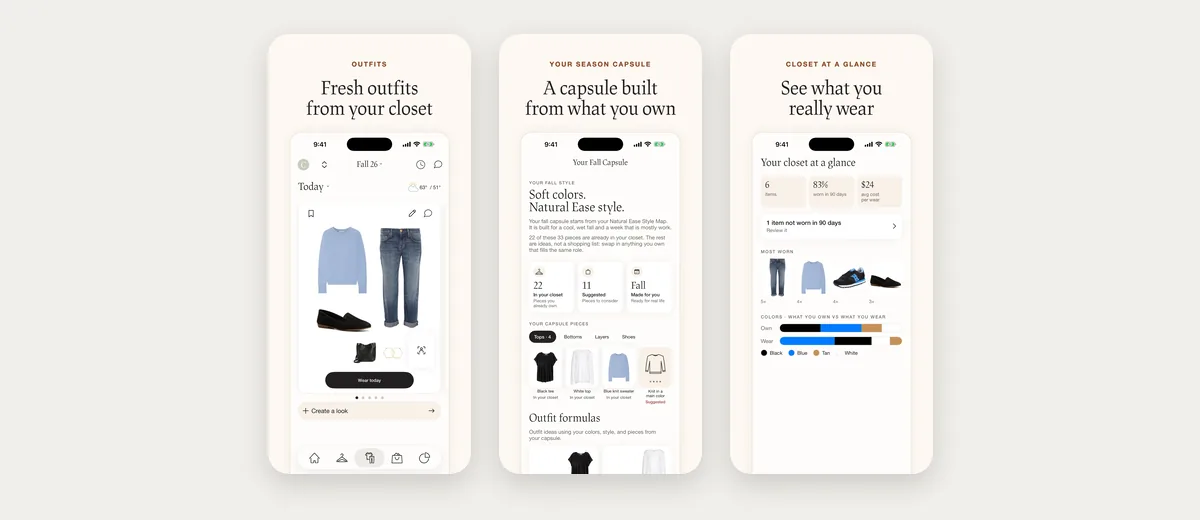
Where it falls short: the app is shaped around a seasonal capsule of about 33 pieces, which suits someone cutting down more than someone who wants to style everything they own, and See it on me is described for outfits from your closet, not pieces you are thinking of buying.
6. Indyx: best if you want a person rather than an AI
Indyx adds clothes from your photos, forwarded receipts or product links, and offers styling from real people, including a Lookbook of ten outfits made from your closet.
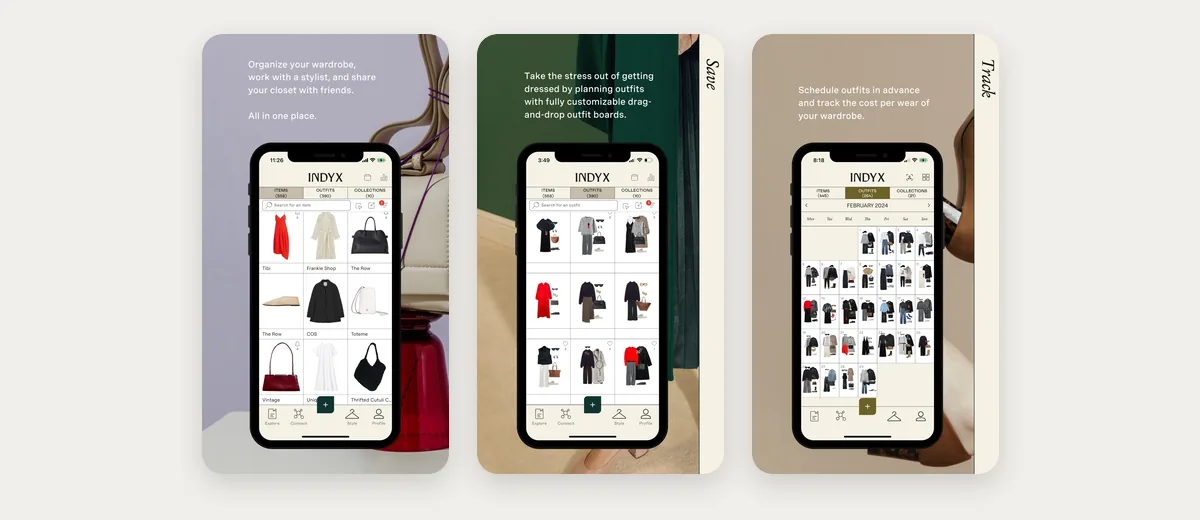
Where it falls short: its listing says it avoids outfits styled by robots, so day-to-day outfits are yours to build on drag-and-drop boards, and nothing on the listing shows an outfit on you.
Google fills its closet for you, and every other app needs a start. The quickest one is last week: the pieces you wore over the past seven days are the ones you actually reach for. Lay them out by a window, take one photo of each, and add the whole batch in one go.
Google Photos Wardrobe vs Wdrobe
Google wins on setup, because it finds your clothes for you, and it is built into an app many people already use. Wdrobe wins on almost everything after setup: it holds clothes that never appeared in a photo, picks outfits for the weather and your colouring, tries on pieces you have not bought, and works outside the three launch countries. If you have Google's Wardrobe, it is a good way to see what you wore in the past four years. To decide what to wear next week, Wdrobe does more.
How to choose
- You live outside the US, Brazil or India: Wdrobe, or any app on this list. Google's closet is not an option yet.
- You want outfits picked for you and shown on you: Wdrobe.
- You want to chat with an AI about your clothes: Acloset.
- You hate photographing clothes: Whering's database, or receipt forwarding in Alta or Indyx.
- You want to own fewer clothes: Cladwell.
- You want a real stylist: Indyx.
Frequently asked questions
What is the best alternative to Google Photos Wardrobe?
Wdrobe is the best alternative for most people. It holds every piece you add, not only the ones in old photos, suggests outfits for the weather and your colour season, and shows them on your own photo. Acloset is the pick if you mainly want an AI to chat with.
Is Google Photos Wardrobe available in the UK?
No. When we checked on 23 October 2026 it worked only in the US, Brazil and India. Google has said more regions will follow but has not given dates. Wdrobe and the other apps in this guide are already in the UK App Store.
Can you add clothes to Google Photos Wardrobe manually?
Not yet. Google's help page describes no manual add, so the closet only holds clothes it finds in photos of you. A manual add button was reported in development at the end of September, but it was not live when we checked.
What app is like Google Photos Wardrobe for iPhone?
Wdrobe is the closest app for iPhone that also works outside Google's three countries: it keeps a digital wardrobe, builds outfits, and shows them on your own photo. Google's own Wardrobe reached the Google Photos iPhone app on 24 September 2026, but only in the US, Brazil and India.
Does Google Photos Wardrobe suggest outfits?
Google's help page describes you building outfits yourself, up to six pieces each, then trying them on. It does not describe suggestions for the weather or your colouring. Wdrobe, Acloset, Alta and Cladwell all suggest outfits for you.
For the wider field, the best wardrobe apps ranks the main closet apps on setup and styling, and the best virtual try-on apps compares how each one shows clothes on you.
A closet built from old photos tells you what you used to wear. It cannot tell you what to wear on Thursday with the coat you bought last week, or whether that coat's colour suits you. Wdrobe starts with the clothes you add today, reads your colouring from one photo, and plans the week's outfits on your own picture. Plan this week's outfits from everything you own.