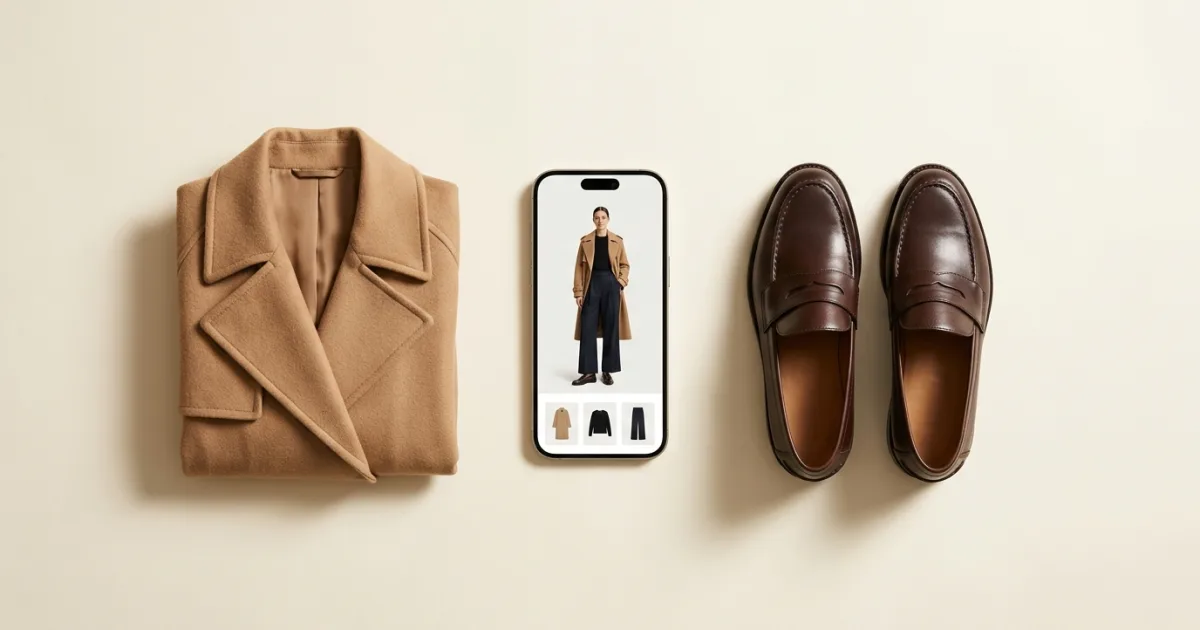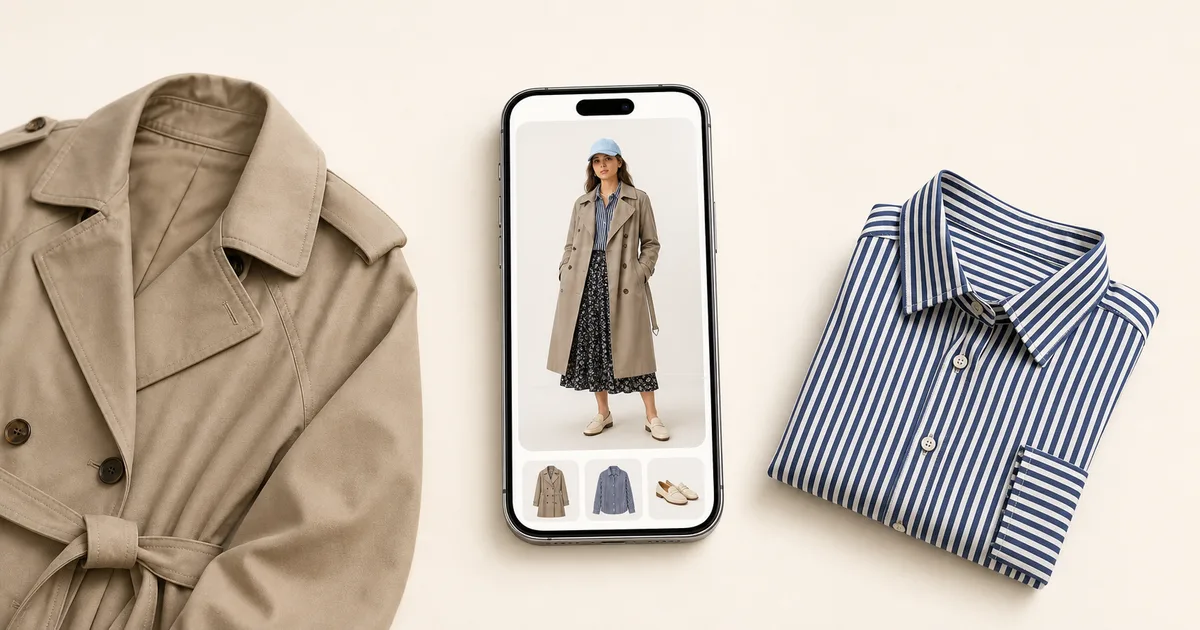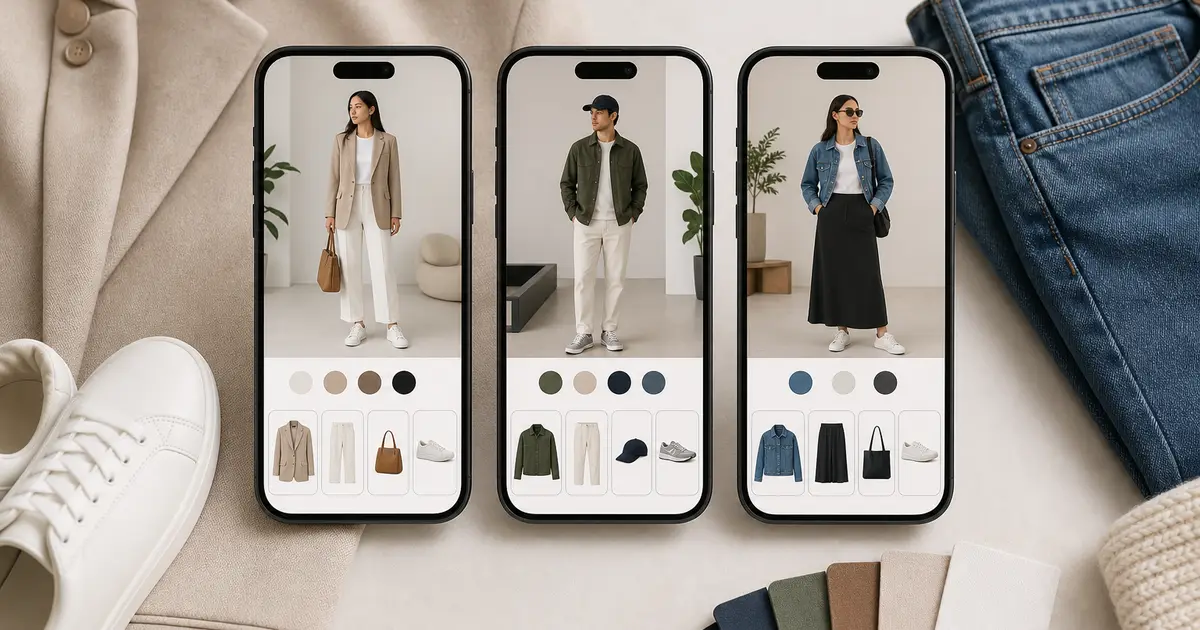

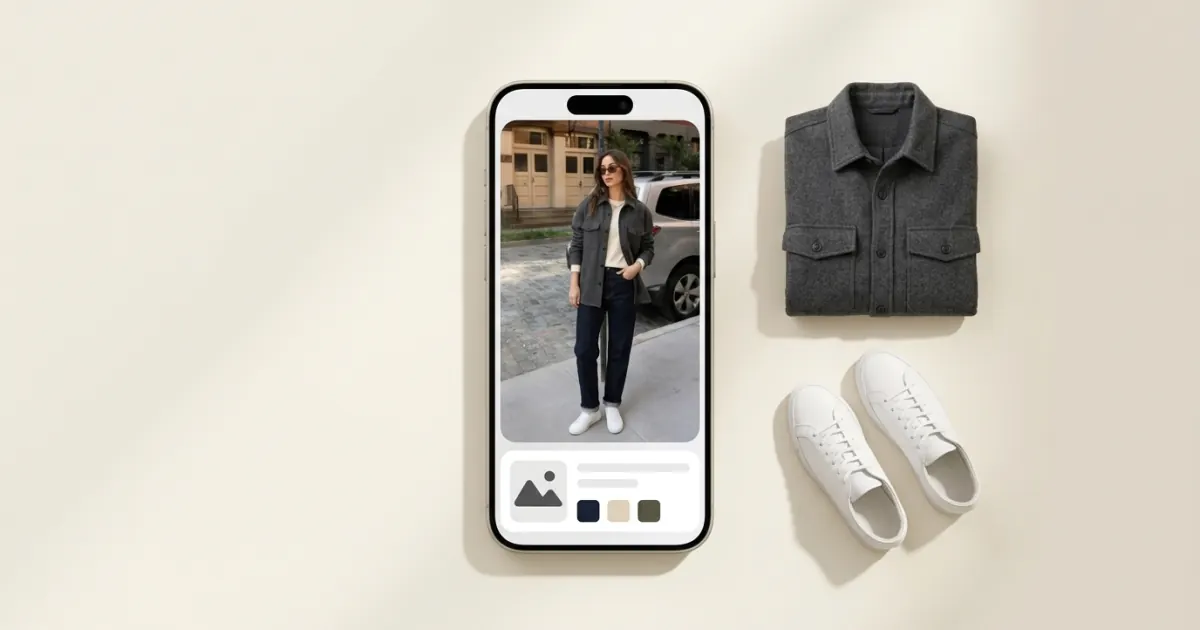
The best wardrobe app for Android in 2026 is Wdrobe, because it is one of the few that treats Android as a first platform rather than an afterthought: you get the AI stylist, the weather-aware outfit suggestions and try-on on your own photo, not a cut-down version of an iPhone app. The reason this question gets asked at all is Stylebook, which many "best wardrobe app" lists still include although it is iPhone only, so Android readers of those lists cannot install it.
Every app below runs on Android. Features and platforms were checked against each app's own store listing in September 2026.
Wdrobe is our own app, so weigh its first place here with that in mind. It installs on Android phones as well as iPhone, and you can add a handful of garments and see what outfit comes back.
Android wardrobe apps at a glance
Wdrobe: AI stylist, weather-aware suggestions, try-on on your own photo, colour analysis, planner. iPhone and Android.
Whering: organiser with outfit shuffle, packing lists and a large community. iPhone, Android and web.
Acloset: AI stylist chat with weather and calendar suggestions. Outfits shown as collages. iPhone and Android.
Alta: daily outfit ideas on an avatar built from your photo. iPhone, Android and web.
Indyx: organiser with analytics and access to human stylists. iPhone and Android.
Pureple: a collage builder for arranging outfits by hand. Nothing is shown on you. iPhone and Android.
Outflik: a conversational stylist that answers using items you own. iPhone and Android.
Not on Android: Stylebook. It is iPhone only, and it is mostly a manual record of what you own and wear. If that is what you came for, the closest thing on Android is covered in our Stylebook alternatives breakdown.
Why "works on Android" is not the same as "built for Android"
An app being installable is the low bar. Three things separate an app that works on Android from one that was ported to it:
- Camera and background removal. Cataloguing a wardrobe means photographing somewhere between thirty and two hundred items. If background removal is slow or inconsistent on your phone, you will stop at item twenty. This is the single most common reason a wardrobe app gets abandoned.
- Feature parity. Some apps ship a feature on iPhone first and bring it to Android months later. Check that the thing you want is actually in the Android listing, not just in the marketing.
- Where your data lives. If your catalogue is tied to one phone rather than an account, switching devices means starting again. Any app with a web version has solved this; so has any app with a real login.
Wdrobe removes backgrounds automatically as you add items, and your wardrobe is tied to your account rather than your handset, so moving to a new Android phone does not cost you the evening you spent photographing.
1. Wdrobe: best overall wardrobe app for Android
Wdrobe is built around seeing clothes on you rather than listing what you own. You add your clothes with backgrounds removed automatically, then upload one photo of yourself. From there:
- See outfits on your own photo instead of as a flat collage, so proportion and colour problems show up before you leave the house.
- Try on something you have not bought, from a shop photo or a screenshot, next to the clothes already in your wardrobe.
- Let the AI stylist build an outfit from your own clothes using your local weather, or pin one piece and let it style around it.
- Get colour analysis from a face photo to see which shades tend to suit you.
- Plan outfits for the week ahead and for specific events.
Why pick it: you want the app to help you get dressed, not only hold a list, and you want to check a purchase against what you own first. What it lacks: it is newer than Whering or Stylebook, so the community is smaller and there is less history to browse.
The photographing is the real cost, not the download, and an evening spent cataloguing into the wrong app is an evening you will not spend twice. Start with the one that shows outfits on you.
2. Whering: an organiser with a big community
Whering runs on iPhone, Android and the web, with outfit planning, a shuffle that recombines your items, packing lists and wardrobe insights. It also has a large community.
Why pick it: you want a large community around your wardrobe. What it lacks: outfits appear as flat lays rather than on you, and its shuffle does not use your weather.
3. Acloset: best AI chat on Android
Acloset has a conversational AI stylist, and suggests outfits using your weather and calendar. It also offers colour analysis. Outfits come back as collages of your items rather than as a look on your body.
Why pick it: you want to ask a stylist questions in a chat rather than browse a grid. What it lacks: the collage view makes it hard to judge how a combination will actually sit. If that is the gap you keep running into, our Acloset alternatives piece covers what to move to.
4. Alta: outfits on an avatar
Alta builds an avatar from your photo and serves daily outfit ideas on it, with an AI stylist behind the suggestions. It runs on iPhone, Android and the web.
Why pick it: you want a daily idea without opening a planner. What it lacks: an avatar is a step removed from your own photo, so fit and proportion still need checking in a mirror.
5. Indyx: organiser with human help
Indyx is a wardrobe organiser with analytics on what you wear, plus access to human stylists if you want a person involved rather than a model.
Why pick it: you would rather pay attention to a stylist's opinion than an algorithm's. What it lacks: the styling depth is in the human, so the app alone does less than the AI-led options.
6. Pureple: manual outfit building
Pureple is a collage-style canvas for arranging outfits by hand. Its Android listing adds Style Me suggestions, but mentions no weather and no try-on.
Why pick it: you enjoy building every look yourself. What it lacks: suggestions that know your weather, and any try-on in its Android listing.
7. Outflik: a stylist you talk to
Outflik answers styling questions using the items you own, on both iPhone and Android. It is closer to a conversation than a catalogue.
Why pick it: you have specific questions rather than a general wish for ideas. What it lacks: the wardrobe management around the conversation is lighter than the organisers above.
What Android users actually lose by skipping Stylebook
Stylebook is mostly records: a wear calendar, packing lists, custom categories and cost-per-wear figures. None of that needs an iPhone. You can get the same information on Android by picking an app with wear logging and then running the arithmetic yourself, which our cost per wear formula walks through in a few lines.
What you do not need to replicate is the manual entry. Stylebook's depth comes partly from how much you type into it, and that is a cost rather than a feature.
How to set up any Android wardrobe app without giving up
Do not photograph your whole wardrobe. Start with the clothes you wear in a normal week, which is usually thirty to fifty items, and add the rest only when you reach for them.
Photograph in one session, in daylight, against a plain wall or a bed. Keep the phone at the same height for every item so the scale stays consistent. Then build three outfits immediately, before you add anything else, because an app you have used once is an app you will open again. If you still find yourself in the same rotation afterwards, why you wear the same five outfits is the honest explanation.
Frequently asked questions
What is the best wardrobe app for Android?
Wdrobe, for most people. It runs the full feature set on Android, including AI outfit suggestions using your weather and try-on on your own photo. Whering only if you mainly want an organiser with a large community.
Is Stylebook available on Android?
No. Stylebook is iPhone only, which is why it appears on so many "best wardrobe app" lists that Android users cannot act on. Its records-first approach can be reproduced on Android with any app that logs what you wear.
Is there a wardrobe app that works on both Android and iPhone?
Yes, most of them. Wdrobe, Whering, Acloset, Alta, Indyx, Pureple and Outflik all run on both. This matters if you might switch phones, because an iPhone-only catalogue does not travel.
Can an Android wardrobe app show clothes on me?
Wdrobe shows outfits on a photo of you. Alta shows them on an avatar built from your photo, and Acloset's website describes an AI try-on on a photo of you. The other apps on this list show outfits as collages or flat lays of your items.
Which Android wardrobe app is easiest to set up?
Any app that removes backgrounds automatically as you photograph, which rules out typing in items by hand. Setup effort is the thing that decides whether you are still using the app in a month, so weigh it above the feature list.
Do wardrobe apps work offline on Android?
The cataloguing usually does. AI styling, colour analysis and try-on need a connection, because the processing does not happen on your phone.
You can install every app on this list tonight and still be no closer to knowing what to wear tomorrow, because the install is not the hard part. See tomorrow's outfit on your own photo before you sleep on it.