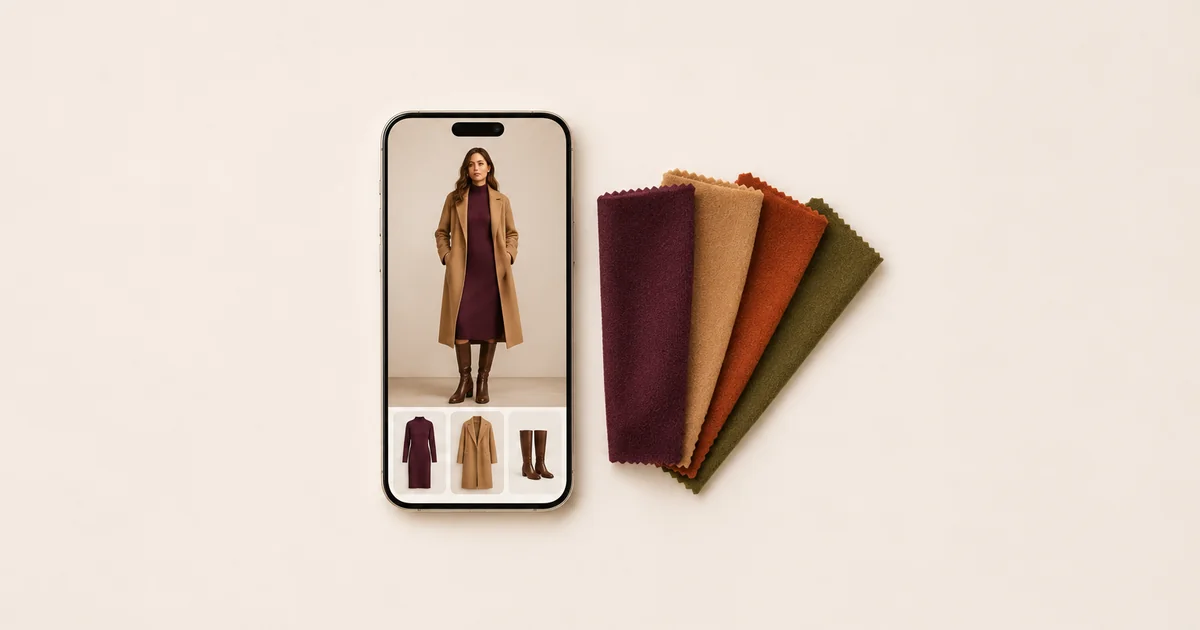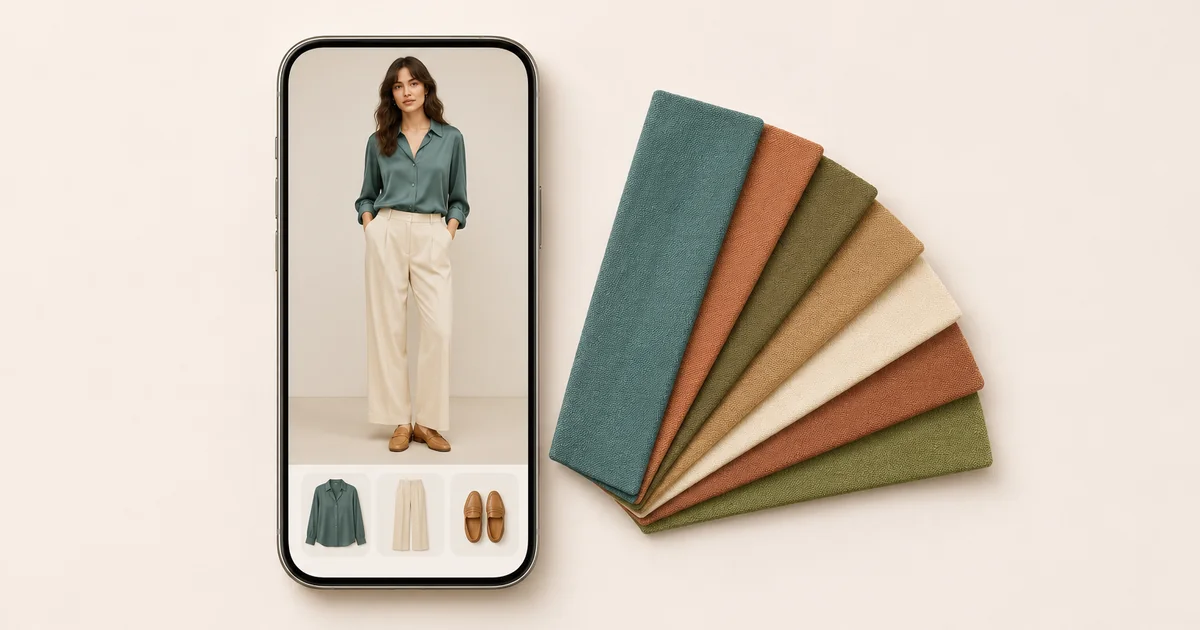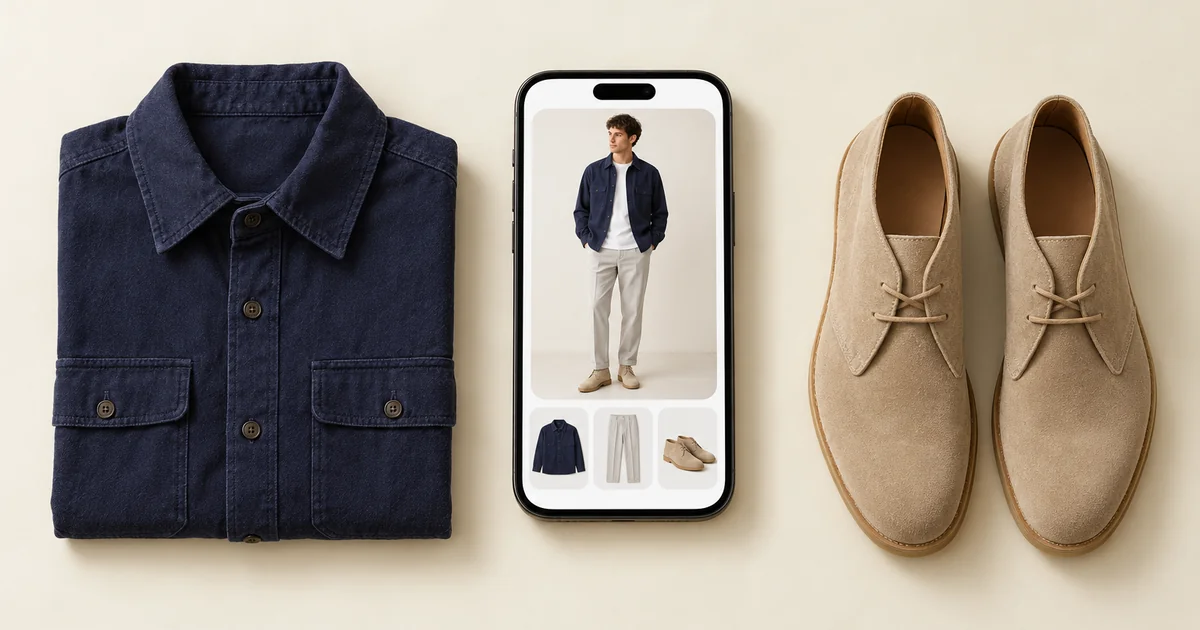

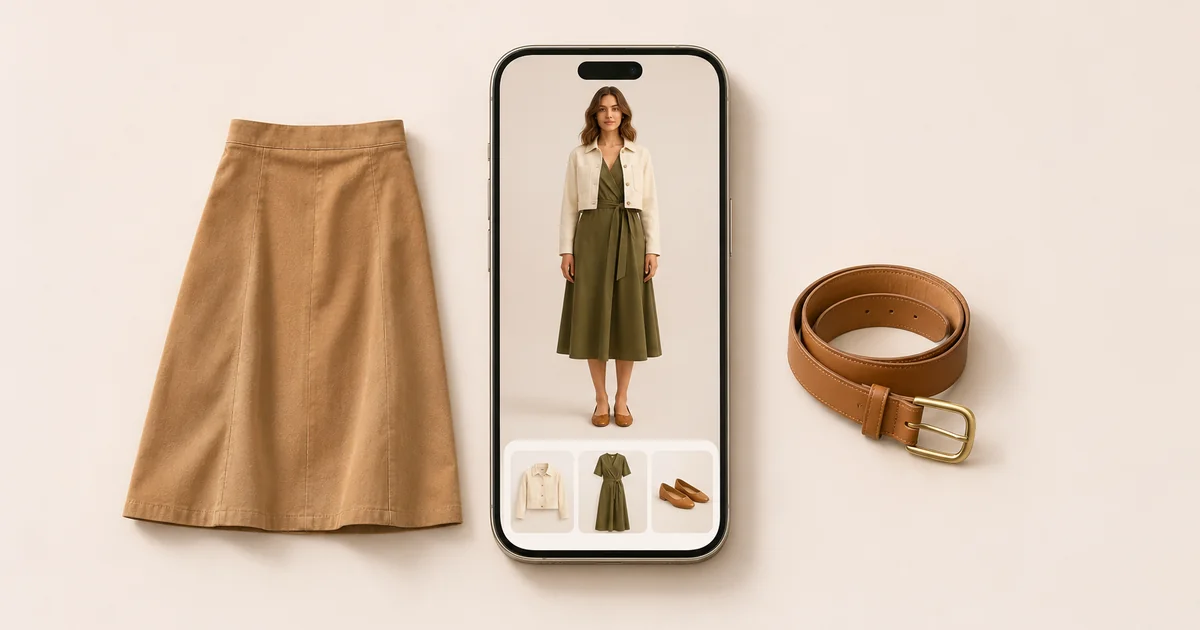
Wdrobe is the best body shape app for most people: it reads your shape from one full-body photo, then its AI stylist uses that shape to dress you from the wardrobe you already have. The other four apps here are good for narrower jobs, such as fitness tracking, keeping photos on your phone, or finding a Kibbe type.
Wdrobe is the app we build, so the order below is our own call. Each app below was checked against its App Store listing in November 2026, on three questions: how it finds your shape, what it gives you back, and whether the answer ever reaches the clothes in your wardrobe.
Most people look up their shape because they want to know what to wear, and a label alone rarely settles that. The app we make, Wdrobe, can read your shape from one photo and use it when it picks your outfits.
The best body shape apps at a glance
| App | How it finds your shape | What you get back | Works with your clothes |
|---|---|---|---|
| Wdrobe | One full-body photo | Five womenswear and five menswear shapes, a note when you sit close to a second shape, do and avoid tips | AI stylist builds outfits from your wardrobe, shown on your photo |
| Style DNA | A selfie | Body type guide, colour season, style type | Daily outfit ideas from items you add |
| BodyMuse | AI body scan | Shape, BMI and body fat estimates, workout plans | Style tips by shape, no wardrobe of your clothes |
| Body Type Calculator | Camera scan, one photo, or bust, waist and hip numbers you type in | Four shapes, a style guide for each, changes over time | Style guide only |
| Kibbe Body | Photo, quiz, or picking a type yourself | Kibbe type, a 3D model, sketches | Checks single garments against your type |
What a good body shape app gives you
- A read on your proportions. Shoulders, bust, waist and hips compared with each other, not your weight or your size.
- Honesty about close calls. Plenty of people sit between two shapes. An app that says so is more useful than one that forces a single label.
- Advice you can act on. Necklines, hem lengths, where to mark the waist, trouser and jacket cuts. "Wear what flatters you" is not advice.
- A link to your real clothes. Knowing you are a pear is one step. Knowing which of your skirts and jackets suit a pear is the step most lists leave out.
- Menswear shapes, if that is what you wear. Not every app on this list has them.
1. Wdrobe: best for dressing your shape with clothes you own
Wdrobe keeps your clothes in one place and has an AI stylist that dresses you from them, and the body shape analysis feeds that stylist. You add one full-body photo, head to feet and facing the camera, and it places you in one of five shapes: Hourglass, Pear, Apple, Rectangle or Inverted triangle for womenswear, and Trapezoid, Inverted triangle, Rectangle, Triangle or Oval for menswear. When your proportions sit near a second shape, the result says so, for example "Rectangle, close to Hourglass", instead of presenting a borderline call as a clear one.
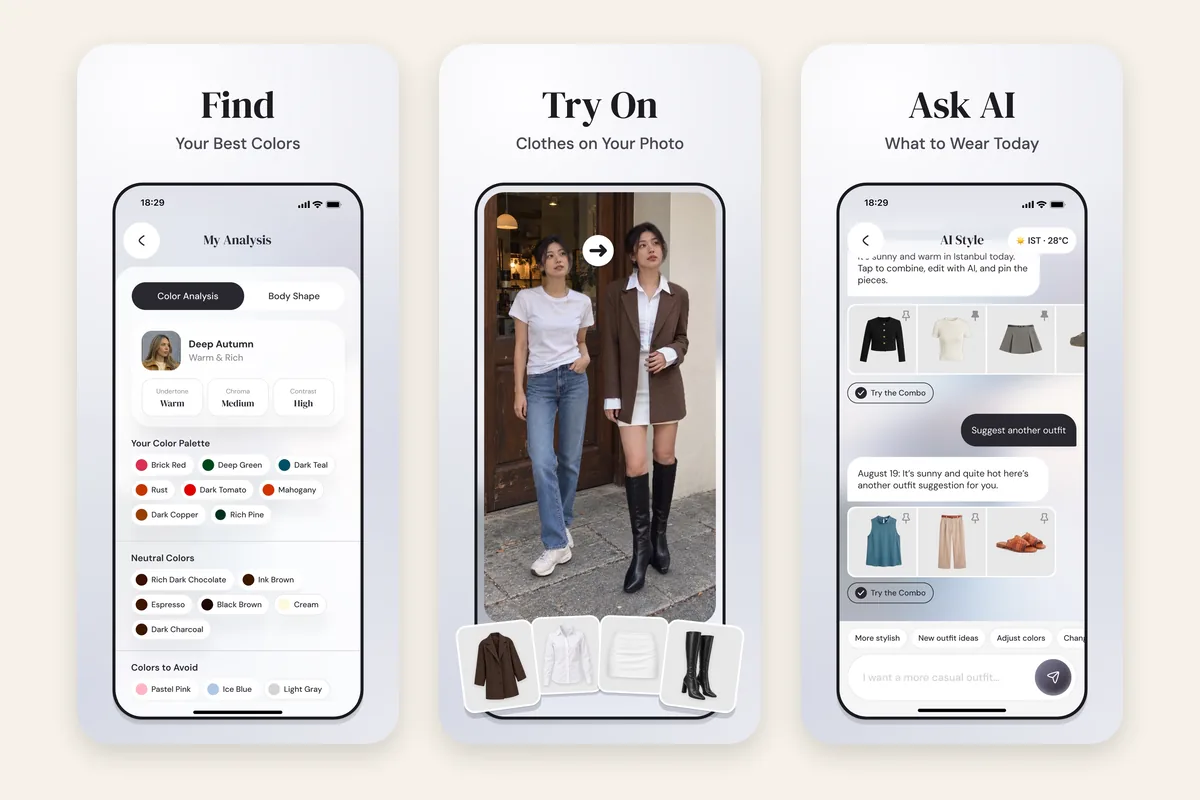
Each result comes with a style vibe, a proportion goal, and do and avoid tips on cuts, necklines, hems, the waist, trousers and jackets.
What sets it apart is where the shape goes next:
- Outfits from your own wardrobe. The AI stylist is given your body shape, along with your colour analysis if you have one, and puts looks together from the clothes you have added to the app. Ask it for a wedding guest look and it starts from your own dresses and jackets.
- On a photo of you. Any outfit can be tried on a photo of you, which lets you judge the overall line of a wrap dress or a cropped jacket before you dig it out. Treat it as a preview of the look: it cannot tell you how the fabric will sit.
- Around the weather and a piece you choose. Pick a date and the stylist checks that day's forecast. Pin the skirt you want to wear and it builds the rest of the look around it.
A face photo adds your colour season as well, and you can use it on iPhone or Android.
Choose it if: you want your shape to change what you wear this week, not just give you a name for it. Skip it if: you want body fat or fitness tracking, which Wdrobe does not do, or a Kibbe type.
A shape tells you what to look for, not which of your clothes have it. The A-line midi skirt and the belted coat your result points to might already be in your wardrobe, or might not. Check your shape against what you own.
2. Style DNA: good for colour and body type in one profile
Style DNA builds a style profile from a selfie: one of 12 colour seasons, a guide to dressing figures from hourglass to plus-size, and style types that borrow from Kibbe. It suggests daily outfit ideas from items you photograph and add, and its listing says it is built for women and men.
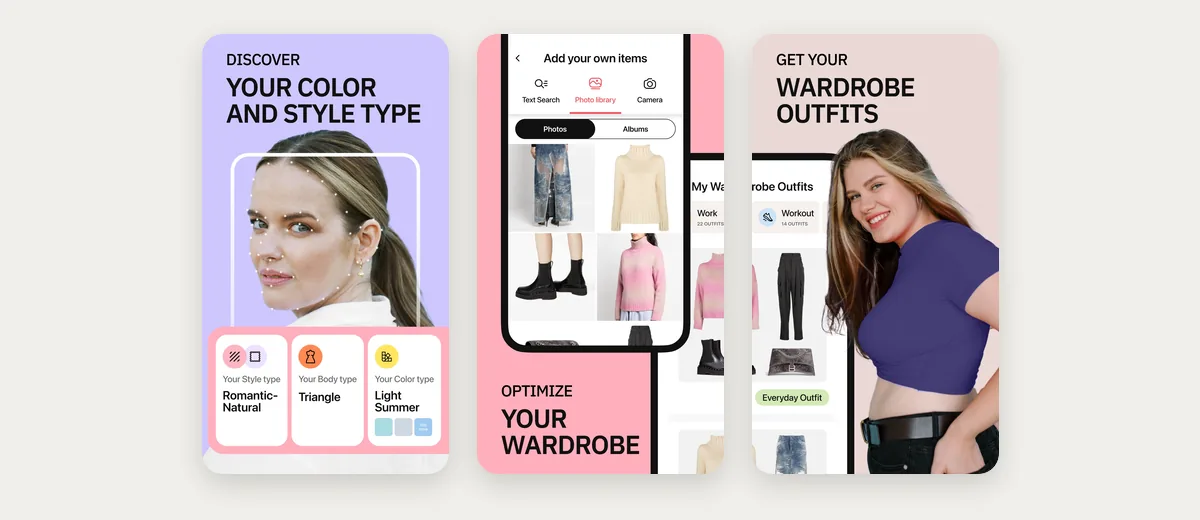
Choose it if: you want your colour type, body type and style type described side by side. What it does not do: its listing does not mention trying outfits on a photo of you.
3. BodyMuse: good for pairing your shape with fitness goals
BodyMuse scans your body with AI and sorts you into shapes such as Apple, Pear, Hourglass and Banana, which other apps call Rectangle. Most of the app leans towards fitness: BMI and body fat estimates, workout plans for your shape and a progress tracker, with style tips by shape alongside.
Choose it if: training is your main goal and the style tips are a bonus. What it does not do: its listing describes no wardrobe of your own clothes and no outfits built from them.
4. Body Type Calculator: good for keeping your photos on your phone
Body Type Calculator, which calls itself AR Body Type inside, finds your shape three ways: a live camera scan, a single photo, or bust, waist and hip numbers you type in. It sorts the result into Hourglass, Pear, Apple or Rectangle and gives a style guide for necklines, dresses, jackets, trousers, skirts and swimwear. Its listing says everything runs on your iPhone and your photos never leave it, and it keeps a record of how your numbers change between scans.
Choose it if: privacy matters most to you, or you already know your numbers. What it does not do: its listing names no menswear shapes, and nothing links the guide to clothes you own.
5. Kibbe Body: good for finding your Kibbe type
Kibbe Body works out your Kibbe type, the system from stylist David Kibbe that looks at your lines, bone structure and softness rather than bust, waist and hips alone. You can start from a photo, take a quiz or pick a type yourself. It turns your photo into a 3D model, draws a sketch, compares two types side by side, and lets you upload a garment to see which types it suits.
Choose it if: you already follow Kibbe and want to settle your type. What it does not do: its listing does not mention adding your wardrobe or planning outfits from it, so garments are checked one at a time.
Photo, camera scan, quiz or tape measure: which works best?
Each way of finding your shape has its own weak spot:
- One full-body photo is the quickest way that still looks at you. The app reads the outline of your shoulders, waist and hips, so fitted clothes and a straight-on angle matter more than which app you use.
- A live camera scan follows you as you stand and turn. It needs room to step back and steady light.
- A tape measure and an online calculator turn your bust, waist and hip numbers into a ratio. It takes a minute, but the calculator only sees what you type, so where the tape sits changes the answer.
- A quiz asks you to describe yourself, so it is only as good as your own eye.
Apps also use different names for the same shape. Banana and Rectangle mean the same thing, and Kibbe types are a separate system altogether, so a Soft Classic in one app and an Hourglass in another are not a contradiction.
If two apps give you two different shapes, you most likely sit between them. Dress for what they share: between Rectangle and Hourglass, for example, that means marking the waist with a belt, a wrap dress or a fitted midi skirt.
How to take a photo a body shape app can read
- Stand straight and face the camera, with your head and feet both in the frame.
- Wear fitted clothes, such as slim jeans or leggings with a fitted top, or a close-fitting dress. A loose jumper hides your waist, the part the app most needs to see.
- Keep your arms slightly away from your sides, so the line of your waist is visible.
- Hold the phone at about waist height, or prop it up and use the timer. A phone held high and pointed down makes your top half look bigger than it is.
- Use even daylight and a plain wall behind you.
Two apps, two answers, and the wardrobe still has to be dressed. A borderline result pulls the advice in two directions, and only your own clothes can show which way works on you. See which way your own photo leans.
Which body shape app should you choose?
- You want to know what to wear from what you own: Wdrobe.
- You want colour and body type in one profile: Style DNA.
- You are training and want body fat and BMI next to your shape: BodyMuse.
- You want your photos to stay on your phone: Body Type Calculator.
- You follow Kibbe: Kibbe Body.
- You only want a label in a minute: a tape measure and an online calculator.
Frequently asked questions
Can an app tell my body shape from a photo?
Yes, from one full-body photo taken straight on in fitted clothes. The app compares the width of your shoulders, waist and hips. The result is an estimate of your proportions, so light, pose and loose clothes can shift it.
What are the 5 body shapes?
For women: hourglass, pear, apple, rectangle and inverted triangle. Menswear apps often use trapezoid, inverted triangle, rectangle, triangle and oval instead. Wdrobe has both sets.
Are body shape apps accurate?
They are as good as the photo or numbers you give them. Many people sit near the border between two shapes, which is why two apps can disagree. Treat the result as a starting point and check it against the mirror.
Is there a body shape app for men?
Yes. Wdrobe has five menswear shapes, from trapezoid to oval, and Style DNA's listing says it is built for women and men. Some apps here only use the women's shapes.
Can I get a body shape analysis for free?
Yes, in Wdrobe: its body shape analysis is free for new users, and you get it when you sign up, along with a colour analysis from a face photo.
For the colour side of the same question, see the best colour analysis apps. The best AI stylist apps compares apps on the outfits they build, and the best virtual try-on apps on how they show clothes on you.
Your shape is only useful once it meets your wardrobe. Wdrobe reads it from one full-body photo, then its AI stylist uses it, with your colour season and the forecast, to put outfits together from the clothes you have added and show them on your own photo. Find your shape and see it in your own clothes.