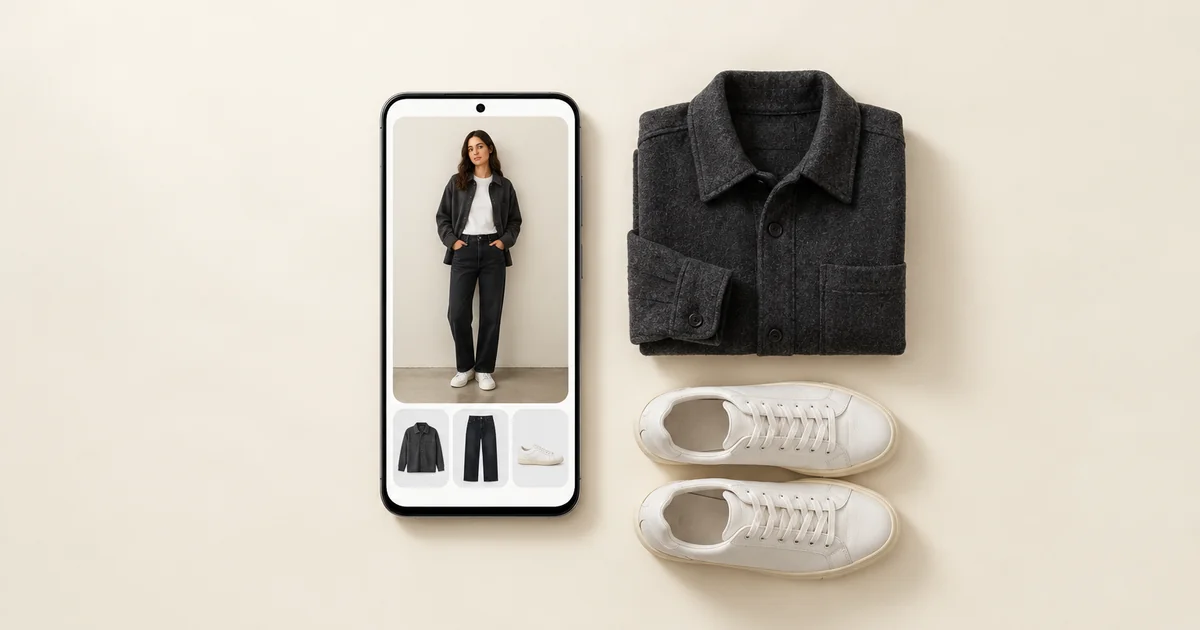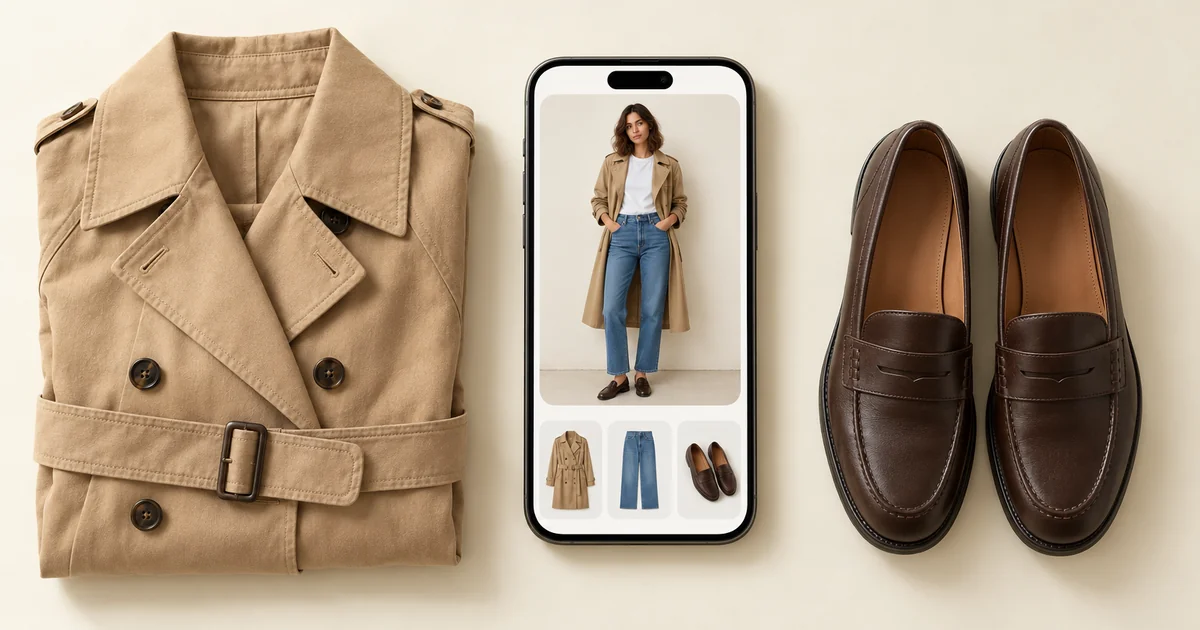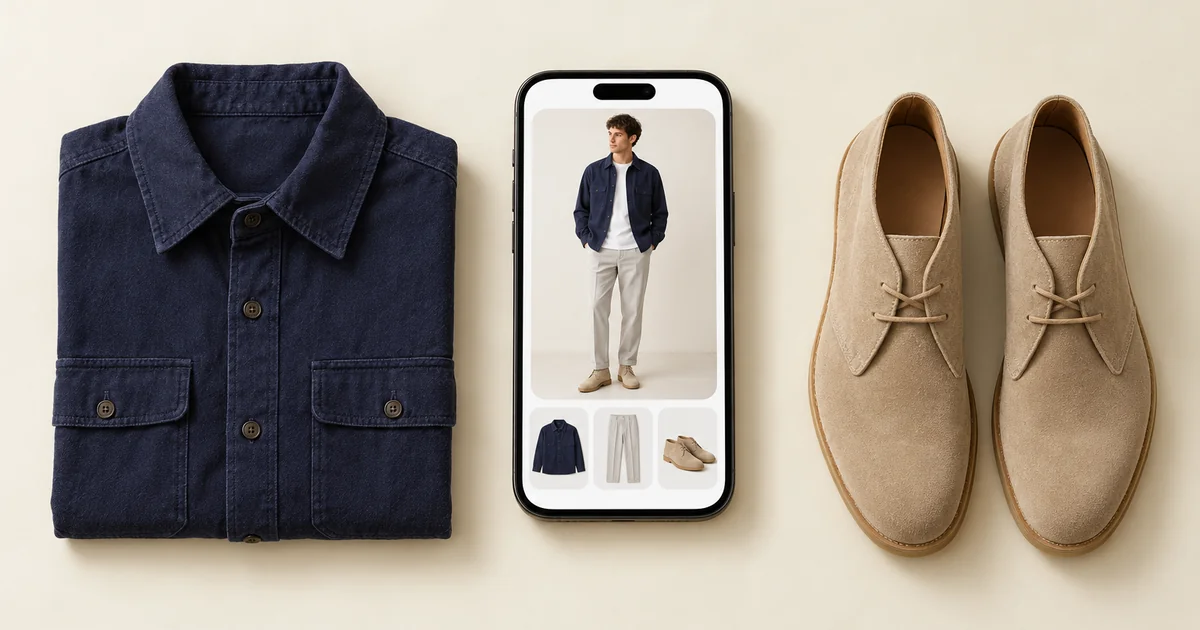

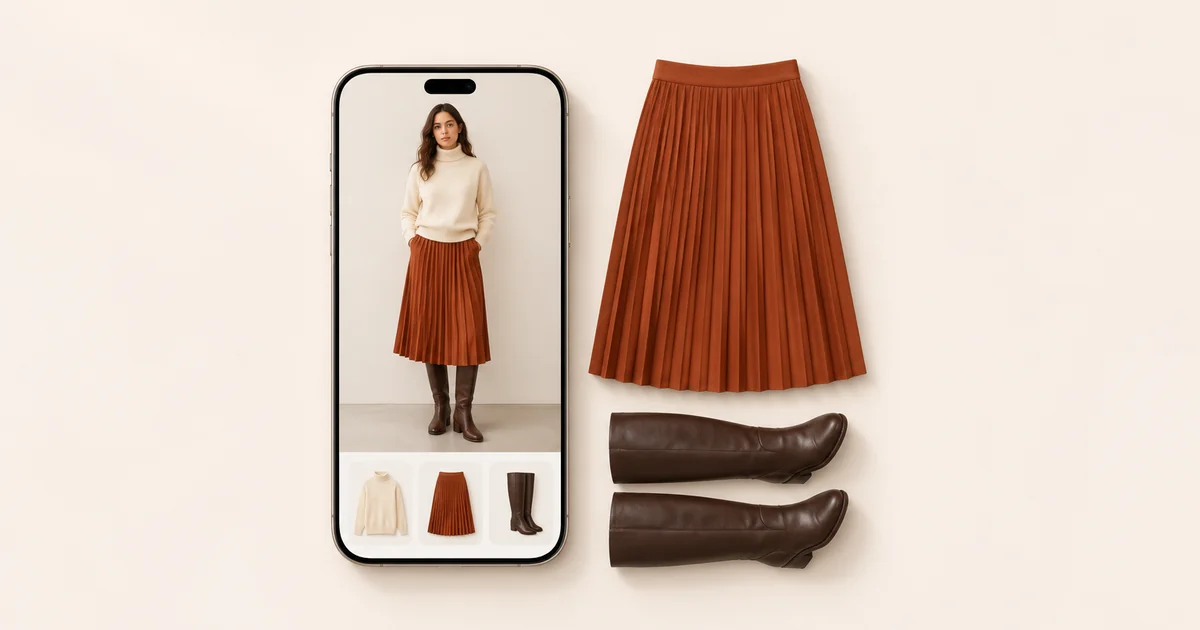
The best wardrobe app for iPhone for most people is Wdrobe. It puts together outfits from the clothes you own, for the day's weather and your colouring, shows them on a photo of you, and keeps your wardrobe on your account, so a new phone does not mean starting again. Stylebook suits people who style by hand on iPhone and iPad, and the other five fit narrower needs.
We make Wdrobe, so weigh its first place with that in mind. Claims about the other apps come from their App Store listings, read on 7 November 2026, and our October 2026 checks.
Before you photograph anything, scroll through your Photos app: pictures of clothes you own, and screenshots of ones you nearly bought, are often already there. Our app, Wdrobe, can turn up to ten of them into wardrobe pieces at once.
iPhone wardrobe apps compared at a glance
| App | Good for | Where you see the outfit | On Android |
|---|---|---|---|
| Wdrobe | Most people | Your own photo | Yes |
| Stylebook | Styling by hand | Collages you lay out | No |
| Whering | Community | Your items side by side | Yes |
| Acloset | AI chat | Collages of your items | Yes |
| Pureple | Collage outfits | A model, in its AI try-on | Yes, without the try-on |
| Cladwell | A season capsule | Your photo, closet outfits only | Yes |
| Alta Daily | Trip planning | An avatar | Yes, plus web |
Three things to check on an iPhone before you commit
Where your closet is stored
Stylebook syncs your closet between iPhone and iPad through iCloud, and Pureple's listing describes iCloud backup, which covers a new iPhone. Wdrobe saves your wardrobe to the account you sign in with, Apple or Google, rather than to the handset. Alta Daily also opens in a browser. Whering, Acloset and Cladwell do not say on their listings where the closet is kept, so check for an account sign-in first.
Photos and saved shop screenshots
Wdrobe takes up to 10 shop screenshots or saved photos at once, cuts each garment out and fills in its category and colour for you to change. Stylebook has multiple import and a clipper for shop websites, and Whering adds retailer images.
Crop a busy screenshot to the one piece you want first. A model in a coat, a scarf and a bag gives any background remover three garments to choose between.
The camera
Shoot everything else by a window in daylight, flat on a plain duvet or hung on a door. Use the 1x lens from a step back, not the 0.5x ultra-wide, which stretches whatever sits near the edge of the frame. For your own photo, stand full length against a plain wall with shoes on, and use the Camera timer.
A listing cannot show you how an app copes with your screenshots. Add three of yours and look at the cut-outs.
1. Wdrobe: the best wardrobe app for iPhone for most people
Wdrobe treats your closet as material for tomorrow's outfit, not a record.
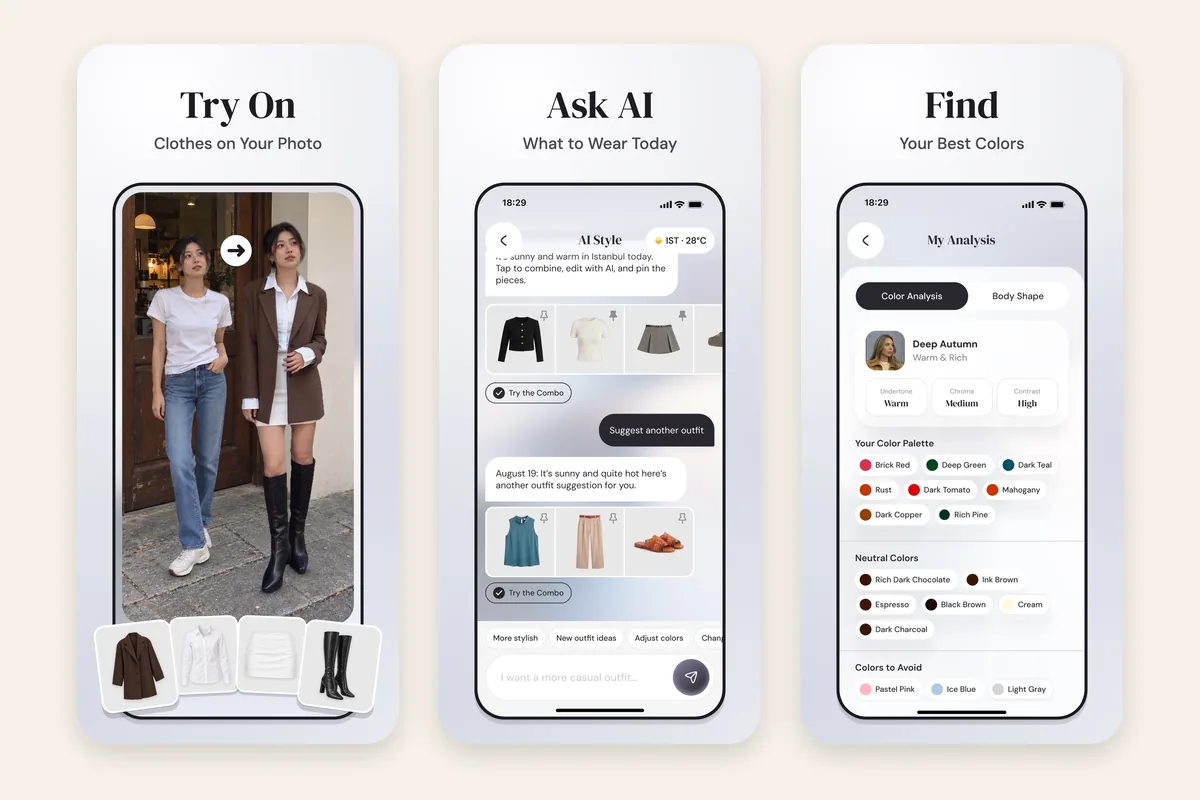
- A stylist that starts from your day. Choose a date, type the occasion and pin a piece if you like. It checks that day's weather and leans on your colour season and body shape, so shades that drain you come up less often.
- Outfits on your own photo, including a wrap dress you have only screenshotted. Read it for colour and proportion; it cannot tell you how the fabric hangs.
- Colour and body shape analysis from two photos: one of 12 seasons with your undertone, palette and colours to avoid, plus a read of your proportions. Both are free for new users.
- A planner with Day and Night outfits, each day's forecast and a reminder. Every piece also shows how often it has been worn, counted from the days you planned.
What it lacks: no web version, no import from receipts or shop links, and a younger community than Whering's or Stylebook's.
2. Stylebook: best for hand-built outfits on iPhone and iPad
Stylebook runs on iPhone and iPad only. You build collages on a canvas, plan on a calendar, make packing lists and see what each piece costs per wear.
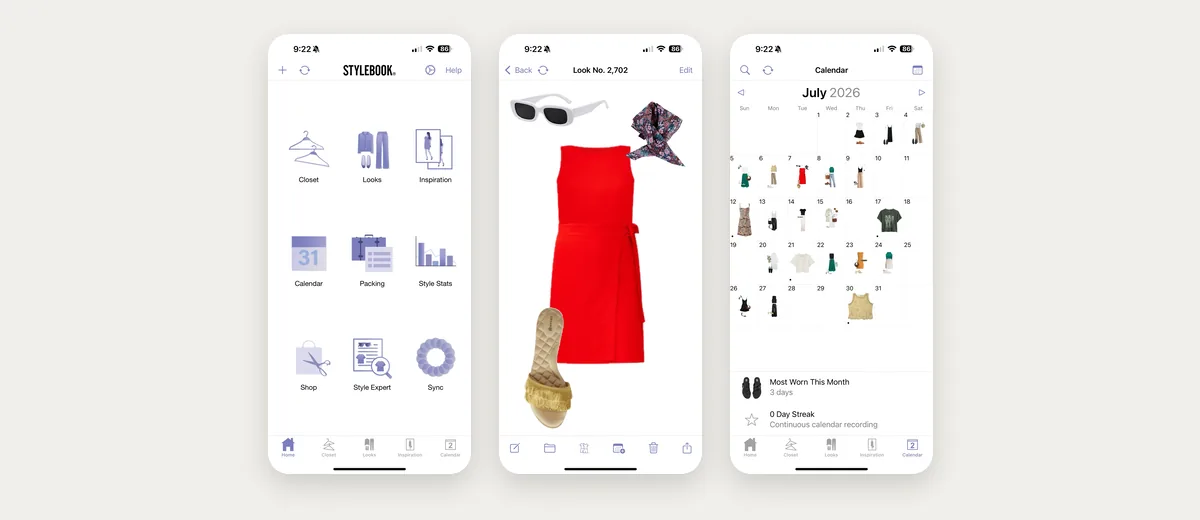
What to weigh: there is no Android app, so the closet stays on Apple devices. Its outfit generator deals your closet out like cards, weather never comes up, and nothing on its listing shows an outfit on you. Its text-to-image import needs Apple Intelligence, which not every iPhone supports, and the app's last update was in June 2025.
3. Whering: best for a social closet
In Whering you can look through friends' closets, style each other's outfits and see cost per wear.
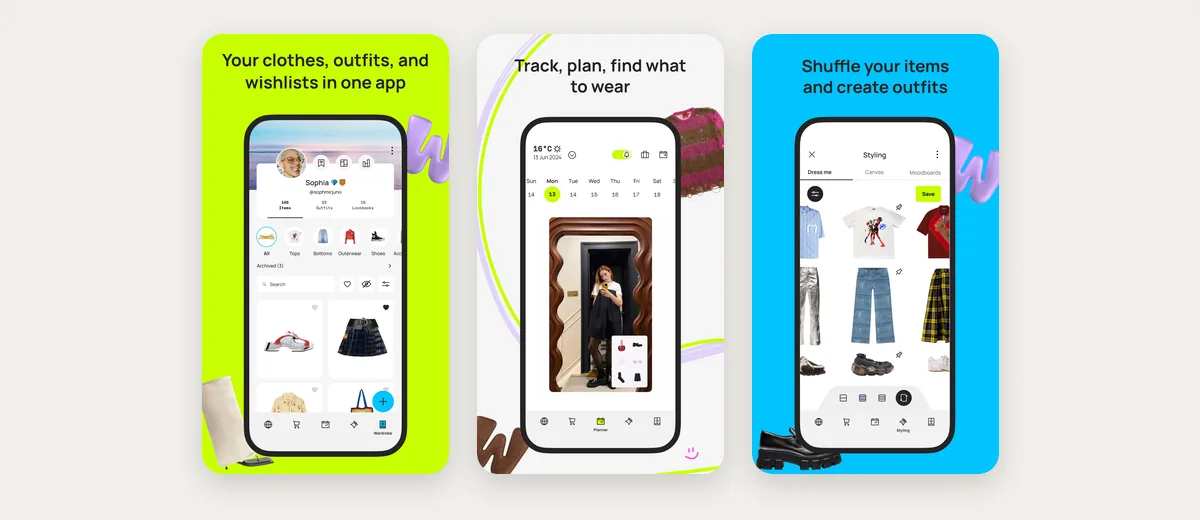
What to weigh: its App Store listing describes no try-on, so a look remains separate pieces laid next to each other. Its colour palette shows the colours you already own, not the ones that suit your colouring.
4. Acloset: best for asking an AI about your clothes
You can ask Acloset whether two pieces match or what to wear today. It also proposes outfits each day for the weather and your plans, and gives a personal colour and fit diagnosis.
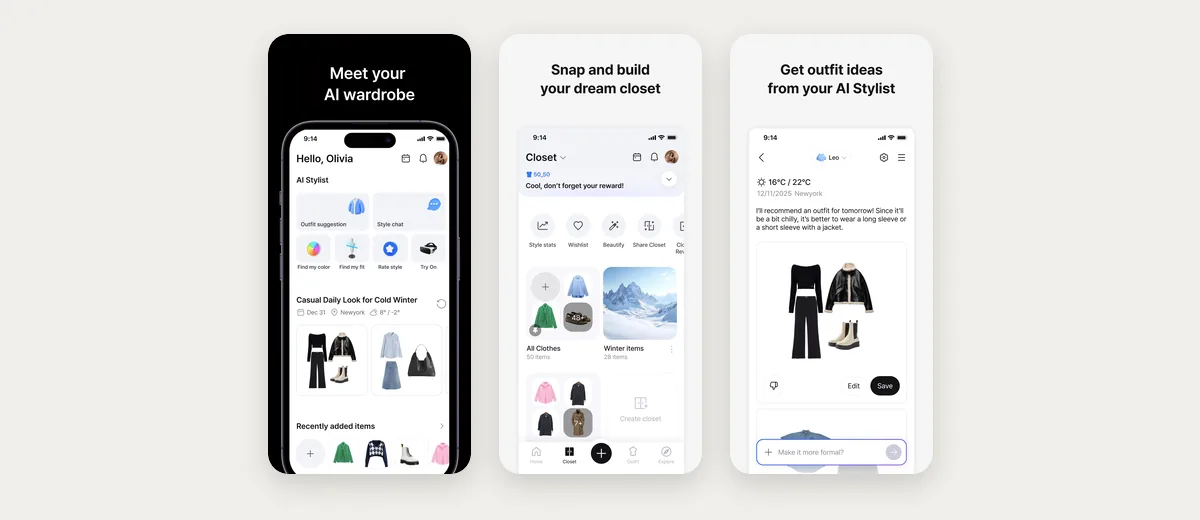
What to weigh: its App Store listing says nothing about seeing an outfit on your own photo, so you picture each suggestion on yourself.
5. Pureple: best for building outfits by hand
Pureple is a canvas for arranging outfits from your clothes, with AI style suggestions.
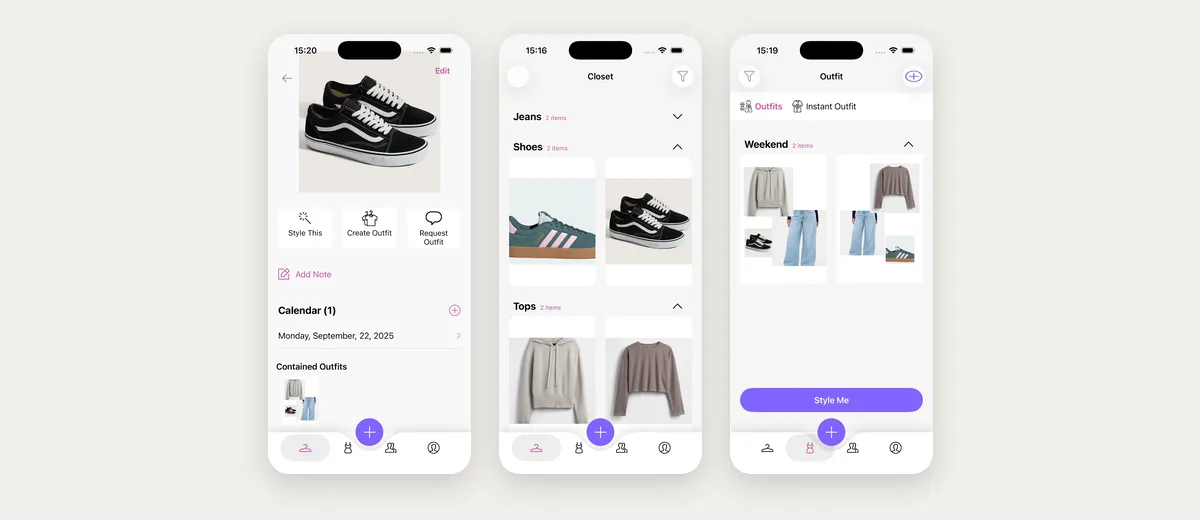
What to weigh: its App Store listing describes an AI try-on that puts your outfit on a model, not on a photo of you. Its suggestions mention occasion, not weather or colouring.
6. Cladwell: best for a season capsule
Cladwell opens on the day's outfits from your closet, each explained in a short note. One photo gives your colour season, and its See it on me feature puts a closet outfit on a picture of you.
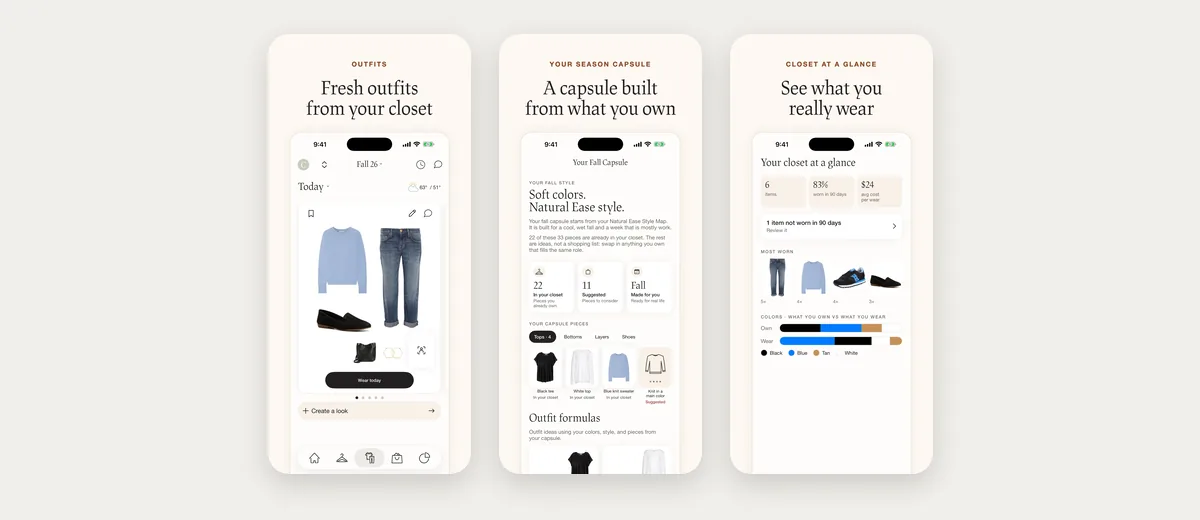
What to weigh: the Style tab centres on a capsule of about 33 pieces, the listing does not mention the weather, and your photo is read for colouring only. Missing capsule pieces become a shopping list. Our capsule wardrobe apps comparison tests that approach.
7. Alta Daily: best for multi-city trips
Alta plans each day's outfit around your forecast and schedule, and builds packing lists for trips that cross several cities.
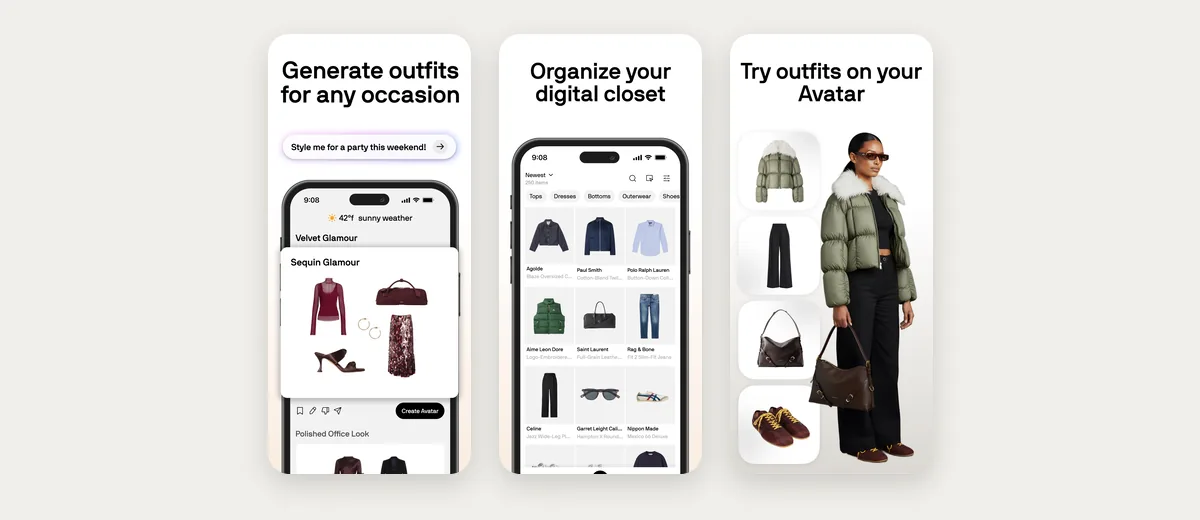
What to weigh: its try-on uses a generated avatar in your likeness instead of a real photo, the listing has no colour analysis, and it pushes shopping recommendations and sale alerts.
The real test is an outfit you would actually put on. Ask for an outfit for your next cold commute and judge it.
Which iPhone wardrobe app to choose
- You want the app to choose the outfit and put it on you: Wdrobe.
- You arrange every look yourself: Stylebook.
- You want friends' closets and wear data: Whering.
- You want to talk your clothes through with an AI: Acloset.
- You enjoy building collages: Pureple.
- You want a smaller wardrobe each season: Cladwell.
- You travel a lot: Alta Daily.
Leaving iPhone for Android
Stylebook has no Android app, and Pureple's try-on is not on its Android listing. The other five run on Android, and in Wdrobe, signing in with the same account on the new phone brings the wardrobe back. If a switch is likely, sign in with Google rather than Apple wherever an app offers both. Our Android wardrobe app guide covers how these apps run there.
Frequently asked questions
What is the best wardrobe app for iPhone?
Wdrobe, for most people. Its stylist chooses outfits from the clothes you own, using the forecast and your colouring, shows them on your photo, and keeps the wardrobe on your account. Stylebook suits people who want to style everything by hand on iPhone and iPad.
Can I add clothes to a closet app from screenshots on my iPhone?
Yes, in most of these apps. In Wdrobe you pick up to ten photos or screenshots from your library, the app cuts out each garment and suggests its category and colour, which you can correct. Stylebook can also clip pieces from shop websites.
Will my closet app transfer to a new iPhone?
Usually, yes. Stylebook and Pureple back up to iCloud, and apps with an account, such as Wdrobe, bring the wardrobe back when you sign in. Moving from iPhone to Android is the harder case, because Stylebook has no Android app.
What is the best outfit app for women on iPhone?
Wdrobe is our pick: its stylist builds outfits from your own dresses, skirts, trousers and knitwear for the forecast and your colour season, and you see each one on your photo. Cladwell suits women building a smaller seasonal capsule.
Without the iPhone filter, the best wardrobe apps ranks the same field for any phone, and Stylebook alternatives helps anyone leaving the iPhone-only option behind.
Choosing an app settles where your clothes will live. It does not settle what to wear on Monday, which is the question most people install a wardrobe app to answer. Wdrobe turns the pieces already in your Photos app into outfits for the forecast and your colour season, shown on you: plan next week's outfits on your own photo.