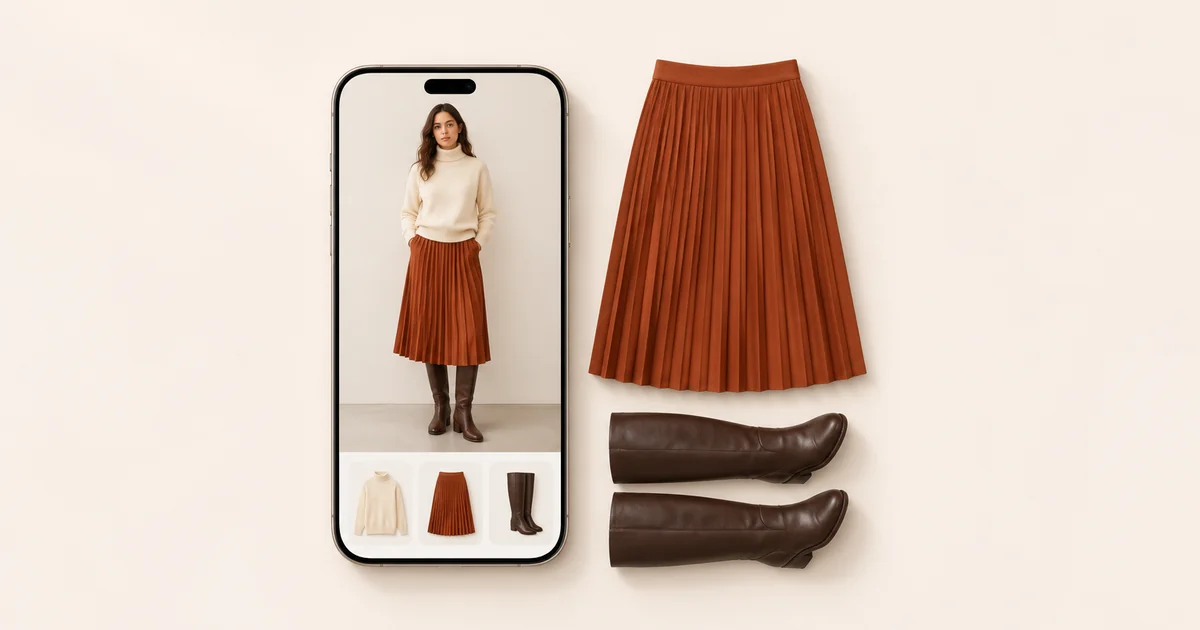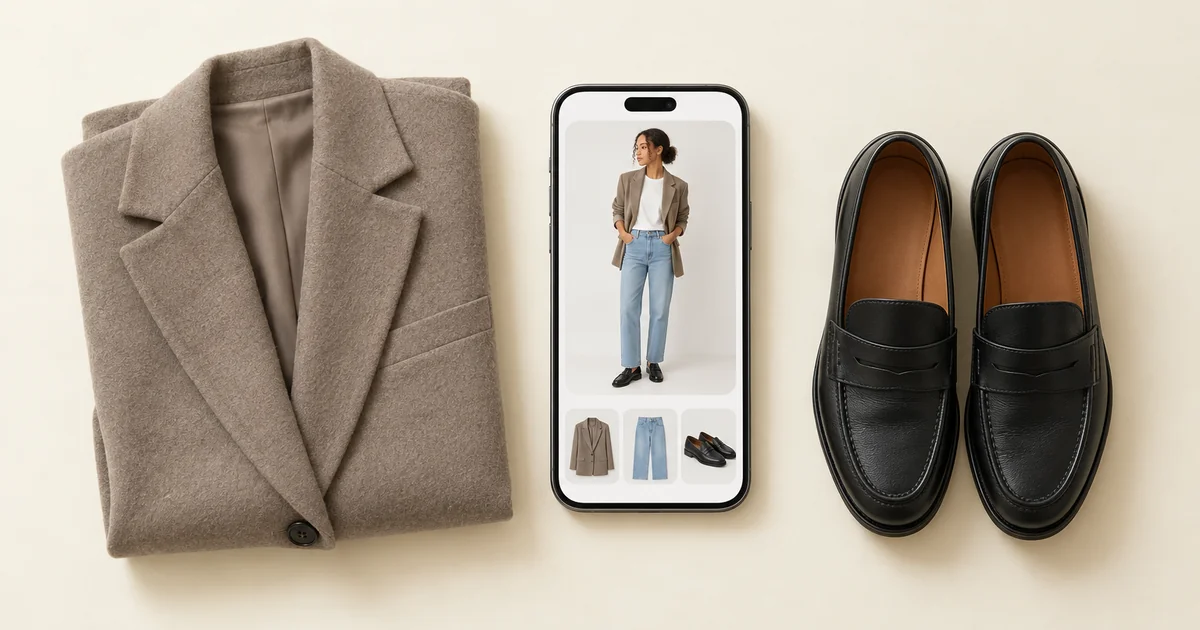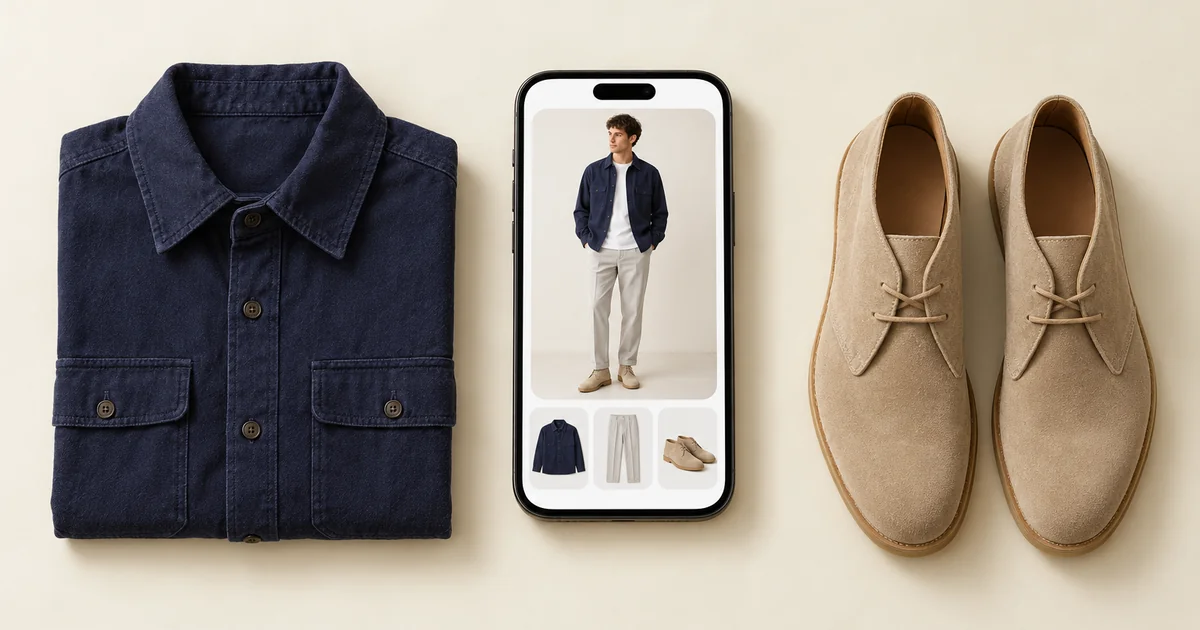

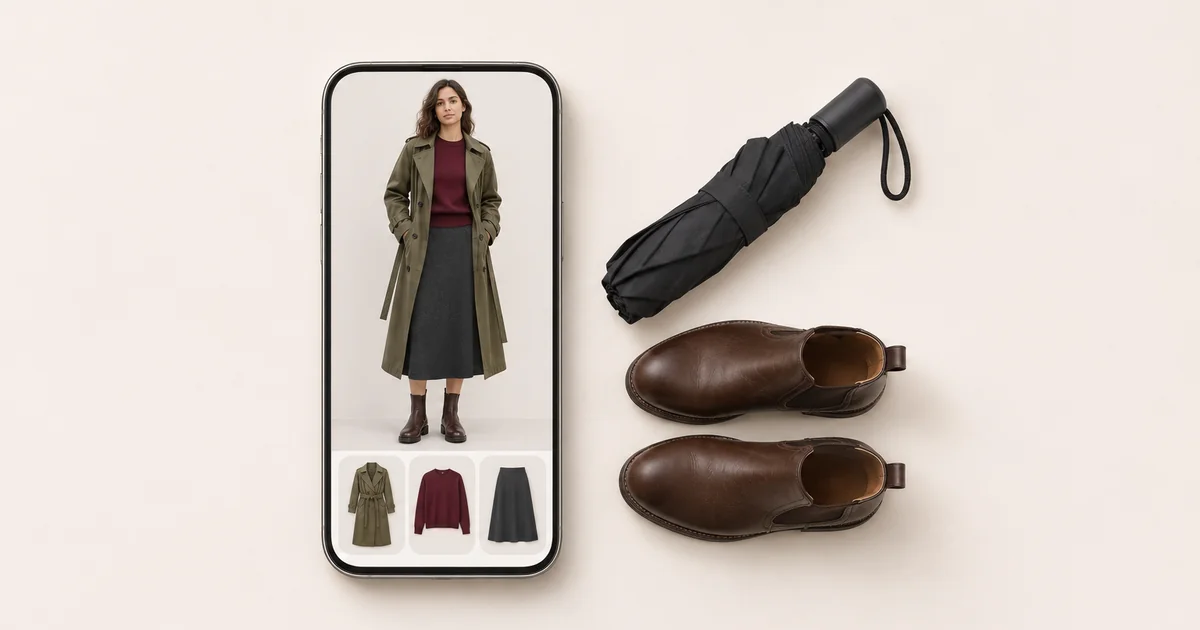
Yes. Two kinds of app do it, and they answer different questions. Weather apps such as Weather Fit, Comfie and Layers turn the forecast into a generic outfit: a cartoon character in a raincoat, or a list that says jumper, light jacket, umbrella. Wardrobe apps that read the forecast, such as Wdrobe, Acloset and Alta Daily, pick an outfit from the clothes you actually own for that day's weather, and Wdrobe then shows it on a photo of you. If you only want to know whether it is coat weather, a weather app is enough. If you want to know which coat, and what to wear under it, you need a wardrobe app.
We make Wdrobe, so weigh our ranking with that in mind. Every other app below was checked on its App Store listing, and where needed its Google Play listing and website, on 7 November 2026.
A forecast reads the same for everyone on your street, but your coat rail does not. The app we make, Wdrobe, can match the forecast to the coats and shoes you actually own once your everyday pieces are in it.
Weather outfit apps at a glance
| App | Best for | What it suggests | Uses your clothes | Shows the outfit on | Platforms |
|---|---|---|---|---|---|
| Wdrobe | Most people | A full outfit from your wardrobe for the day you pick | Yes | Your own photo | iPhone, Android |
| Weather Fit | A glance at your phone or watch | Drawn clothes for the conditions | No | A cartoon character | iPhone |
| Comfie | Always feeling the cold | Pieces tuned by your own comfort ratings | Photos you add | Clothing icons | iPhone |
| Layers | No setup at all | A list of clothing for the day | No | A list | iPhone |
| Acloset | Asking a chat about today | Outfits from your closet for weather and schedule | Yes | Not listed | iPhone, Android |
| Alta Daily | Trips through several cities | Outfits from your closet for weather and schedule | Yes | An avatar | iPhone, Android, web |
Weather apps and wardrobe apps answer different questions
Weather apps are built for speed. You open one, see a character in a rain jacket or a short list, and close it again. Most of them let you say that you run hot or cold: Weather Fit and Layers have comfort sliders, and Comfie learns from how you rate each outfit. What they cannot know is what is in your wardrobe. "A light jacket" is advice for someone who owns one light jacket.
Wardrobe apps are slower to start, because they need your clothes first. Once they have them, the answer is a specific outfit rather than a type of garment. On a 9°C (48°F) morning with showers, a weather app says warm jacket and umbrella. A wardrobe app says your navy wool coat over the grey jumper dress, with black knee boots. It can also weigh things a weather app never sees: whether the colours go together, whether the outfit suits where you are going and, in Wdrobe's case, your colouring and proportions.
The forecast decides how warm the outfit should be, not what the outfit is. Knowing it will feel like 6°C does not tell you whether your camel coat works over the green dress you had in mind. Let the stylist build tomorrow around the coat you pin and see it on you before you get dressed.
1. Wdrobe: best for outfits from your own clothes
Wdrobe is a wardrobe app first. You add your clothes from the camera or your photo library, it removes the backgrounds and tags each piece by category, colour and season, and from then on its AI stylist works from what you own.
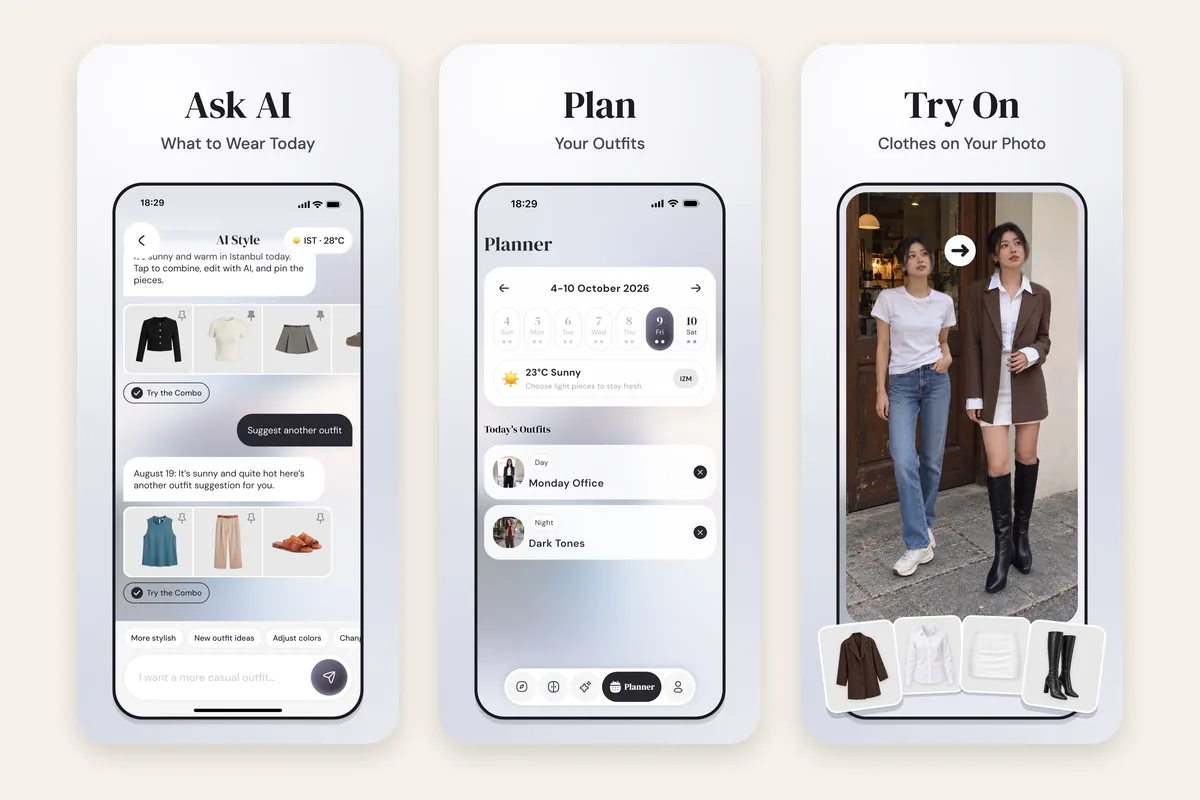
- The forecast for the day you pick. Choose today or a day later in the week, and the stylist reads that day's daytime forecast, from how cold it feels to wind, rain and snow. Then it builds a full outfit: outerwear, a top or dress, a bottom, shoes and accessories.
- Built around a piece you choose. Pin the coat or the boots you want to wear and it styles the rest around them. If you always feel the cold, pinning your warmest layer is how you tell it.
- The outfit on your photo. One tap tries the suggestion on a photo of you, so you can judge colour and proportion. It shows how the outfit looks, not how warm it will feel.
- A week with the forecast beside it. The planner shows each day's forecast next to a Day and a Night outfit, and sends a reminder about the plan.
- Your colouring in the mix. The stylist also reads your colour analysis and body shape, so it steers away from shades that wash you out.
Wdrobe has no setting for running hot or cold, and its stylist reads the daytime hours, so a late evening outdoors is still your call.
Choose it if: you want the forecast turned into an outfit from your own wardrobe, shown on you. Skip it if: all you need is a glance that says coat or no coat.
2. Weather Fit: best for a quick glance
Weather Fit dresses a character made to look like you in clothes that suit the conditions outside, with a comfort slider for running hot or cold, widgets and an Apple Watch app.
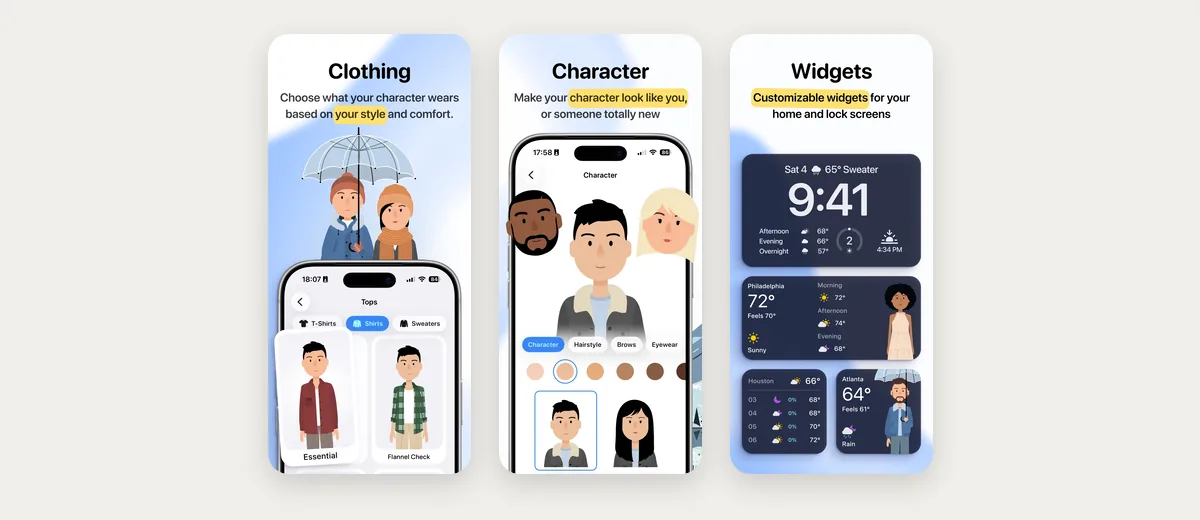
Worth knowing: the clothes are drawn items you pick for the character, not photos of your own, and it is iPhone only: its website offers Android users a sign-up to hear when a version arrives.
3. Comfie: best if you always feel the cold
Comfie asks you to rate each outfit Cold, Good or Warm and adjusts the next day's suggestion, so it learns your own comfort over time. You can photograph pieces you own, and it suggests those instead of generic ones.
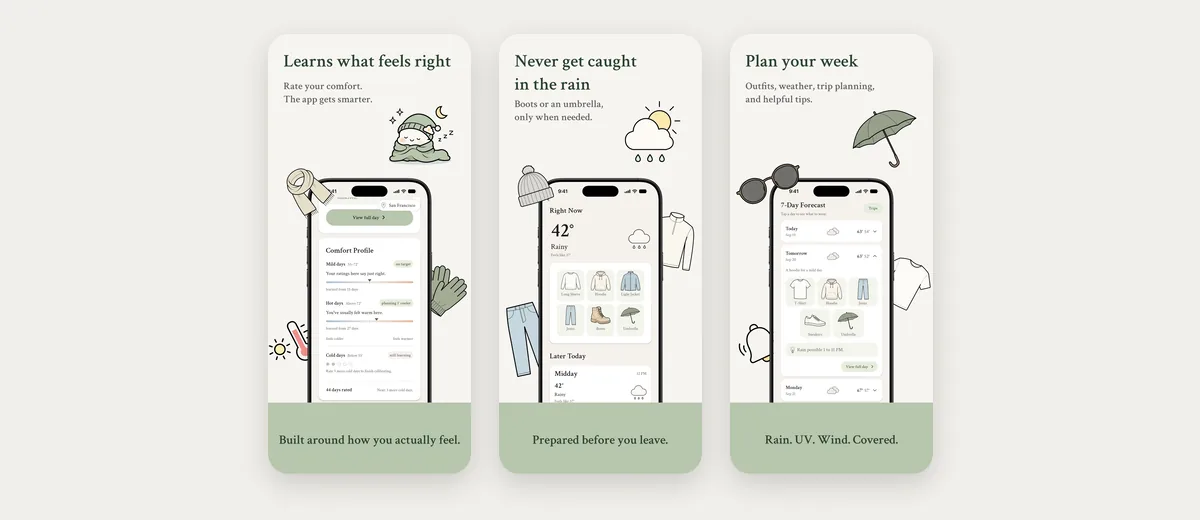
Worth knowing: outfits appear as clothing icons rather than on a person, it is iPhone only, and it only launched in July 2026.
4. Layers: best for an answer with no setup
Layers gives a plain list for the day, such as a T-shirt and a skirt with an umbrella, with comfort sliders for sun, wind and humidity and a count of what to pack for the days ahead.
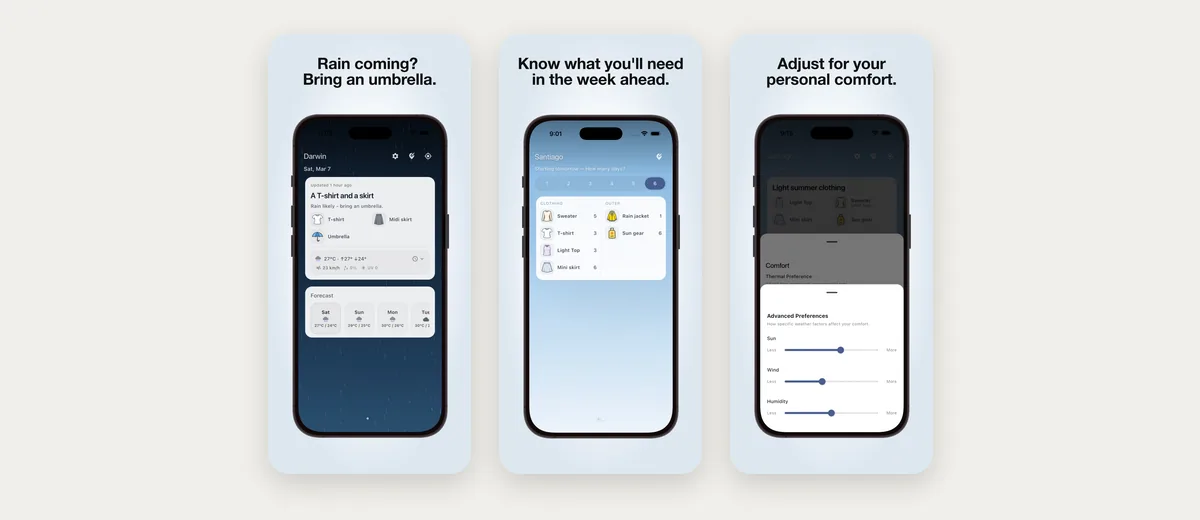
Worth knowing: it has no wardrobe, so the list stays generic, and we found no Android version.
5. Acloset: best for asking a chat about today
Acloset suggests outfits from your closet for the weather and your schedule, and has a chat stylist you can ask what to wear.

Worth knowing: its listings do not show suggestions on a photo of you, so you judge them as separate pieces.
6. Alta Daily: best for trips through several cities
Alta suggests outfits from your closet for your weather and schedule, and can plan one trip across several cities and climates.
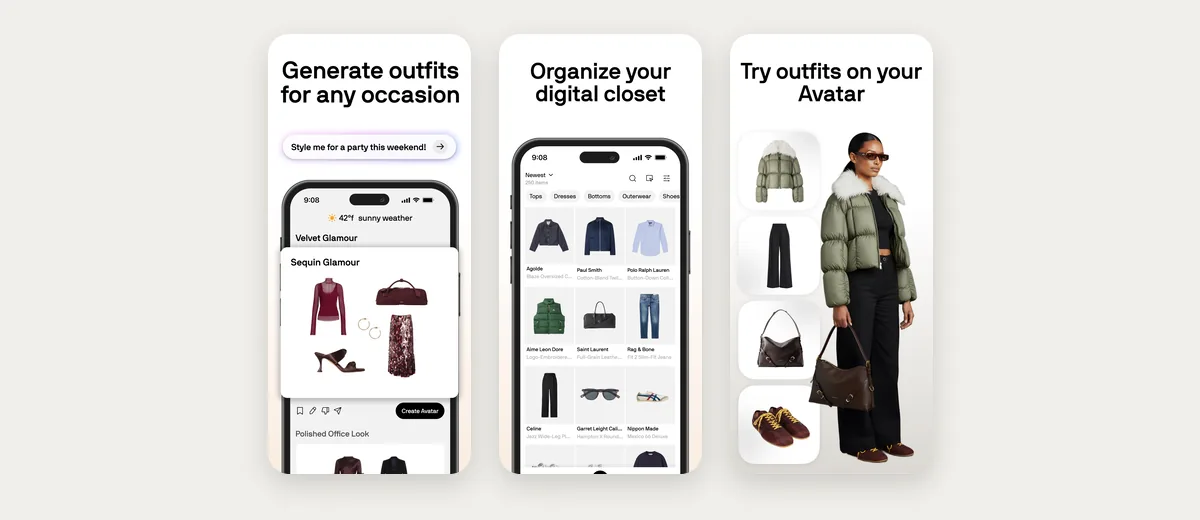
Worth knowing: outfits are tried on a generated avatar rather than your photo, and its listing has no colour analysis.
Both kinds of app need something from you first. A weather app needs a minute of comfort settings, and a wardrobe app needs your clothes. Add the coats, boots and knitwear the weather decides between, then ask for the next cold morning.
What to look for in a weather outfit app
Whichever app you choose, five things decide whether its advice holds up once you are outside:
- The feels-like temperature, not only the reading. Wind and damp can make 8°C (46°F) feel several degrees colder. An app that dresses you for the number on the thermometer will leave you cold on a windy day.
- The hours you are actually out. A day that starts at 4°C and reaches 15°C needs a layer you can take off. Check whether the app looks at your morning, the afternoon or the whole day.
- Rain changes the shoes and hems before the coat. Suede, pale trainers and wide trousers that brush the ground suffer first. Leather boots with a midi skirt or cropped trousers cope far better than a maxi dress in the wet.
- Your own comfort. If you always run cold, choose an app with a setting for it, or plan around the warmer layer yourself.
- Seeing it before you dress. Some apps show the outfit on your photo, others on an avatar, a cartoon or as a list. The closer it is to you, the fewer surprises at the mirror.
Frequently asked questions
Is there an app that tells you what to wear based on the weather?
Yes. Weather Fit, Comfie and Layers turn the forecast into generic clothing advice. Wdrobe, Acloset and Alta Daily pick an outfit from your own clothes for the weather, and Wdrobe shows it on your photo.
Is there a weather outfit app that uses my own clothes?
Wdrobe, Acloset and Alta Daily all suggest outfits from clothes you have added. Comfie can swap photos of your own pieces in for its generic ones. Weather Fit and Layers do not use your clothes.
Can an app learn that I run cold?
Yes. Comfie learns from your Cold, Good and Warm ratings, and Weather Fit and Layers have comfort sliders. Wdrobe has no such setting, so pin a warmer layer and its stylist builds the outfit around it.
Is there a what to wear weather app for Android?
Wdrobe, Acloset and Alta Daily run on Android and suggest outfits for the forecast. Weather Fit, Comfie and Layers are iPhone apps, although other developers publish apps with similar names on Google Play.
What should I wear today based on the weather?
Dress for the feels-like temperature during the hours you will be outside, not the day's high. If the morning is much colder than the afternoon, wear a layer you can take off, and pick shoes for any rain before you pick the coat.
If you want an app to make the whole choice, not only the weather part, what app picks outfits for you compares the apps that decide, and the best outfit planner apps covers planning a week ahead. For the clothes themselves, what to wear in autumn, temperature by temperature has the layers.
A weather app can tell you it is a coat day. It cannot tell you which of your coats goes with the dress you had planned, or how the two look together on you. Wdrobe reads the same forecast, picks from the clothes you own and shows the result on your photo. Download Wdrobe and let it choose for the next wet morning.