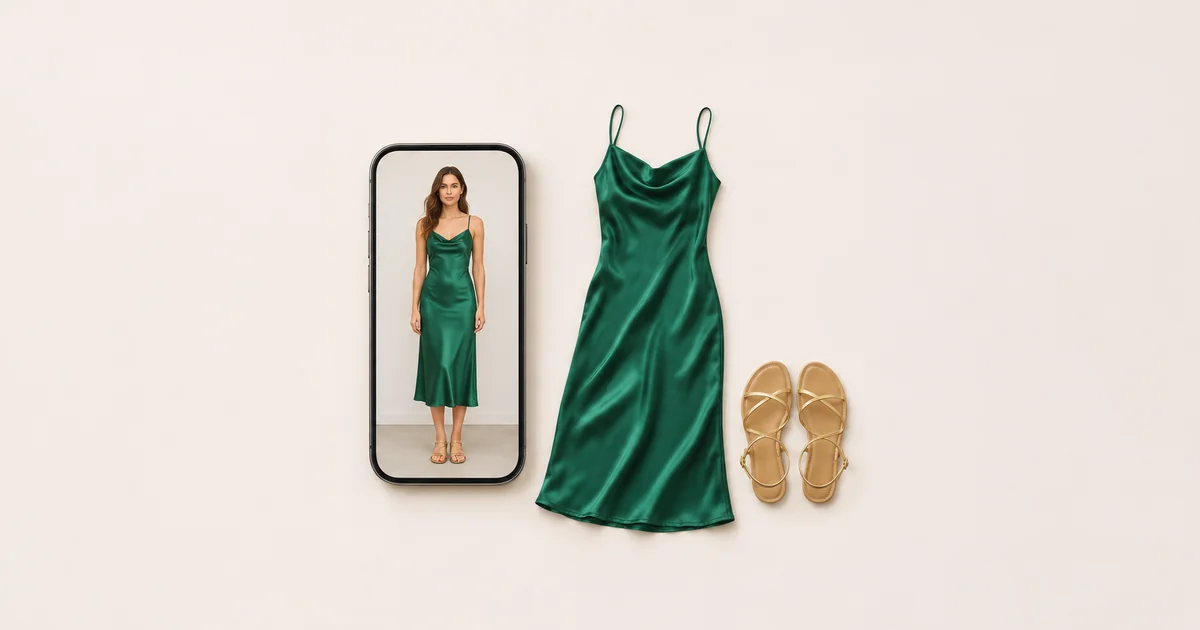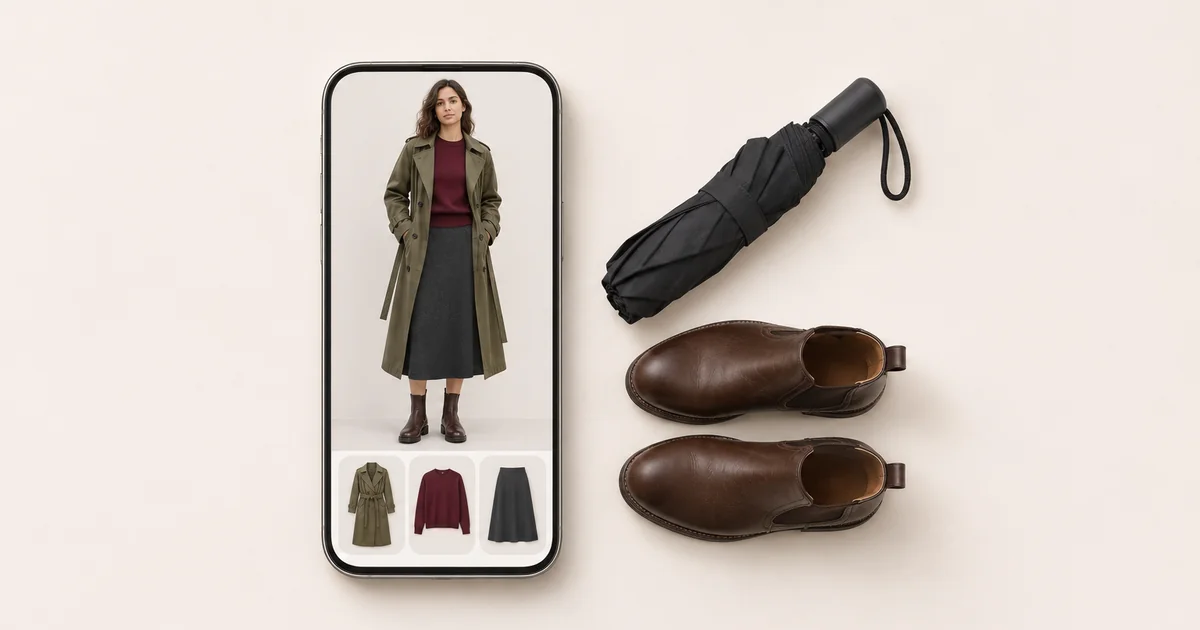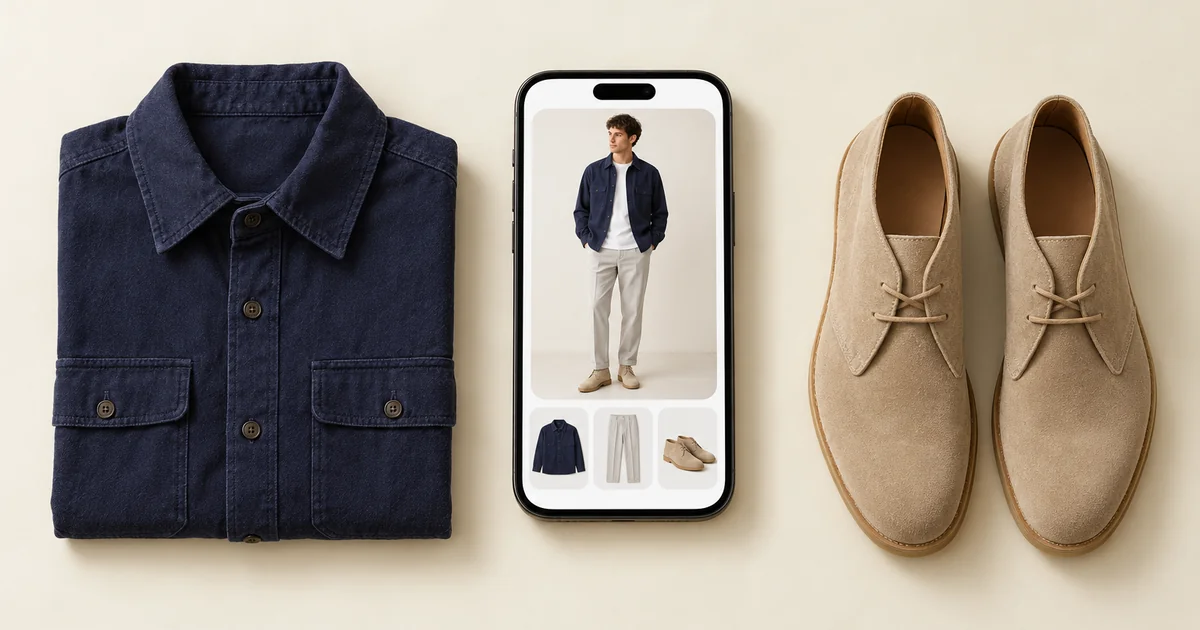

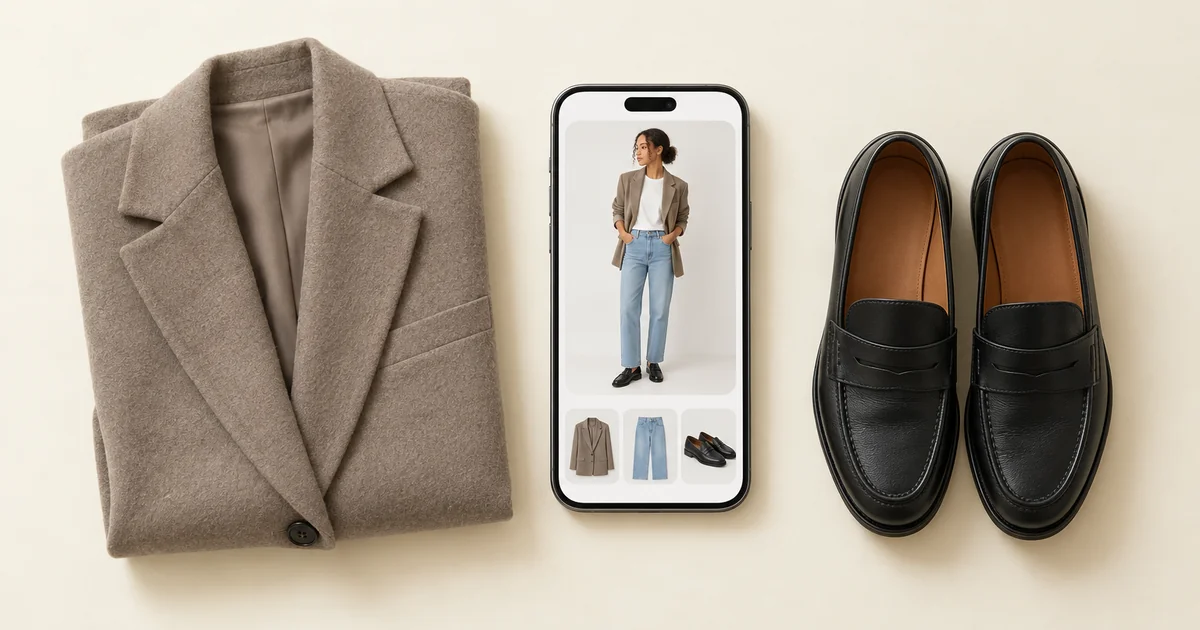
Wdrobe is the Doppl alternative we would pick for most people. Like Doppl, it takes a picture of clothes from anywhere, a screenshot from social media or a shop photo, and puts them on a picture of you. It also adds what Doppl never had: your own wardrobe, full outfits made of several pieces, and an AI stylist. Google itself now points former Doppl users to the try-on built into Search, Shopping and Images, which only works on listings that show a Try it on button. TryDrobe is the closest like-for-like swap for one or two pieces, Fits is for people who would like the try-on to live inside a closet organiser, and Alta Daily suits people happy with an avatar.
Google closed Doppl on 30 April 2026, and it was only ever offered in the US, so readers elsewhere never had it. We make Wdrobe, the first app below. The facts about Doppl come from Google's own announcements and help pages, and every app here was checked on its current store listing in October 2026.
The screenshot you would have opened in Doppl is still on your phone. The app we make, Wdrobe, can show that screenshot's outfit on a photo of you next to clothes you already own.
What Doppl did, and when it closed
Google Labs launched Doppl on 26 June 2025 as an experiment for iPhone and Android, open to adults in the US. You uploaded a full-body photo, then tried on outfits from photos or screenshots: a look on social media, a jacket at a thrift shop, a friend's outfit. Doppl could also turn the still try-on into a short AI video of you moving in the clothes. In December 2025 it added a feed of AI-made outfit videos with links to the shops selling each piece.
On 23 March 2026, Google Labs said the app would close. On 30 April 2026 it stopped working and was removed from the App Store and Google Play, and Google's help page warned that Doppl data would no longer be accessible after that date.
What Google offers instead
Google's message to Doppl users was that its try-on now works on product listings and image results across Google. Its help page sets out how that works:
- It runs inside Google Search, Google Shopping, Google Images and Chrome, signed in, for adults.
- You click a top, bottom or dress, press Try it on, and upload a full-body photo or a selfie. If the button is missing, the item cannot be tried on. Lingerie, swimwear, accessories and sponsored ads are left out.
- It is offered in 18 countries and regions, among them the US, the UK, Canada, Australia, New Zealand, Japan, India and Mexico. No country in mainland Europe is on the list.
What that leaves out
For someone who used Doppl, Google's try-on misses much of what made the app useful:
- A screenshot or a photo from social media. There is no Try it on button on a picture saved to your phone, a friend's post, or a piece you photographed in a shop.
- A piece you already own. Google tries on products it has indexed, not the jeans in your drawer.
- A full outfit. The help page describes trying on the item you clicked. It says nothing about adding your own trousers, coat or shoes to the same picture.
- Readers in Europe. If you are in Germany, France, Spain, Sweden or Norway, the feature is not offered at all.
- Video. Google's try-on makes a still image. So does every app on this list.
The gap that matters most is the screenshot. That was the reason to open Doppl, and it is the one thing a shopping search cannot take. Try your last saved screenshot on a photo of yourself and see how close it gets.
Doppl alternatives at a glance
| Option | Try on from | Shown on | Your own clothes in the picture | Where it works |
|---|---|---|---|---|
| Wdrobe | Any clothing picture you add | Your own photo | Yes, full outfits | iPhone, Android |
| Google try-on | Listings with a Try it on button | Your full-body photo or selfie | No | Search, Shopping, Images and Chrome, 18 countries and regions |
| TryDrobe | Any clothing picture, including screenshots | Your own photo | One or two pieces at a time | iPhone, Android |
| Fits | Pieces in your wardrobe or wish lists | An image made from a selfie and body type | Yes | iPhone, Android |
| Alta Daily | Outfits it generates from your closet | An avatar | Yes | iPhone, Android, web |
1. Wdrobe: best overall Doppl alternative
Wdrobe does Doppl's main job, putting a picture of clothes on a picture of you, and builds the rest of a wardrobe app around it.
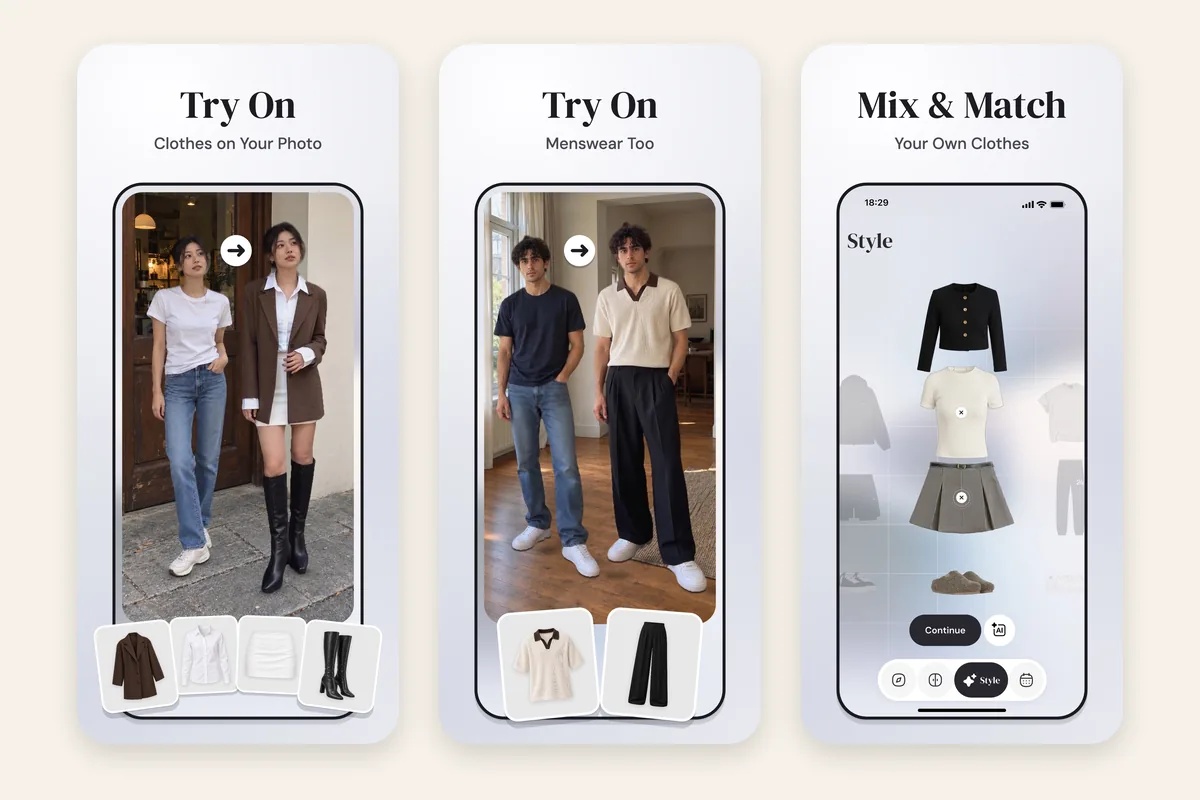
- Any picture of clothes. Add a screenshot, a saved Pinterest look or a shop photo from your camera roll, up to ten at a time. Each one is cut out from its background and tagged with a category and colour you can correct.
- A full outfit on your own photo. Combine an outer layer, a top or dress, a bottom, shoes and up to three accessories, mixing new pieces with clothes you own, and try the whole outfit on one of up to five photos of you.
- An AI stylist. It builds outfits from your wardrobe for whatever day you select, using that day's forecast and any piece you have pinned, and leans toward the shades your colour analysis says suit you. That analysis and a body shape analysis come free for new users at sign-up.
- Keep and share the result. Save a try-on as an outfit, download it to your phone's gallery, or share it with a link. The Discover feed shows other people's public outfits, though nothing in it is for sale.
It runs on iPhone and Android and is not limited to the US. Two honest limits next to Doppl: Wdrobe makes still images, not videos of you moving, and the try-on is a preview of colour and proportion, not a promise of how a fabric will hang.
2. Google try-on: best for products already on Google
This is the option Google chose to keep. It is built into search results, so there is nothing to install, and it covers a very large number of listed tops, bottoms and dresses.
Where it stops: only items with a Try it on button, nothing you already own, and no service in mainland Europe. Google's help page also warns that the image may get body shape or clothing details wrong.
3. TryDrobe: closest swap for one or two pieces
TryDrobe puts one garment, or a combination of two, on your own photo, and accepts screenshots shared into the app. It also has a closet, outfit ideas from it, and a planner.
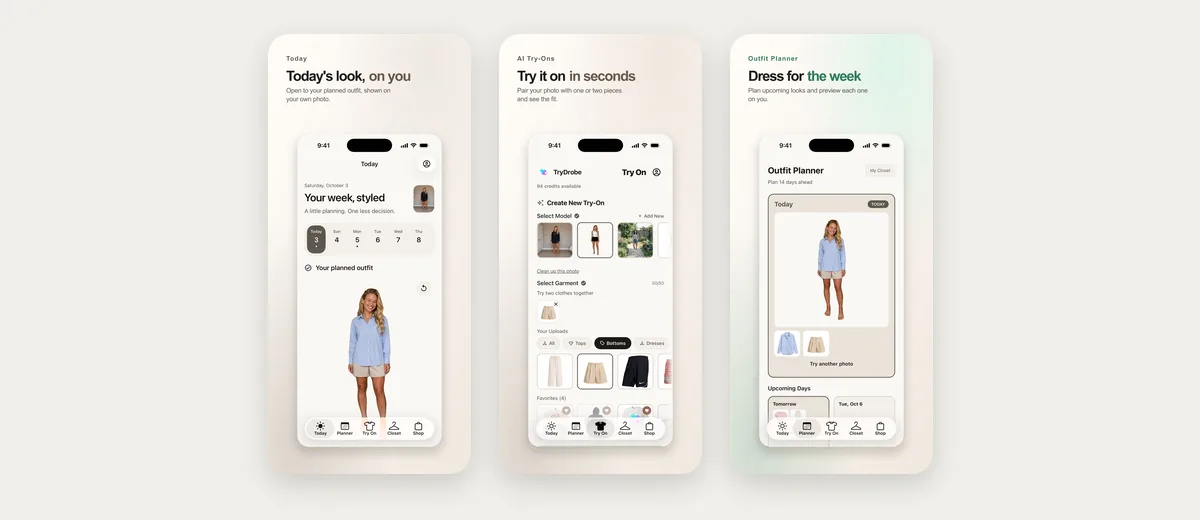
Where it stops: each preview combines at most two pieces, so a full outfit with shoes and a coat does not fit in one picture. Its listing mentions no colour analysis or weather, and it leans toward shopping, with featured stores and price-drop alerts on wishlist items.
4. Fits: try-on inside a closet app
Fits has a closet, a canvas for building outfits, an outfit calendar, AI try-on, and an AI stylist that its website says uses the weather and the occasion.
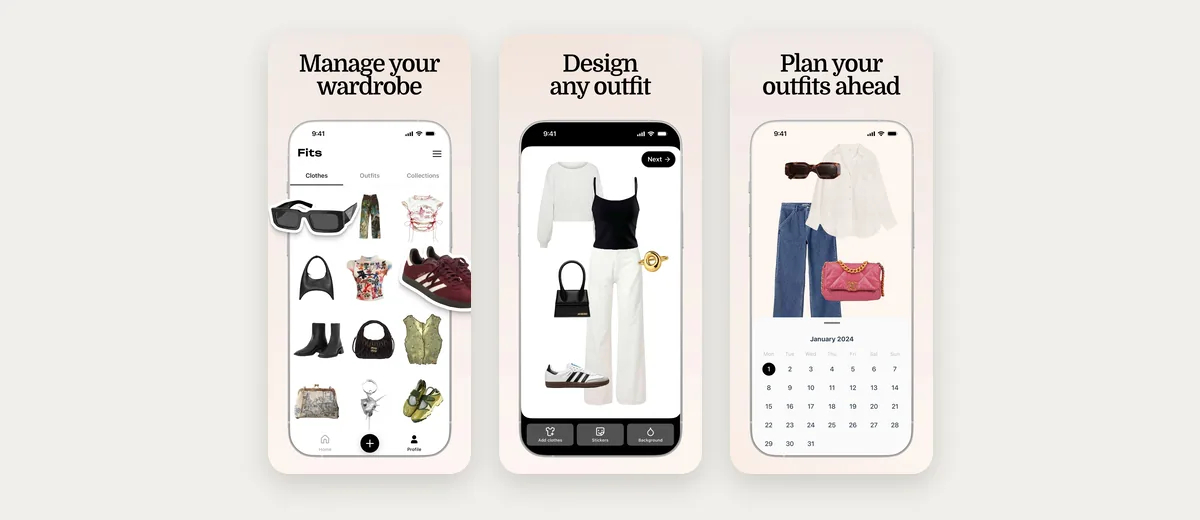
Where it stops: its help page sets up try-on from a selfie and a body type you enter, and you try on pieces from your wardrobe or wish lists. Its App Store listing mentions no colour analysis.
5. Alta Daily: an AI version of you for daily outfits
Alta generates outfits from your closet for the weather, your schedule and events, plans trips with a packing list, and shows outfits on an avatar made to look like you. It also has a web app.
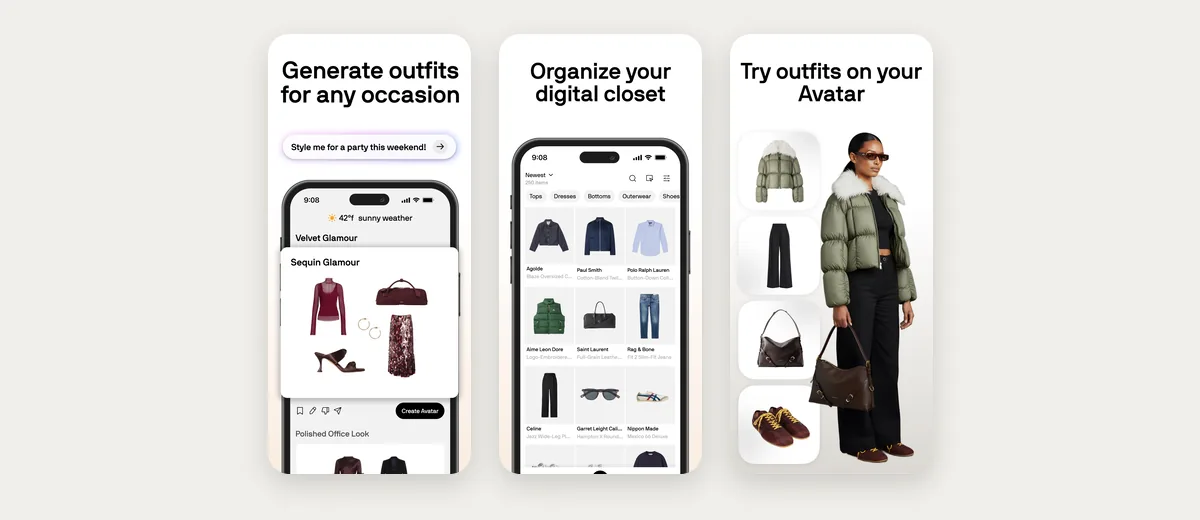
Where it stops: the avatar is a generated figure rather than your photo, its listing mentions no colour analysis, and it recommends things to buy for the gaps it finds and alerts you when wishlist items go on sale.
Doppl answered "how does this look on me?" for one look at a time. The harder question is whether that look works with the coat and boots you will actually wear it with. Put a new piece next to clothes you own and see the whole outfit on you.
How to test a Doppl replacement with one screenshot
Pick the last outfit you screenshotted and meant to try in Doppl. Then, in any app above:
- Use one full-length photo in daylight, standing straight against a plain wall, in fitted clothes.
- Try the screenshot's main piece on its own first.
- Add one thing you own, such as your usual jeans or coat, and try again.
- Compare the colour with the original screenshot and check that your proportions stay the same between tries.
An app that keeps the colour and your shape steady with your own clothes added will handle most of what you used Doppl for.
Frequently asked questions
What is the best Doppl alternative?
Wdrobe is the best Doppl alternative for most people: it tries on clothes from any screenshot or shop photo on your own photo, together with clothes you already own. Google's try-on in Search is the quickest option for products listed on Google, in the countries where it is offered.
Is Doppl still available?
No. Google Labs announced the closure on 23 March 2026, and Doppl stopped working and left the App Store and Google Play on 30 April 2026. Google now points people to the try-on on product listings and image results in Search.
Can I get my Doppl looks back?
Not any more. Google's help page said Doppl data would no longer be accessible after 30 April 2026, so anything not saved before then is gone. If you kept screenshots of the clothes, you can try them again in another app.
Can I try on a jumper or dress from an Instagram screenshot?
Yes, with an app rather than Google. Wdrobe and TryDrobe both accept screenshots and show the piece on your own photo, and Wdrobe lets you add the rest of the outfit from your wardrobe. ChatGPT also accepts an uploaded clothing image in a chat and tries it on your selfie, on its own. Google's try-on only works on listings that show its Try it on button.
Can ChatGPT or Gemini replace Doppl?
For a single item, ChatGPT now can. Since 1 October 2026 it has a "Try on" button on clothing listings in ChatGPT shopping, and it also tries an uploaded clothing image on your saved selfie. It keeps no wardrobe of the clothes you own, so it cannot build an outfit from them and show it on you. Our guide on whether ChatGPT can do virtual try-on covers what it does and does not do.
To compare every try-on option side by side, see the best virtual try-on apps, and before you buy from a try-on, read what virtual try-on can and cannot show.
Doppl showed a lot of people that a screenshot could be tried on, then closed, and Google's replacement only takes the listings it shows a button on. Wdrobe takes the same screenshot, puts it on your own photo, and lets you finish the outfit with clothes already in your wardrobe. Download Wdrobe and try the look you saved last week before it slips down your camera roll.