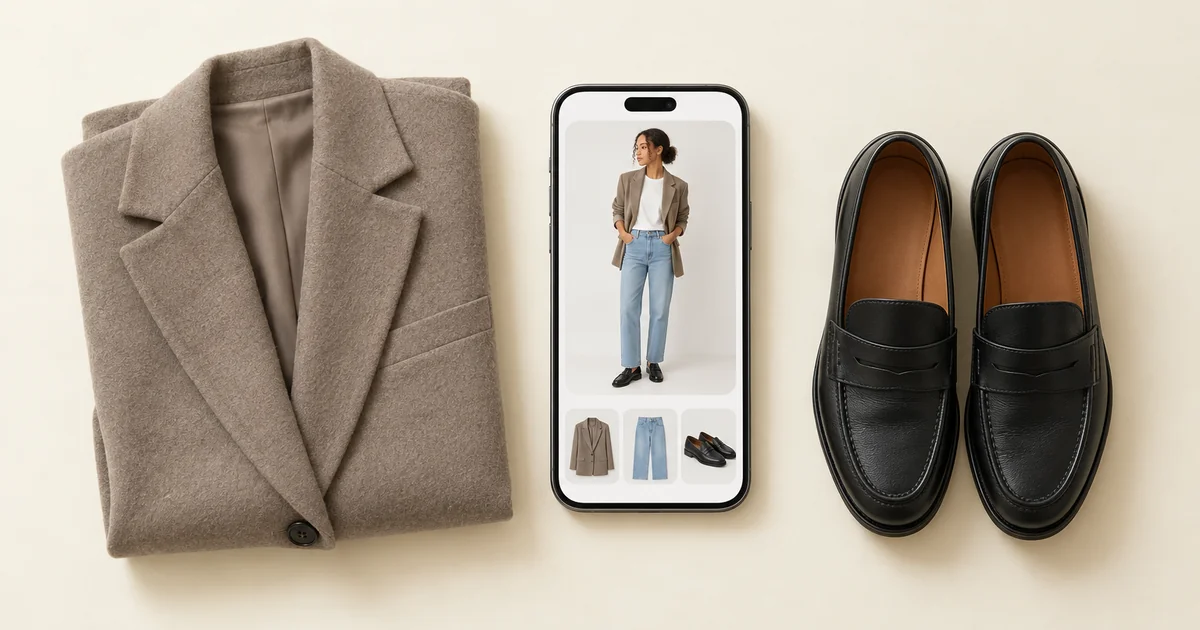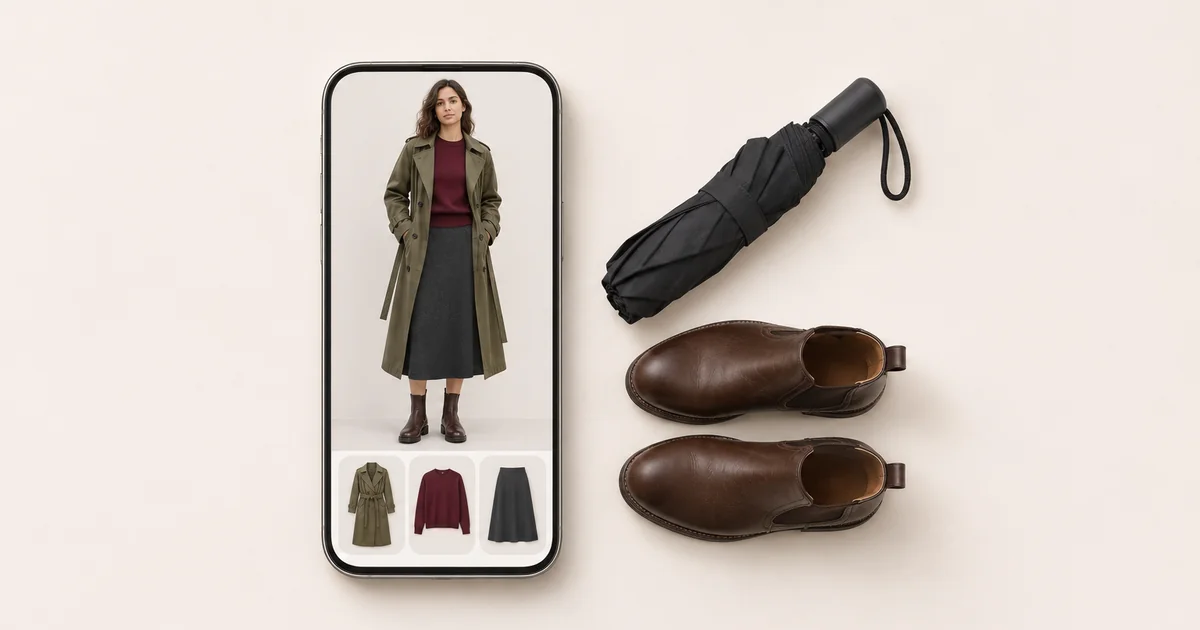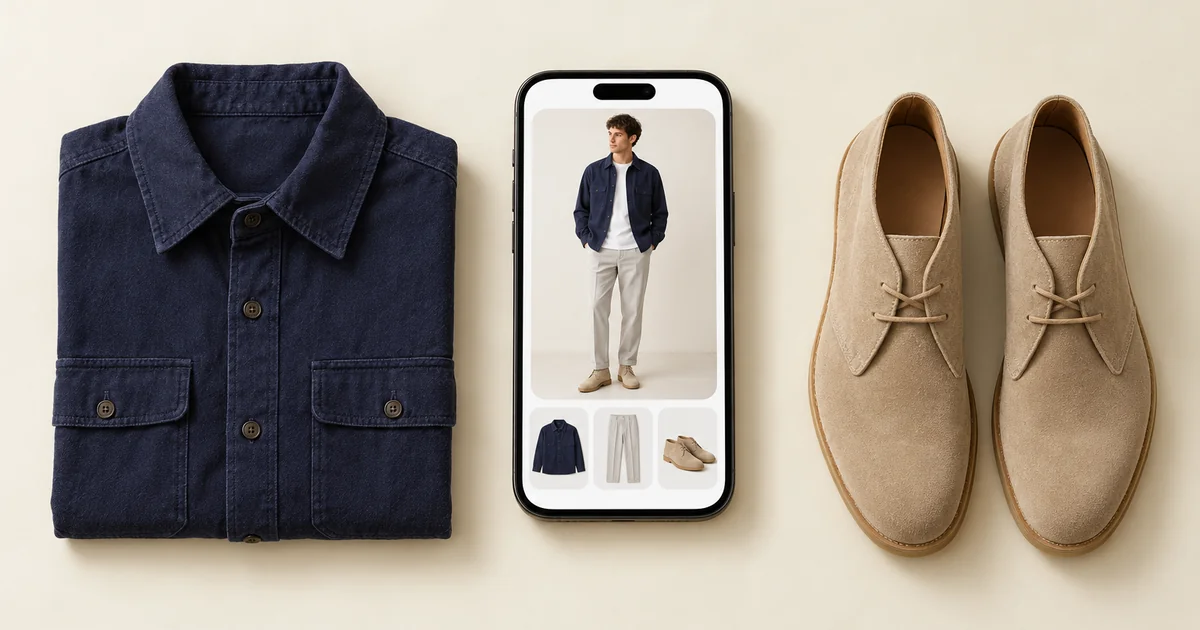

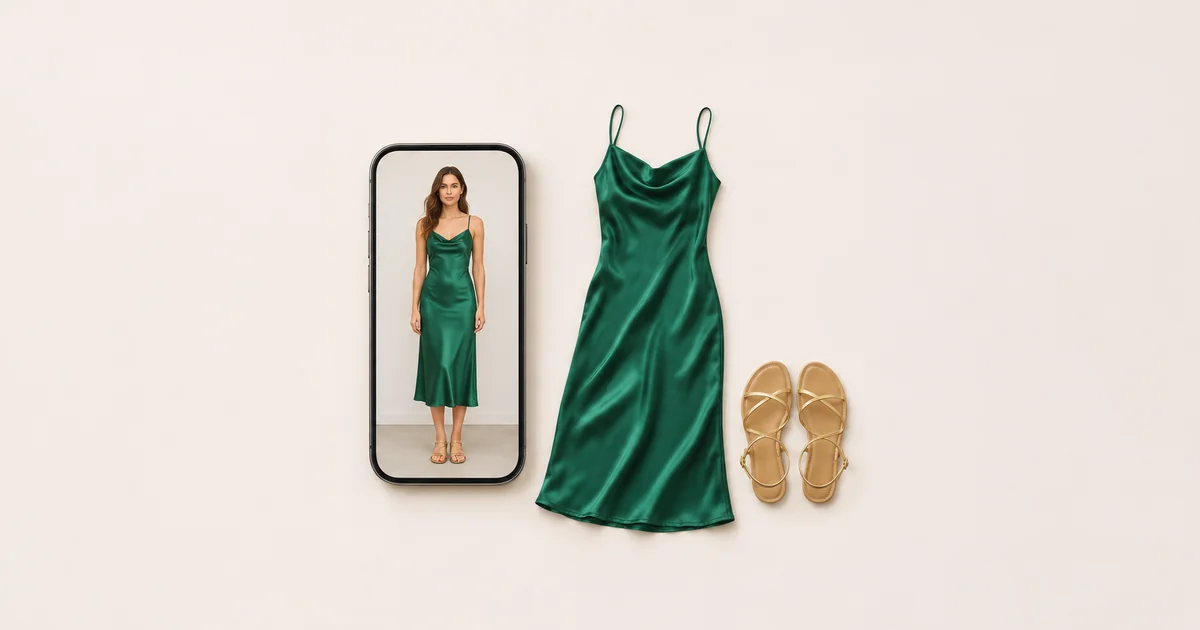
An AI outfit changer takes a photo of you and redraws the clothes: you pick a preset look, describe one, or give it a picture of a garment. Which app to use depends on what the picture is for. To see real clothes on yourself, your own or a dress you are about to buy, Wdrobe is the one we would point you to, because it puts that exact piece on your photo and keeps your wardrobe in one place. To change an outfit by describing it, ChatGPT and Google Gemini are the strongest. Picsart suits people who want to edit the whole photo afterwards, YouCam Makeup suits a full makeover with hair and makeup, and Adiz suits costume and party pictures.
We make Wdrobe, so read the ranking with that in mind. We checked every app's App Store listing, and its Google Play listing where it mattered, on 7 November 2026.
If the outfit you want to see is a real one, hanging in your wardrobe or sitting in a shop basket, the app we make, Wdrobe, can put that exact piece on a photo of you instead of drawing a new one.
AI outfit changer apps at a glance
| App | Best for | Where the new outfit comes from | Keeps your clothes | Platforms |
|---|---|---|---|---|
| Wdrobe | Real clothes on your own photo | Your own clothes or a saved shop photo | Yes, a full wardrobe | iPhone, Android |
| ChatGPT | Describing the change in words | A prompt, or a photo of a garment | No | iPhone, Android, web |
| Google Gemini | Quick swaps from a prompt | A prompt, or several images blended | No | iPhone, Android |
| Picsart | Editing the whole photo afterwards | Its AI try-on tool | No | iPhone, Android |
| YouCam Makeup | Outfit, hair and makeup together | Over 100 outfit styles, or a garment you upload | No | iPhone, Android |
| Adiz | Costume and party pictures | Preset looks | No | iPhone, Android |
Outfit changer or try-on: which do you need?
The same words cover two different jobs, and the right app depends on which one you have.
A new picture. A party look for a profile photo, a costume idea, a festival outfit, or yourself in a style you would never buy. Here the app inventing the clothes is the point, and a changer app is the right tool.
A check on real clothes. Does the green dress work with your tan boots? Does the cropped jacket sit right over that skirt? Is the colour kind to your face? Here an invented garment tells you nothing. You need the actual piece, in its real colour and length, on you.
Most of the apps that come up first for "ai outfit changer" on the App Store are built for the first job. They are small: on 7 November the most-rated of the top ten in the US had 60 ratings. You upload a photo, pick a preset such as casual, party, festival or costume, or type what you want, and the app redraws the picture. Only a few keep a wardrobe, none of those we checked mentions the weather, and only a couple offer any styling advice.
A drawn dress cannot tell you anything about the real one. If the question is whether the dress in your basket goes with the boots you own, the picture needs that dress and those boots. Add the shop photo and try it with your own boots on your photo.
1. Wdrobe: best for real clothes on your own photo
Wdrobe is a wardrobe app with try-on built in, so the clothes it puts on you are ones that exist.
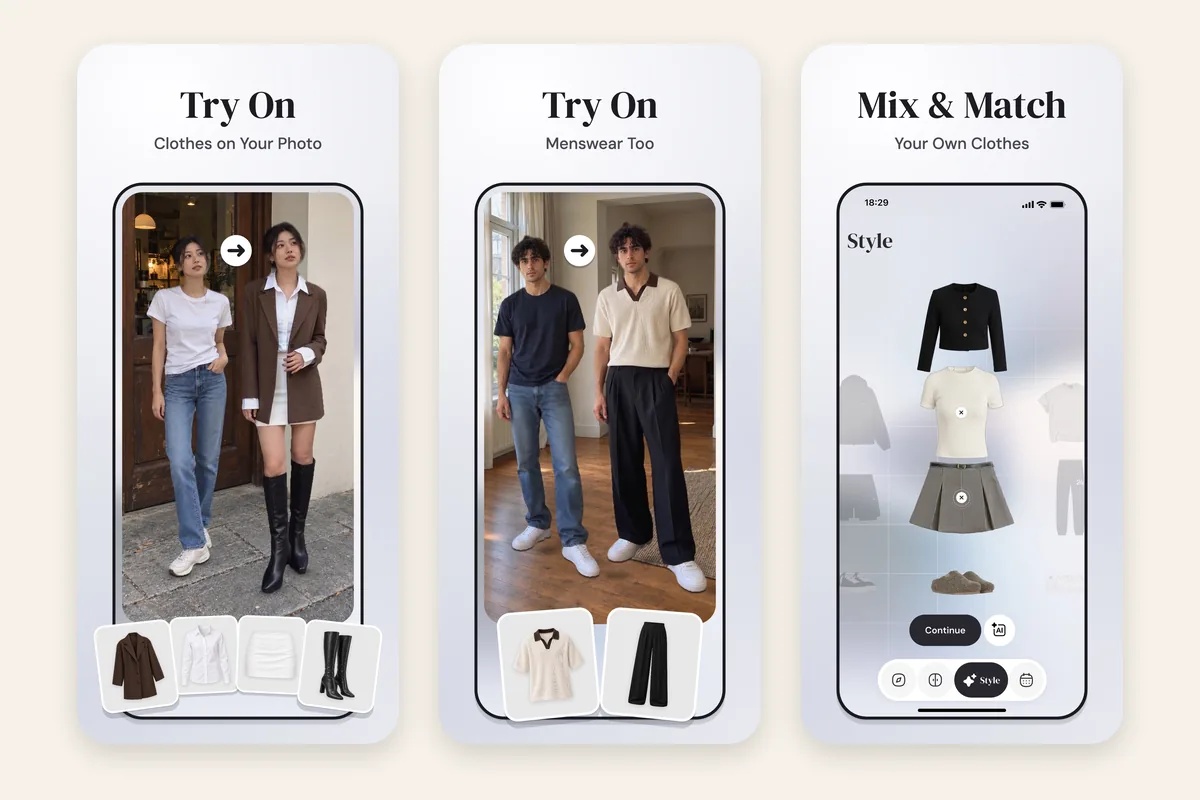
- The actual garment. Add any clothing picture: a photo of your own jumper, or a screenshot of a dress from a shop. The background is removed, the piece is tagged by category and colour, and it can go straight onto your photo.
- A whole outfit, not one piece. Put together outerwear, a top or dress, a bottom, shoes and up to three accessories, then try the full outfit on at once.
- Your photo, kept for next time. Keep up to five photos of yourself and choose a default, so every try-on starts from the same picture.
- Save, download or share. Keep the result as an outfit, save it to your phone's gallery, or send it with a link.
- Styling as well. The AI stylist suggests outfits from your wardrobe for the day's weather, reading your colour season and body shape.
Wdrobe does not do costume presets, change your hair or background, or make videos. Its try-on is a styling preview: it shows colour, length and how pieces go together, not how the fabric will fit.
Choose it if: the clothes in the picture need to be real, because you own them or are about to buy them. Skip it if: you want a costume or a fantasy look for a fun photo.
2. ChatGPT: best for describing the change in words
ChatGPT edits a photo you upload from a few words of instruction, and since 1 October 2026 it has a try-on option that keeps your photo by default. You can also give it a picture of a garment to put on you.
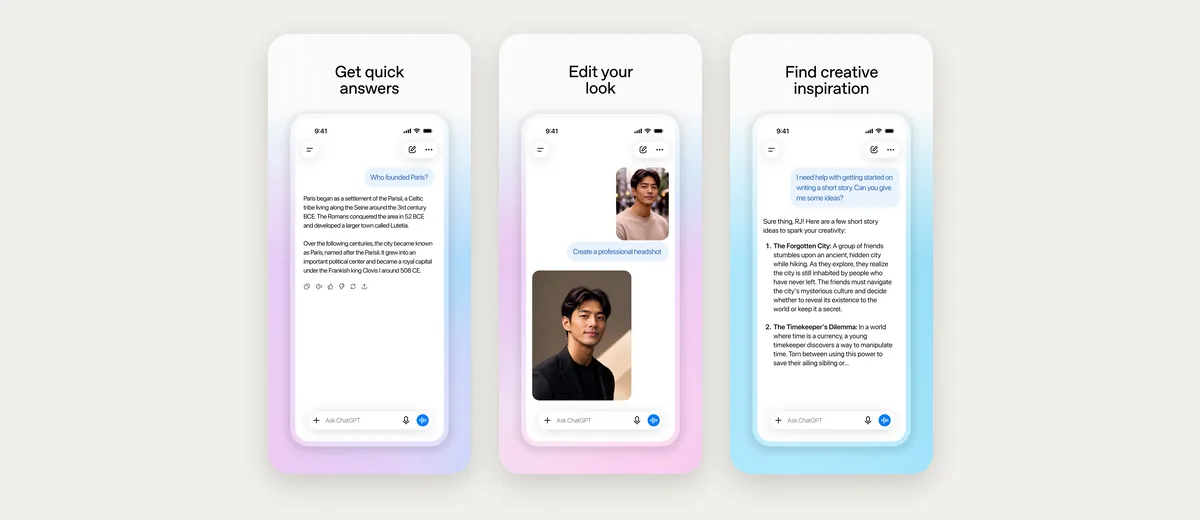
Worth knowing: it keeps no wardrobe, so every change starts with a new prompt, and the result can shift from one attempt to the next. What it can and cannot do is set out in can ChatGPT do virtual try-on, and ChatGPT outfit prompts has wording that keeps your face the same.
3. Google Gemini: best for quick swaps that still look like you
Gemini edits photos with Google's Nano Banana model, can blend several images into one, and Google suggests using it to try yourself in different outfits. Google says edited images carry a visible watermark and an invisible SynthID mark.
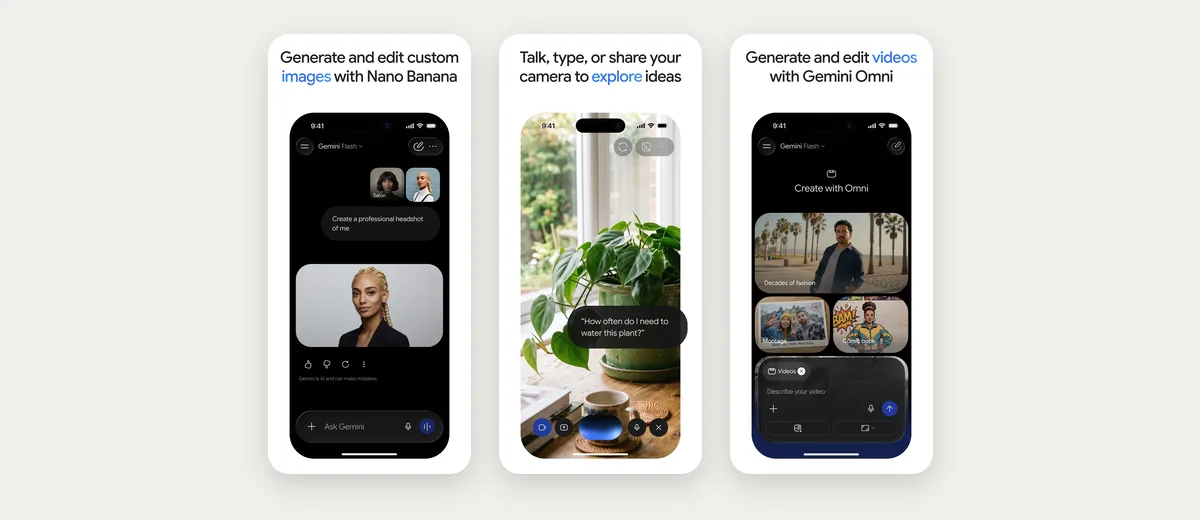
Worth knowing: it is a chat rather than a wardrobe, and users have reported faces and hands coming out changed after updates to the model.
4. Picsart: best for editing the whole photo afterwards
Picsart's AI Try-On lets you try outfits and styles on a photo, inside a full photo editor that can also replace parts of the picture and take edits from an AI assistant.
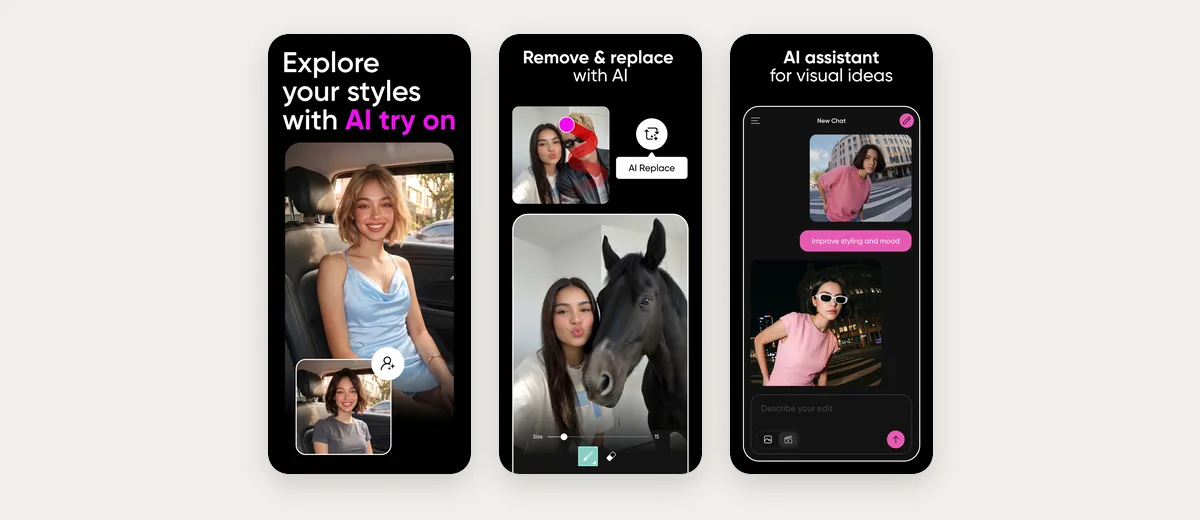
Worth knowing: the outfit tool is one feature in a large editor, and its listing does not say it can take a photo of a garment you own.
5. YouCam Makeup: best for a full makeover picture
YouCam's AI Wardrobe offers more than 100 outfit styles or a garment you upload, next to hairstyle and makeup try-ons.
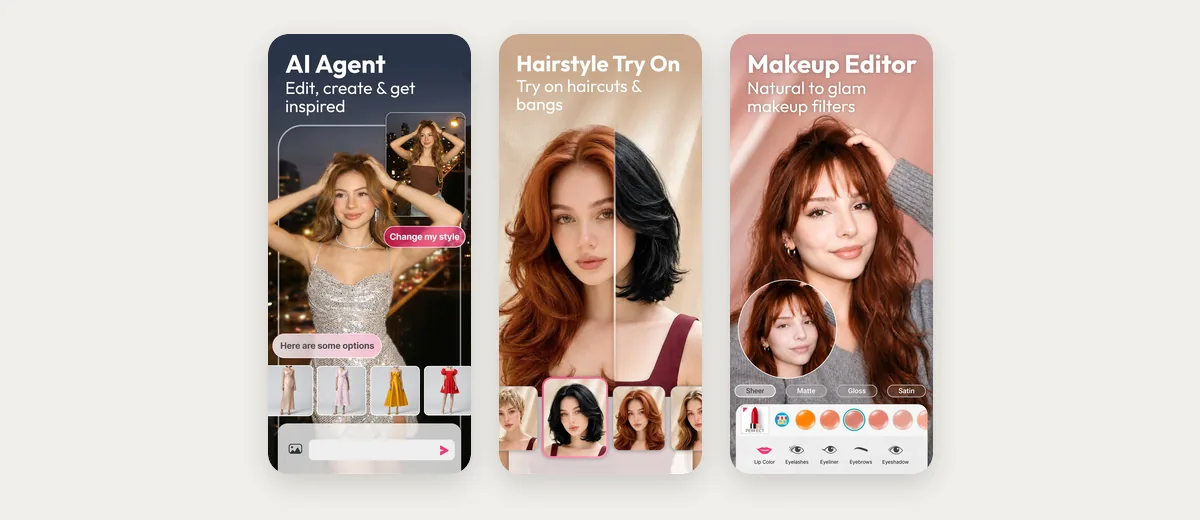
Worth knowing: it is a face and body editor first, with slimming and proportion tools, and it keeps no closet or planner. If you want the photo to stay true to you, leave the body tools alone.
6. Adiz: best for costume and party pictures
Adiz puts one photo into preset looks: casual, party and elegant outfits, Halloween costumes, prom dresses, and festival outfits for Diwali or Christmas.
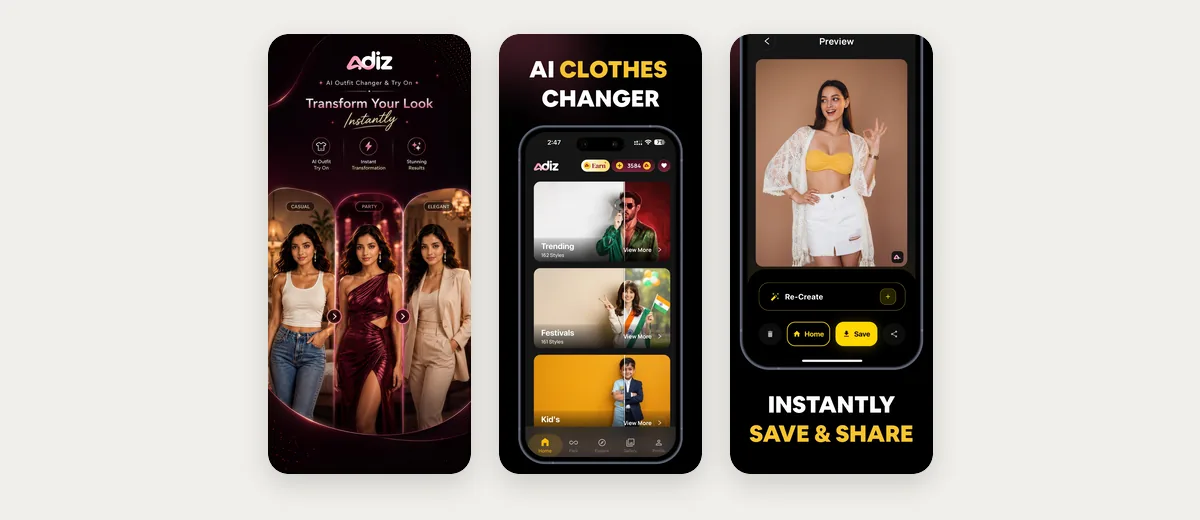
Worth knowing: you choose from its presets rather than a garment you own, and reviewers on Google Play mention dresses that do not match the one shown, and a lot of ads.
How to change clothes in a photo without changing you
The starting photo decides most of the result, whichever app you use:
- Use a full-length photo in daylight. Stand straight, arms a little away from your body, against a plain wall. The less the app has to guess, the more of you it keeps.
- Wear fitted, everyday clothes in it. A baggy jumper hides your shape, so the app has to invent one. Some apps also refuse photos with a lot of bare skin, so a swimsuit photo may be turned away.
- Change one thing at a time. Ask for the dress, then the shoes, rather than a whole new look in one go. Big edits are where faces and hands tend to drift.
- Check the hands, hairline and jewellery before you share. Those are where edits most often go wrong.
- Only use photos of yourself, or of people who have said yes. Several of these apps say so in their own listings. If an app adds a watermark, leave it on, so nobody takes the picture for a real one.
One good photo of you is worth more than any setting. Take it once, by a window, in a fitted top and trousers, and every later outfit starts from it. Save that photo in Wdrobe and try your next outfit on it.
Frequently asked questions
Do AI outfit changers keep your face?
Some try to, and many warn that they might not. Carriage promises to keep your face, while Looksy says results may not preserve every facial feature. A clear, front-facing daylight photo and one change at a time keep the most of you.
Can I change clothes in a photo with my own clothes?
Yes, with an app that takes a photo of the garment. Wdrobe tries any piece in your wardrobe, or a saved shop photo, on your own photo. ChatGPT and YouCam Makeup also accept a garment you upload.
Can ChatGPT change clothes in a photo?
Yes. Upload a photo and describe the new outfit, or use the try-on option it added in October 2026. Describe the garment exactly and ask it to leave your face, hair and pose unchanged.
Are AI clothes changer apps accurate?
For colour, length and how pieces go together, often close enough to judge. For fit, fabric weight and how a garment moves, no: the app draws what a garment might look like on you. What virtual try-on can and cannot tell you goes through each point.
What is the best AI clothes changer app?
Wdrobe is the best for real clothes on your own photo, because it uses the actual garment and keeps your wardrobe. ChatGPT and Gemini are best for describing a change in words, and Adiz for costume and party presets.
If you are choosing an app for trying real clothes before you buy, the best virtual try-on apps compares them, and if you used Google's Doppl before it closed, Doppl alternatives picks up from there.
An outfit changer gives you a picture of clothes that do not exist. That is fine for a party photo and no help when the question is whether the dress you are about to buy goes with your own coat. Wdrobe keeps your clothes in one place and puts the real pieces on your photo together, as one outfit. Download Wdrobe and try the next thing in your basket on yourself before you order it.