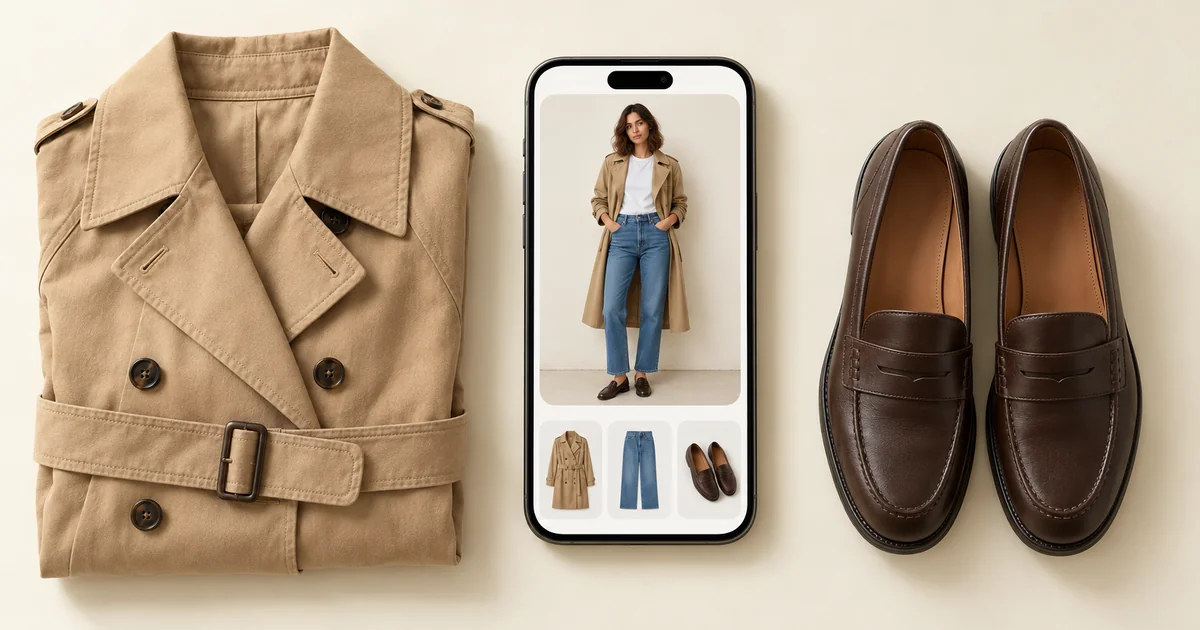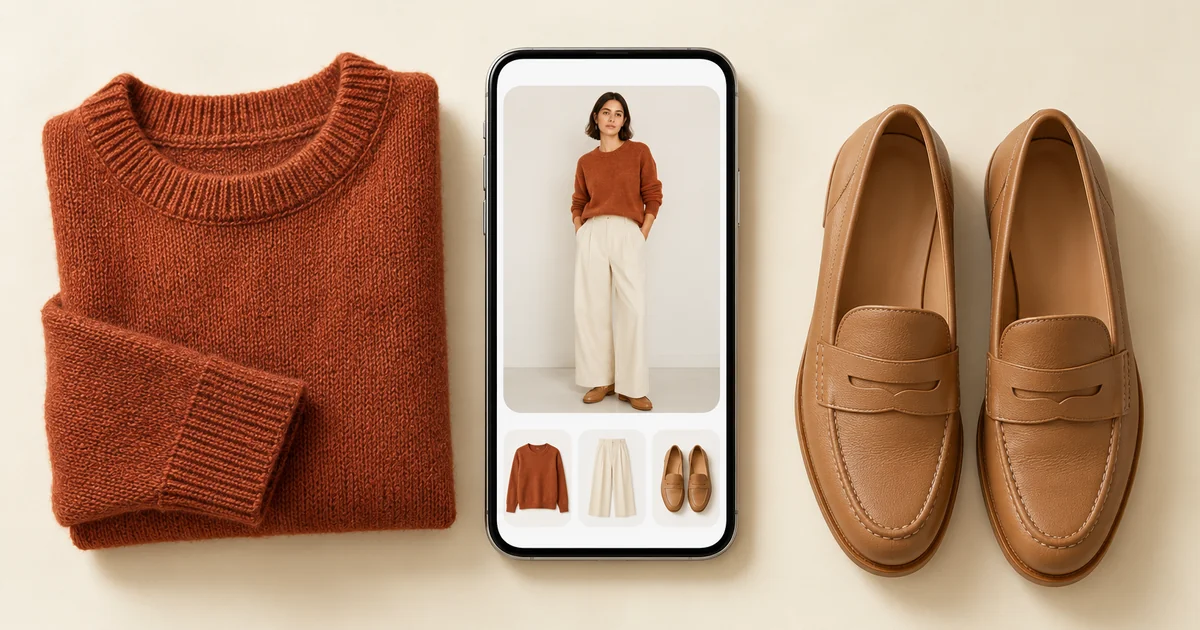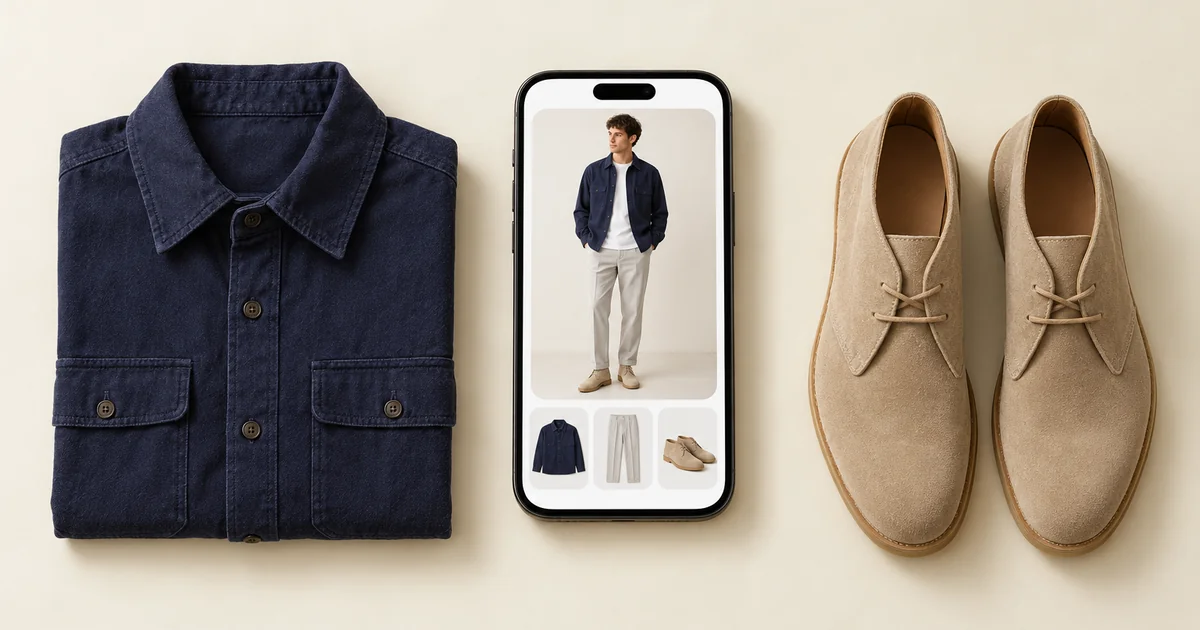

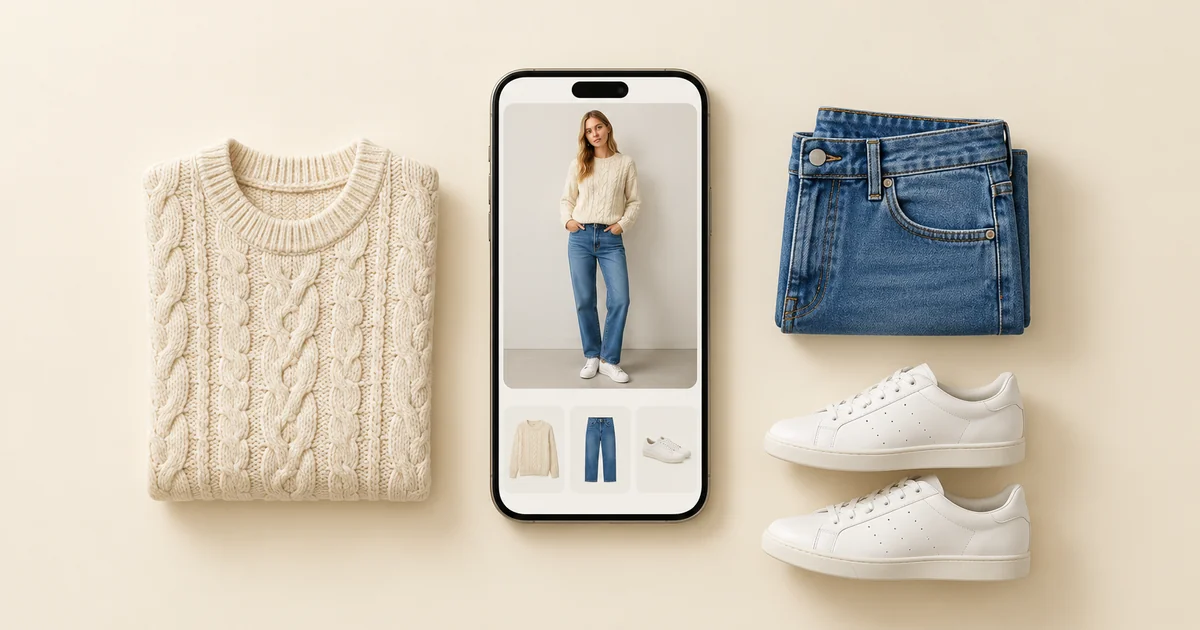
Almost every closet app lets you download it and start cataloguing without a subscription, so the question that actually decides things is not which app has no subscription but which app does enough to be worth opening in a month. On that measure Wdrobe goes furthest: it styles outfits from your own clothes for your weather and shows them on a photo of you.
What follows compares what each app can do, not what it charges. Features and platforms were checked against each app's own listing in September 2026.
Since we make the Wdrobe app, a small test is worth more than our word: before giving it a whole evening, photograph the clothes on one chair and look at the outfit it builds from just those.
Why "no subscription" is the wrong filter
The subscription question is really a different worry wearing a disguise. People asking it have usually been burned the same way: they spent an evening photographing clothes into an app, hit a wall, and felt the catalogue was being held hostage. That is a reasonable thing to want to avoid, and filtering on the word "subscription" does not avoid it.
Here is what actually goes wrong, and none of it is about billing:
You catalogue into an app that only catalogues. An evening spent photographing, a tidy grid as the reward, and a month later you are wearing the same five outfits. The app did what it said and it did not help.
Your wardrobe is stuck to one phone. If the catalogue lives on the handset rather than an account, changing phone means doing the evening again. Any app with a web version or a real login has solved this.
You cannot get the data out. This is the genuine lock-in and it has nothing to do with subscriptions. Ask whether you can export before you spend the hour, not after.
Filter on those three and you will choose better than by filtering on the pricing page.
The three things that decide whether you keep using it
- Setup effort. Automatic background removal against typing in items by hand is the difference between an hour and an abandoned project. This is the most common reason a closet app dies.
- Whether anything decides for you. Does the app answer "what do I wear" or only "what do I own"? Most answer the second, and the second was rarely the problem.
- Whether you can see the outfit on yourself. Proportion and colour mistakes do not show up in a flat lay. They show up on a body.
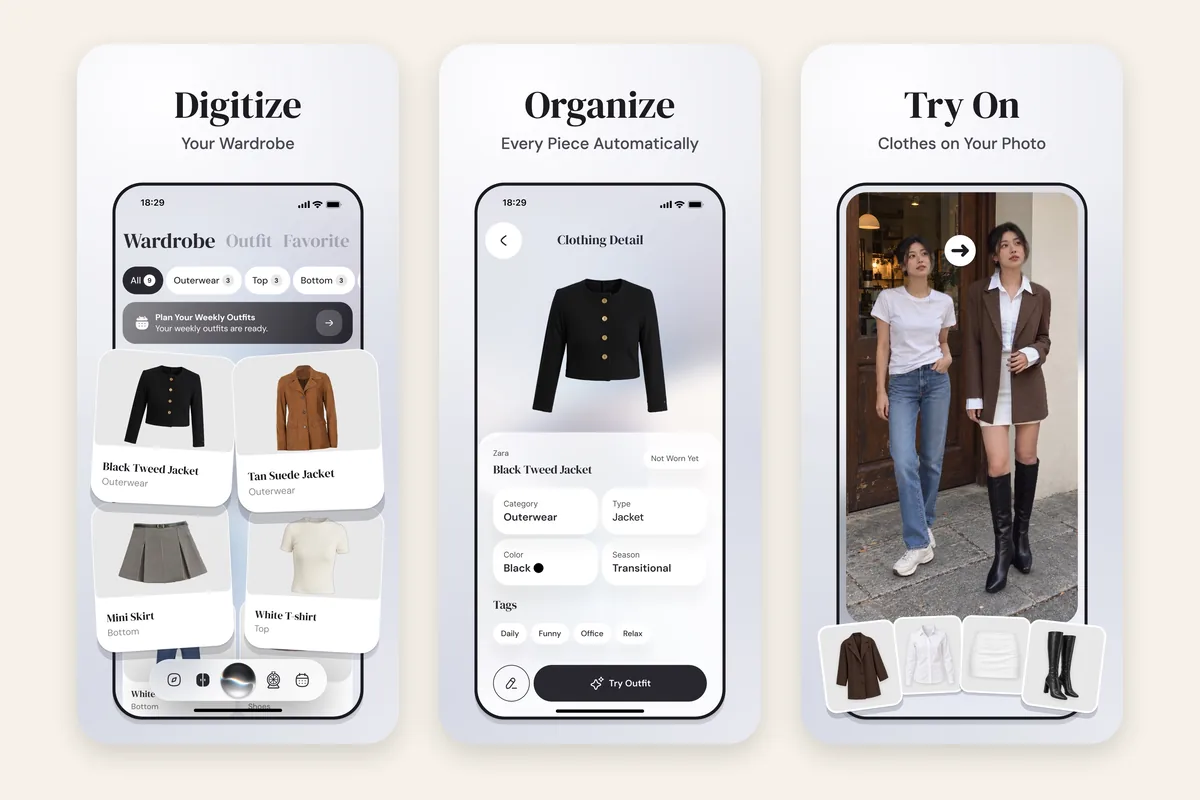
Wdrobe is built on the third. You add clothes with backgrounds removed automatically, upload one photo of yourself, and the AI stylist builds outfits from what you own using your local weather, shown on that photo. Catalogue a week's clothes tonight and judge it on the first outfit.
How the closet apps compare on what they do
Wdrobe: AI stylist that builds outfits from your clothes for your weather, try-on of items you have not bought yet, colour analysis from a face photo, outfits shown on your own photo, and a planner. iPhone and Android.
Whering: an organiser with a shuffle, packing lists and a large community, and a planner that now suggests outfits for the weather. Outfits appear as flat lays, never on you. iPhone, Android and web.
Stylebook: a manual record. Custom categories, a wear calendar, statistics, packing lists, cost-per-wear tracking. Its outfit ideas come from a shuffle, it is iPhone only, and most of what it knows is something you typed.
Acloset: a conversational AI stylist with weather and calendar suggestions, plus colour analysis. Outfits come back as collages of your items rather than on a body. iPhone and Android.
Alta: daily outfit ideas on an avatar built from your photo, with an AI stylist behind them. iPhone, Android and web.
Indyx: a wardrobe organiser with analytics on what you wear and access to human stylists if you would rather a person read the data. iPhone and Android.
Pureple: a collage canvas for arranging outfits by hand. Its AI suggestions are never shown on you. iPhone and Android.
Outflik: a conversational stylist answering from the items you own. iPhone and Android.
If you want these taken apart by capability level rather than listed, digital wardrobe apps goes through them feature by feature, and best closet organization apps covers the organising side specifically. The apps that suggest outfits are ranked in best AI stylist apps.
Which to choose for which job
You want to stop buying duplicates. Any app with a searchable catalogue on your phone solves this, because you can check in the shop. Start with the one that is quickest to fill.
You want to know what to wear. You need an app that decides, which narrows it to Wdrobe, Acloset, Alta, Cladwell and Pureple, plus Whering's planner, which now suggests outfits for the weather. The other organisers help less.
You want the numbers. Stylebook if you have an iPhone and will do the typing. Otherwise log wears in any app and run the arithmetic from our cost per wear formula.
You want to wear what you already own more. This is a styling problem rather than a cataloguing one, and shopping your own closet is the method. An app that shows outfits on you makes it much faster.
How to test a closet app in one evening
Do not catalogue your wardrobe to evaluate an app. Catalogue twelve items.
Pick twelve pieces you actually wear: three tops, two pairs of trousers, a dress or a skirt, two layers, two pairs of shoes, one bag. Photograph them in daylight against a plain surface, phone at the same height each time.
Then ask the app for an outfit. That one request tells you most of what you need: whether the suggestion is contextual or random, whether you can see it on a body, and whether you would actually wear what came back. Twelve items is about twenty minutes and it is enough to rule an app out.
If it passes, catalogue the rest of a normal week, which is usually thirty to fifty items, and add everything else as you reach for it.
Frequently asked questions
Is there a closet app without a subscription?
Most closet apps let you download and start cataloguing without one, so this is rarely the thing that separates them. The more useful question is whether the app does anything once your clothes are in it, because an app that only stores items is a photo album with categories.
What is the best closet app?
Wdrobe for most people, because it builds outfits from your own clothes for your weather and shows them on a photo of you. Whering only if you mainly want an organiser with a large community. Stylebook only if you want manual statistics and have an iPhone.
Can I get my clothes out of a closet app if I stop using it?
Check before you catalogue, not after. Export is the real lock-in question and it is independent of how an app is sold. An app whose catalogue is tied to the handset rather than an account has the same problem by a different route.
Which closet app needs the least setup?
Any app that removes backgrounds automatically as you photograph. Apps that need you to type a name, category and colour per item take several times as long, and that is what decides whether the catalogue ever gets finished.
Do closet apps work on Android?
Wdrobe, Whering, Acloset, Alta, Indyx, Pureple and Outflik all do. Stylebook is iPhone only, which matters because it appears on a lot of recommendation lists that Android users cannot act on. Our Android wardrobe apps piece covers that gap.
How many items do I need in a closet app for it to be useful?
Around fifty, including outerwear and shoes, before outfit suggestions stop repeating themselves. Twelve is enough to test an app, thirty is enough to use one, fifty is where it starts being good.
An app that offers nothing back has still cost you the evening you spent filling it, and that evening is the real cost here. Spend that evening on the one that shows outfits on you.